28 Océ 3165 User Manual
Gaining access to the Océ 3165
The Océ 3165 is equipped with an accounting system which makes it possible
to control access and to register copies made by individual persons or
departments.
Copying and printing using a coin or credit card
The Océ 3165 may be equipped with a copy charge device to which a coin box
and/or credit card unit may be connected.
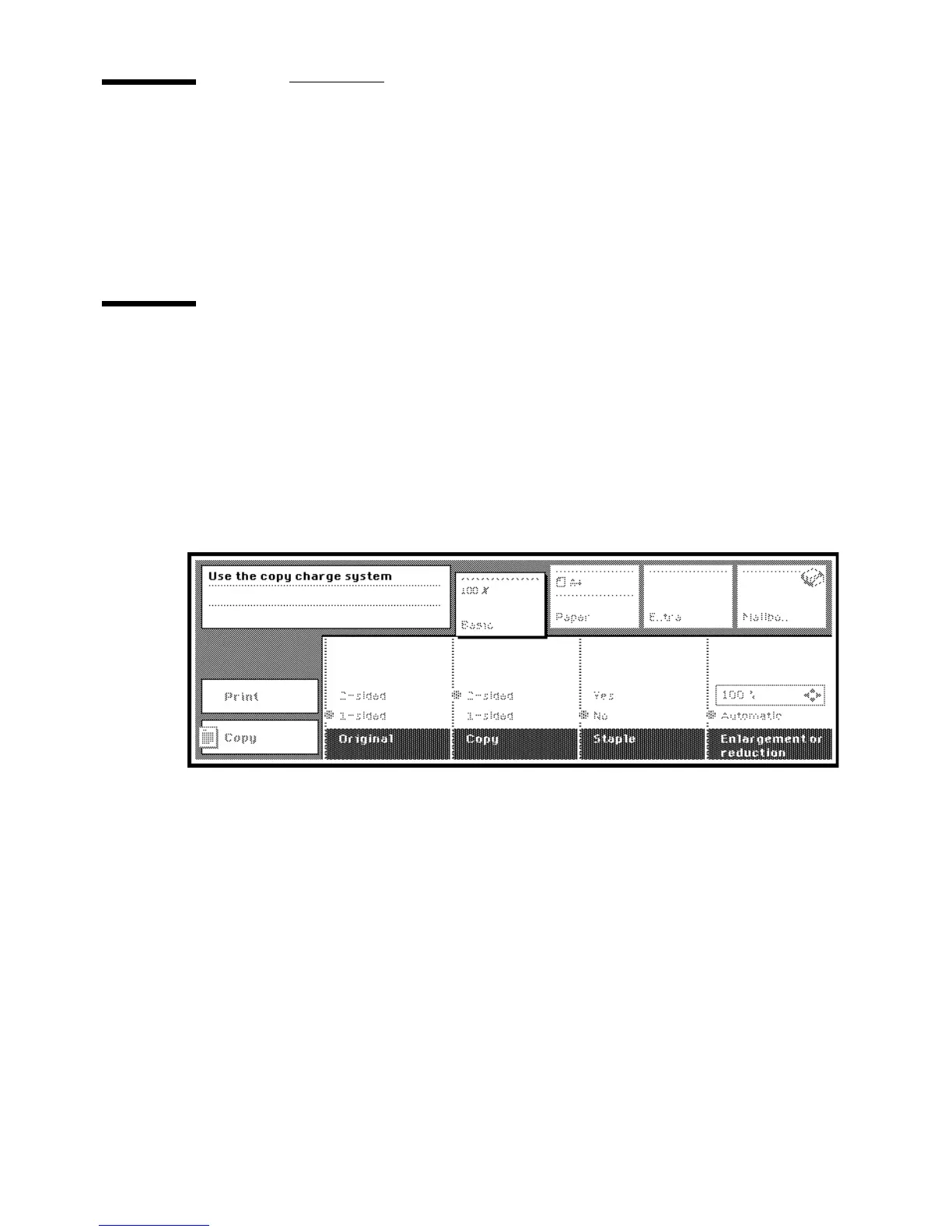
If such a unit is installed, the message “Use the copy charge system” will
appear in the display (see figure 10) while the labels on the display are
dimmed. Depending on the type of device installed, you will need to insert
coins or a copy credit card to pay for the copies and prints you make.
[10] Basic display when copy charge system is in use
▼ Copying and printing using a coin or credit card
1
Insert the credit card or coin into the slot.
The copy charge device is activated, the machine switches to its default
settings and is ready to copy.
2 You can now make copies.
3 When you have finished making copies, remove the credit card (if appropriate)
from the slot. The machine is de-activated.



 To Next Page