160 Océ 3165 User Manual
Refilling staples
The staple unit of the Océ 3165 is located on the front of the finisher. When the
staples run out, a message will appear in the display.
There are two different types of staple units: a 35 sheet stapler and a 50 sheets
stapler (depending on your machine version). If you do not know which type
of stapler you have in your Océ 3165, follow steps 1 through 3 in the procedure
below and check if the lid of the stapler looks like the one in figure 95 on
page 161 . Then proceed from step 4 onwards in the related procedure (35
sheet stapler or 50 sheet stapler).
New staples are available in special cartridges. Use S2 staples for the 50 sheet
stapler (order Nr. 29701443). For the 35 sheet stapler, use staples with order
Nr. 29701447.
▼ Refill staples (35 sheet stapler)
1
Open the paper compartment door (if the door is locked, call your key
operator).
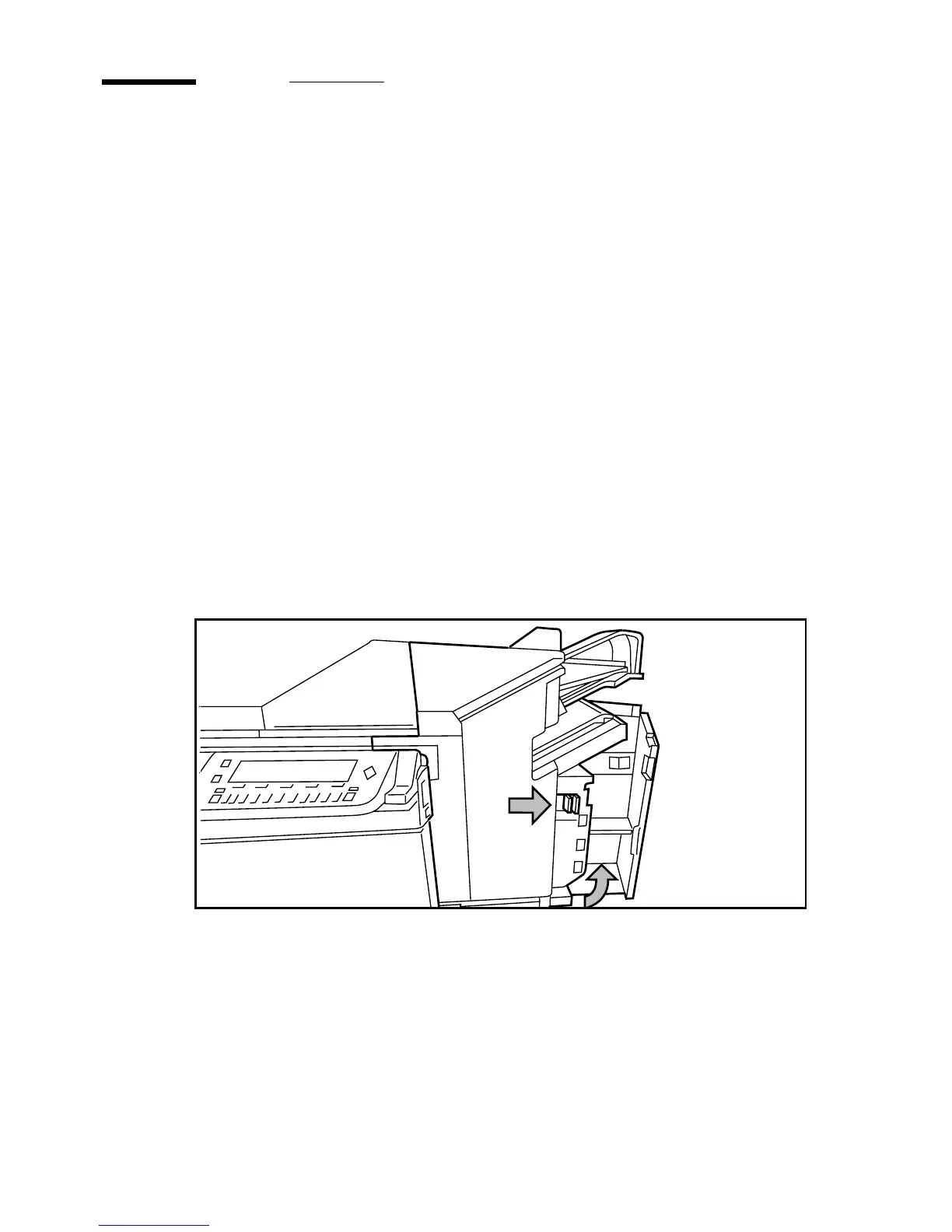
2 Slide the frame to the right using the blue handle marked ‘A’.
[93] Sliding the frame of the paper compartment to the right



 To Next Page