26 Océ 3165 User Manual
Switching the Océ 3165 on and off
Normally the key operator should ensure that the Océ 3165 is switched on in
the morning and switched off at the end of the day. However, circumstances
may arise in which you may have to switch the copier on or off yourself (e.g.
for use outside normal working hours or after the copier automatically
switched off).
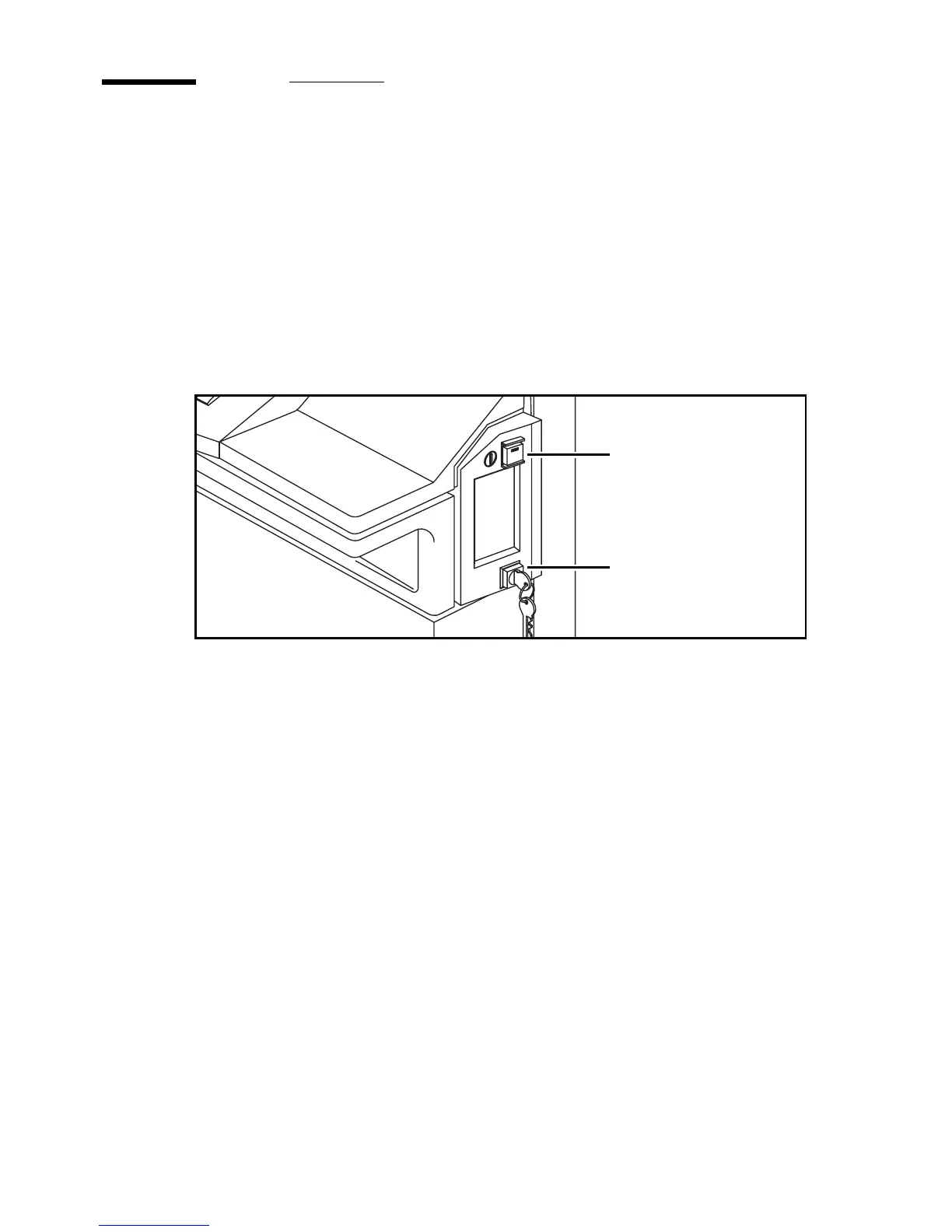
If the Océ 3165 is equipped with the optional key switch (see figure 9), the
copier can only be turned on or off if the key is in the switch.
[9] On/off button on the copier
▼ Switching on
1
Insert the key (when available) into the key switch and turn it to the right into
horizontal position (see figure 9).
Note: Call the key operator if the copier does not turn on.
2 Press the green on/off button which will light up.
3 If available, remove the key.
The copier takes about 8 minutes to warm up. During this time, you can check
the paper stock and, if necessary, refill the paper tray(s).
As soon as the copier has warmed up, the message “Ready to copy” or “Ready
to print” appears in the display. The copier is now in initial mode, and all
settings have been assigned their standard values.
The copier is configured to switch off automatically when it has not been used
for some hours (the automatic switch off time can be defined by the key
operator, see Key Operator Manual). If the machine automatically switches
off, users can switch it on again using the green on/off button.
on/off button
key switch



 To Next Page