Extended copy jobs 53
Note: Using the ‘Page settings’ is only possible when you are copying a set
with one paper size. Fill the required trays with the required copy material
(e.g. coloured material) and/or different paper weight, but the material
must be of one size. For information on how to load paper into the trays,
see ‘Loading paper’ on page 156.
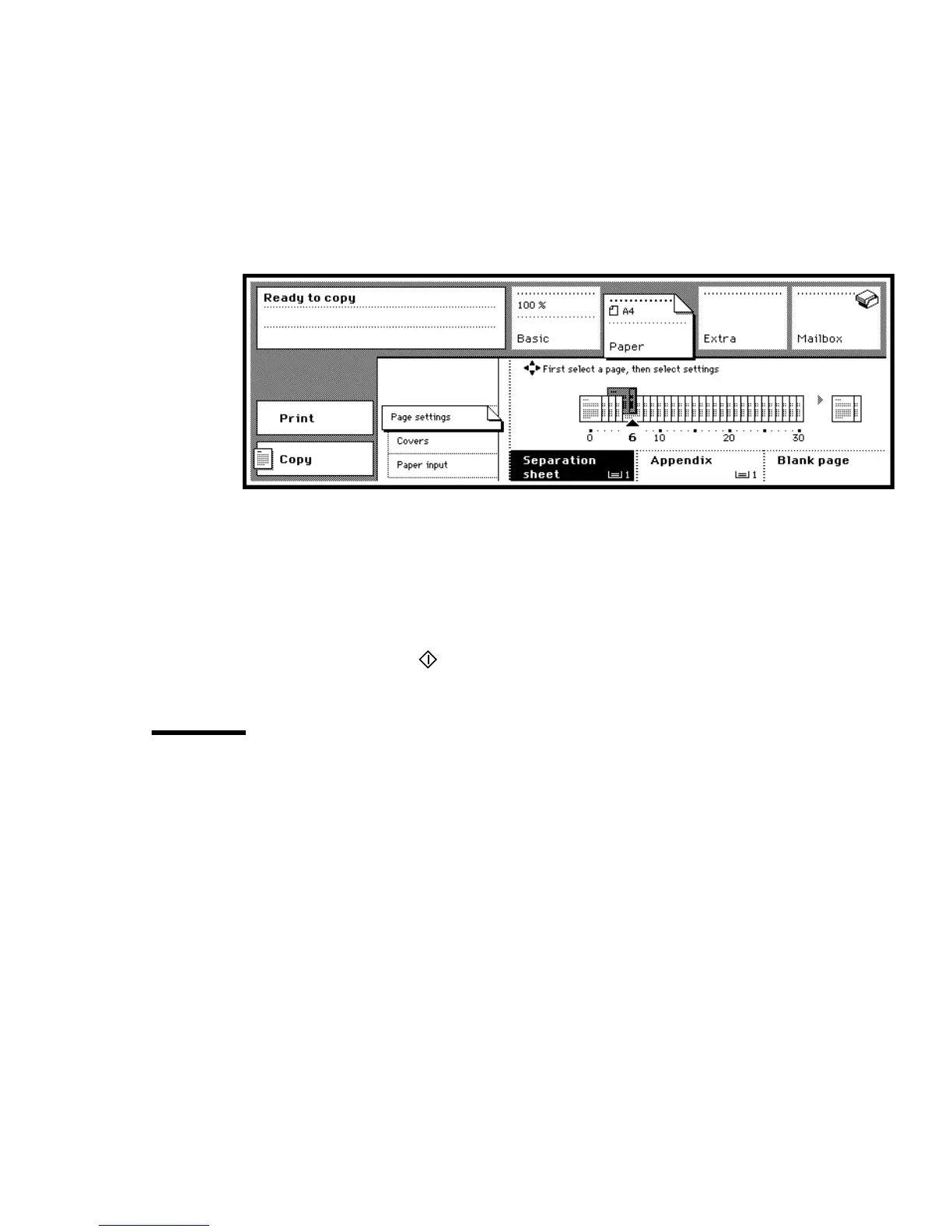
5 Select the page which will be printed as a separation sheet using the arrow
buttons.
6 Press the function button ‘Separation sheet’.
[25] Separation sheet function
Note: When copying double-sided, two pages will be selected instead of
one.
7 Repeat steps 5 and 6 for each separation sheet required.
8 Make other selections as required.
9 Place the originals in the automatic document feeder.
10 Press the start button .
Copying appendices
You can copy the appendices of a report onto coloured material, so that they
are easy to find. The indicated paper tray must contain copy material of the
same size as the paper in tray 4.



 To Next Page