54 Océ 3165 User Manual
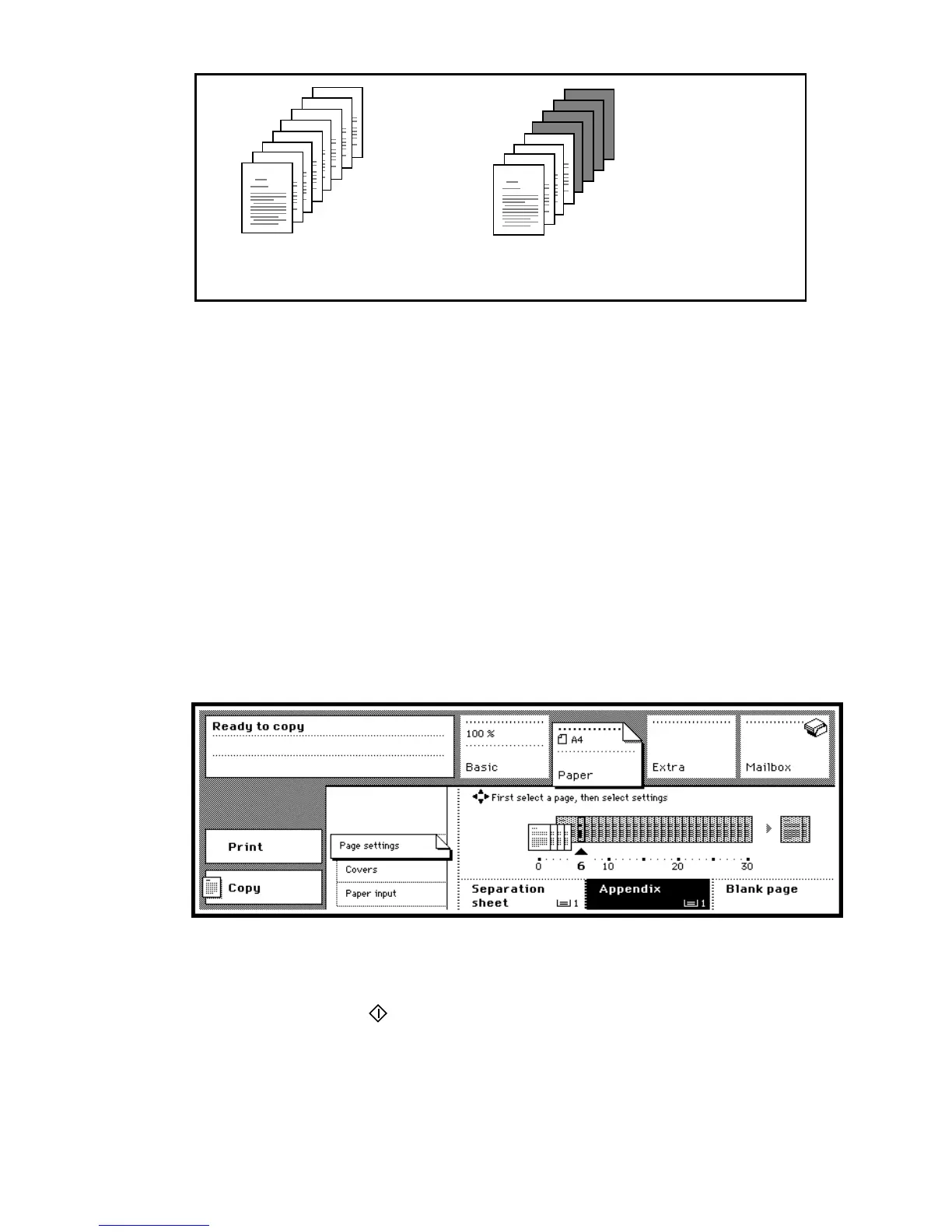
[26] A report with the appendix copied onto coloured material
▼ Copying reports with appendices
1
Before you start programming the copier, check from which page on you want
appendices to start.
2 Indicate whether the originals are 1 or 2-sided and choose 1 or 2-sided copies
using the ‘Original’ and ‘Copy’ function buttons.
3 Open the section ‘Paper’ by pressing the section button.
4 Select ‘Page settings’.
In the graphic display, the pages of the report are shown.
5 Use the arrow buttons to select the page from which you wish to start copying
appendices.
6 Press the function button ‘Appendix’. All following pages are lifted and
indicated as appendices.
Note: If you change your mind about the selection, press the ‘Appendix’
button again to cancel the selection.
[27] Appendix function
7 Make other selections as required.
8 Place the originals in the automatic document feeder.
9 Press the start button .
7
8
5
6
3
4
1
2
report of 8 pages
appendix begins on page 5
result
appendix clearly recognizable
7
8
5
6
3
4
1
2



 To Next Page