Extended print jobs 129
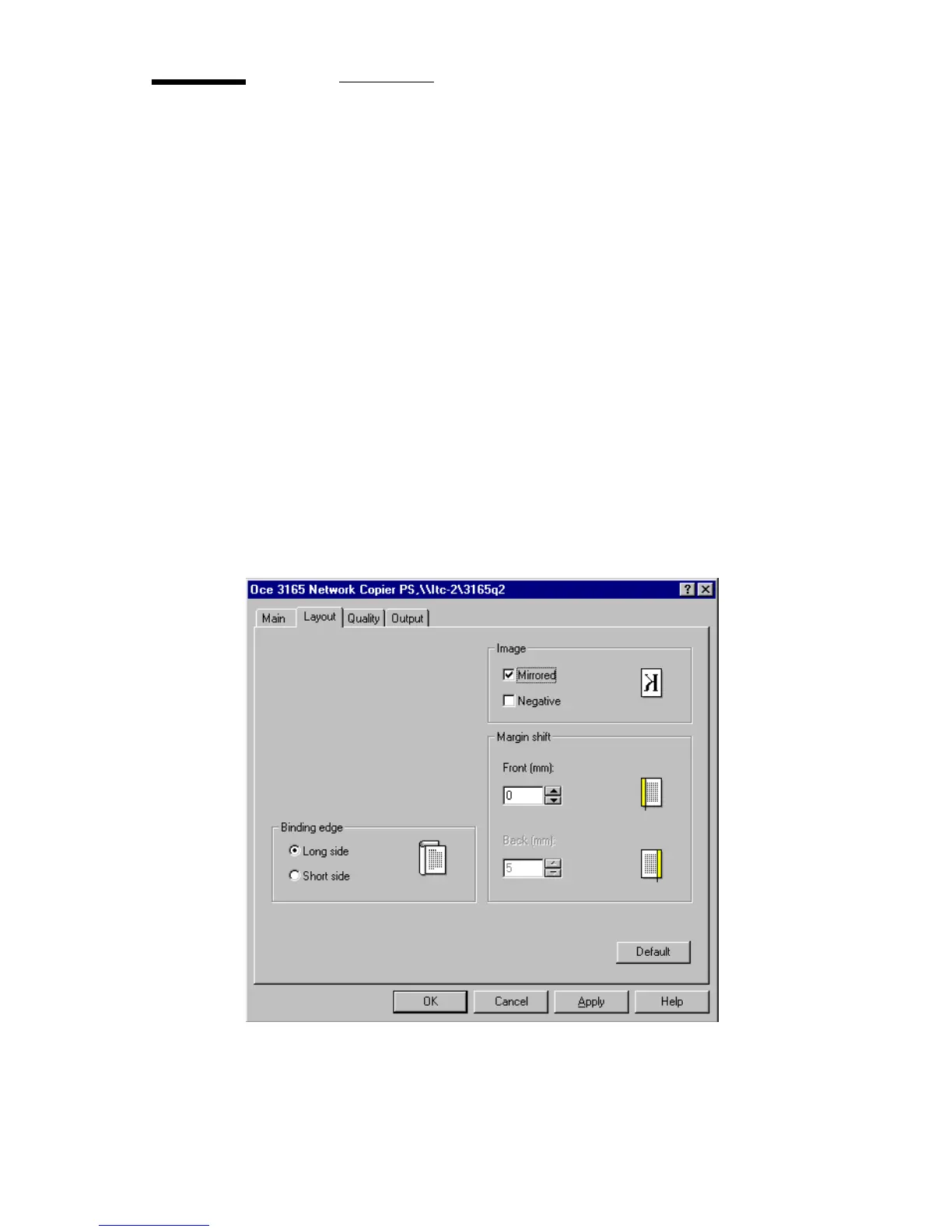
Mirrored image for overheads (PS)
With the Océ 3165 PostScript printer driver, you can automatically mirror
images on the copy material. For example, when you print overhead sheets in
this way, you can still write on them on the front side without smearing the
toner.
▼ Printing mirrored images
1
From the File menu of your application, select the option ‘Print’.
You are now in the print window of the application.
Note: Do not enter the required number of copies in this window.
2 Click ‘OK’ (or ‘Print’).
The Océ 3165 printer window appears
3 Enter the required number of copies
4 Check ‘Mirrored’ in the Image box
5 Define other settings as required.
6 Click ‘OK’.
The document is now transferred to the Océ 3165 Network Copier.
[69] Printing mirrored images



 To Next Page