72 Océ 3165 User Manual
Introduction
To print to the Océ 3165 Network Copier, you need the Océ 3165 printer
driver or the Océ 3165 PPD (PostScript Printer Description). The Océ 3165
printer driver makes all the special features of the Océ 3165 Network Copier
available, whereas when using the PPD, the printer features are limited to the
possibilities of the driver in which the PPD is used.
When you select the print command within an application, you create in fact
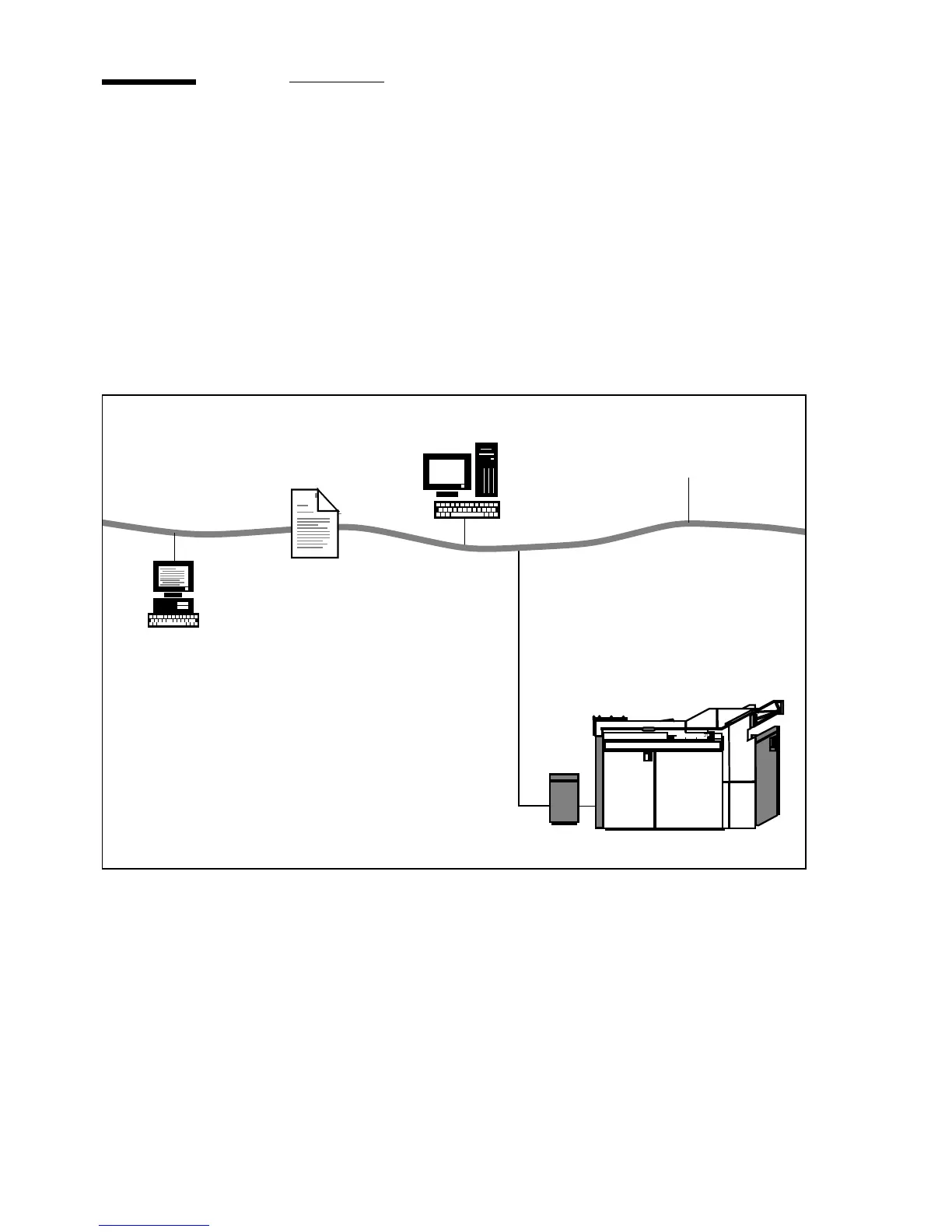
digital input for the Océ 3165 Network Copier and transfer it as follows:
[42] Creating and transferring digital input using a network
Function of driver The printer driver has an important function in the creation
of documents. It informs the application you use to create a document, about
printer specifics such as available paper sizes and fonts. The application may
or may not use this information. That means that depending on the application,
changing from one printer to another may affect the layout of your document.
An application prints
directly to the
network printer
queue that is
configured for the
Océ 3165 on the
network file server.
Océ 3165
print file
network
The document is translated
into printer commands
(PostScript or PCL) by the
driver in combination with
the application. These
printer commands are sent
as a print file to the Océ 3165
printer queue.
The DAC collects the print file
from the network file server,
processes the printer commands
and sends them to the Océ 3165
to print the document
Server
DAC
end user PC



 To Next Page