Basic print jobs 113
Removing jobs from your mailbox
You should delete your jobs from the mailbox regularly to prevent the copier’s
memory from becoming full. For the same reason, it is also possible that all
jobs in all mailboxes are automatically deleted at regular intervals (daily,
weekly, etc.). Ask your key operator for more details.
▼ Removing jobs from your mailbox
1
Walk up to the Océ 3165. If required, enter your user PIN code or insert money
or your copy credit card.
2 Open the section ‘Mailbox’ by pressing the section button.
3 Select your mailbox.
4 Enter your PIN code if required.
5 If correct, the contents of your mailbox is shown and all new jobs are selected.
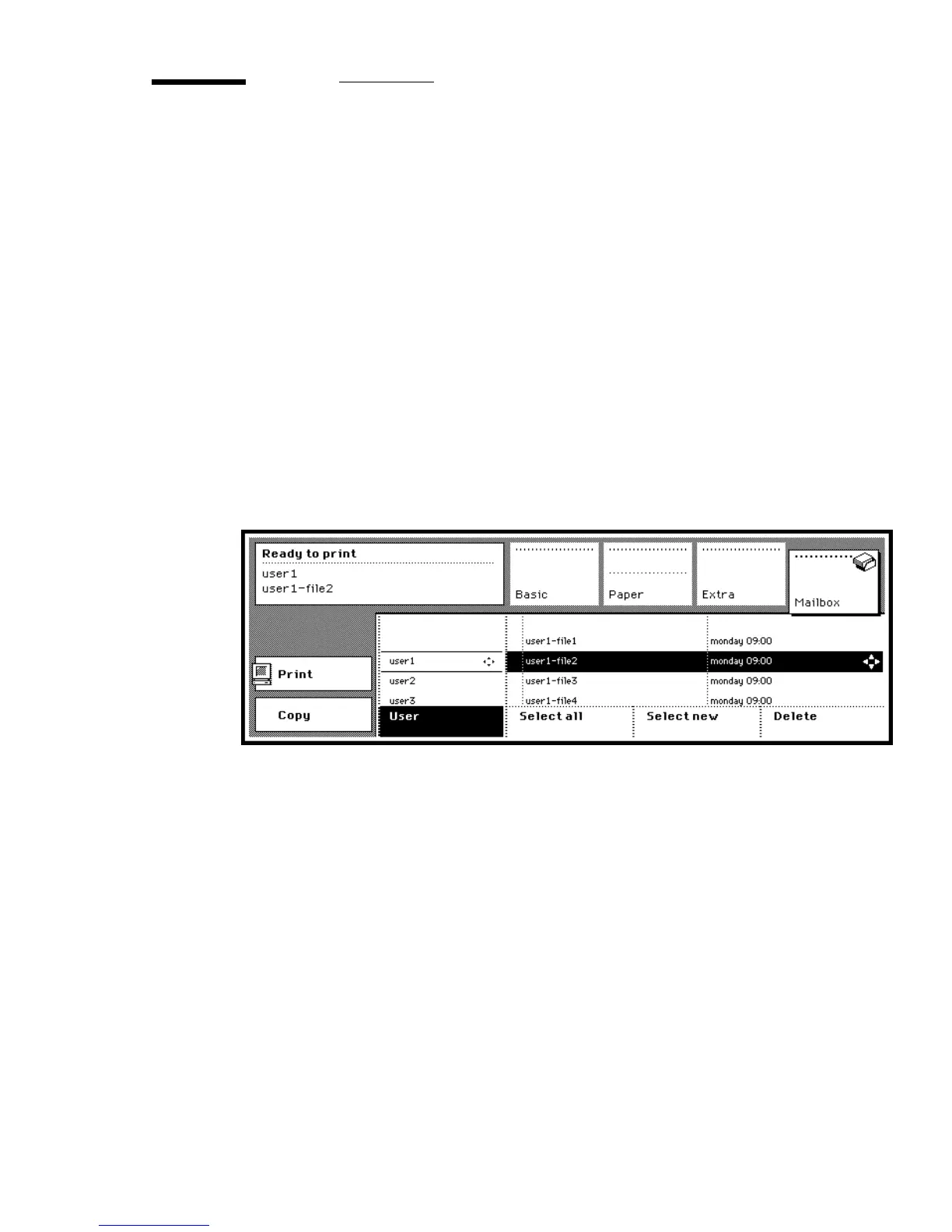
6 Use the arrow buttons to select a single job, or press the function button ‘Select
all’ to select all files (see figure 58).
[58] Selected job for deletion
7 Press the function button ‘Delete’.
The selected job is removed from your mailbox.



 To Next Page