Basic print jobs 111
Note: The PIN code must contain at least one digit and can hold up to six
digits.
6 Click ‘OK’.
7 Define other settings as required.
Note: The job is automatically stored in the printer’s digital mailbox.
8 Click ‘OK’.
The job is transferred to the mailbox on the Océ 3165 Network Copier.
9 To have your document printed, walk up to the Océ 3165. If required, enter
your user PIN code or insert money or your copy credit card.
10 Open the section ‘Mailbox’.
11 Use the arrow buttons to select your name in the ‘User’ list.
12 Press the function button ‘Show documents’.
13 If required, enter your user PIN code to view your jobs.
Your print files appear in the list.
14 Use the arrow buttons to select the job you want to print.
15 If required, you can change settings for this job on the operating panel.
16 When ready, press the start button .
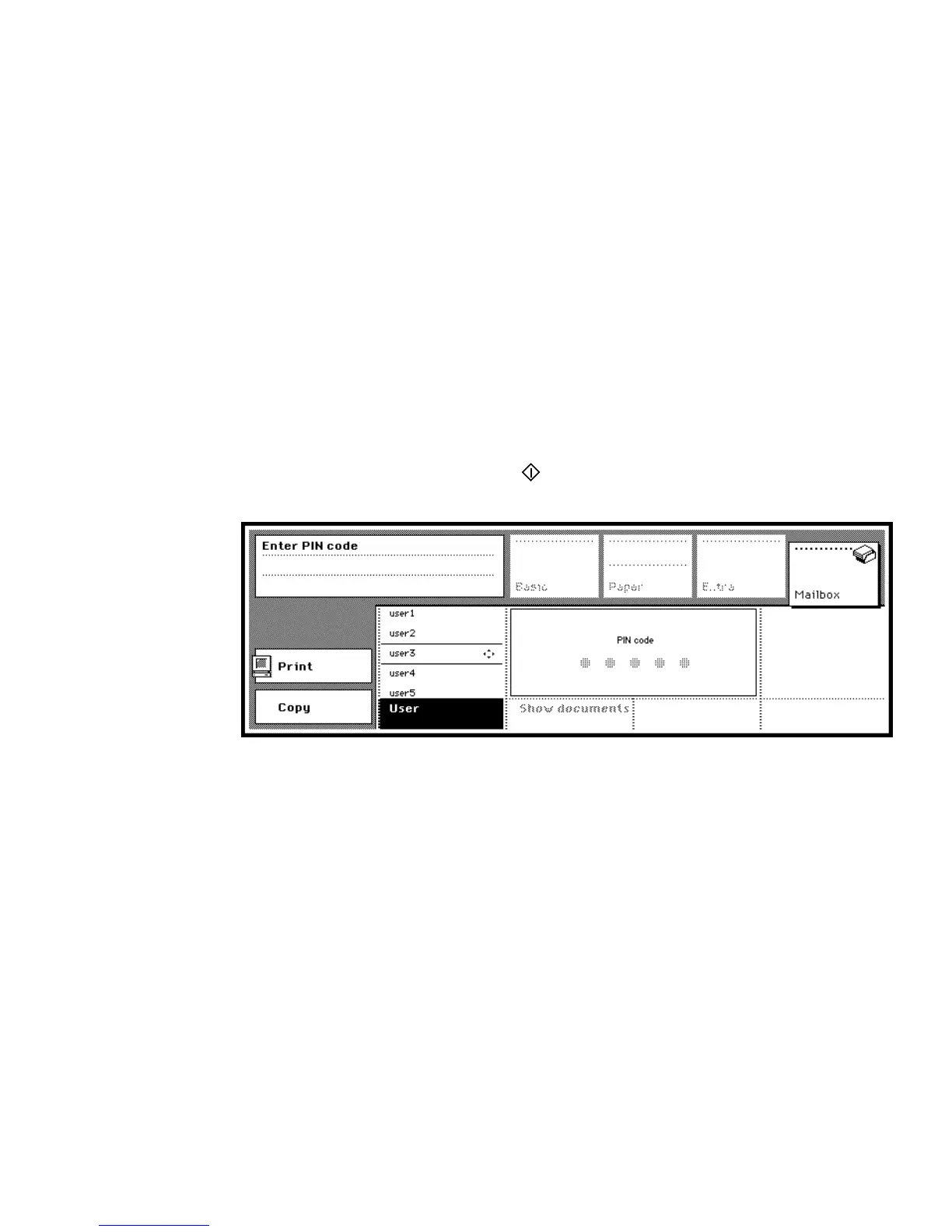
17 Enter the PIN code you assigned to this job (see figure 57).
[57] Entering a PIN code to print a confidential document
If correct, the print job is started.



 To Next Page