132 Océ 3165 User Manual
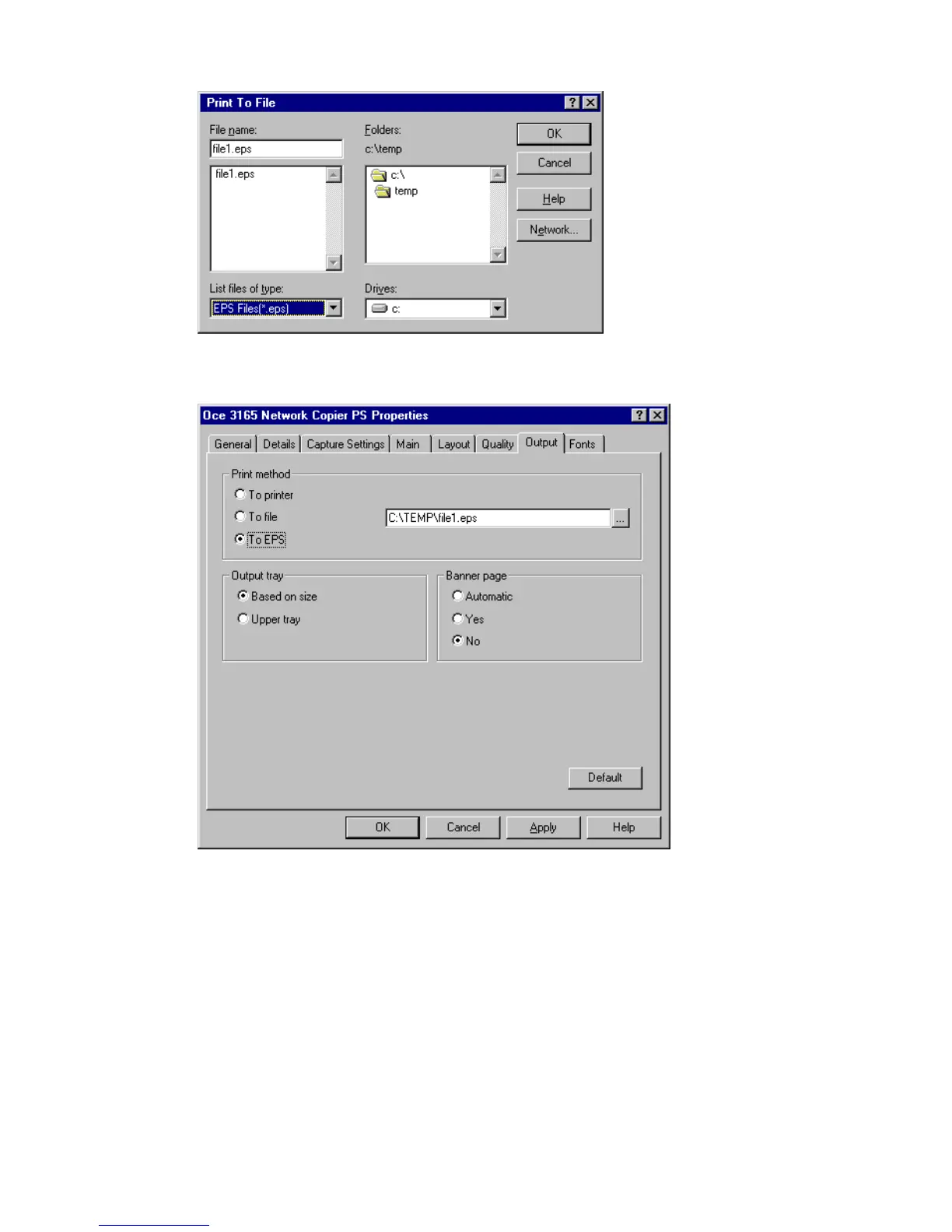
5 Enter a name in the file name box and use the extension ‘.eps’.
[72] Entering a name in the Print To File box
6 Press ‘OK’. The file name and path is entered in the file name box.
.
[73] Creating an EPS file
7 Select ‘OK’ to close the setup window of the Océ 3165 printer driver.
8 Select ‘Close’ to close the Print Setup window.
9 Open the ‘File’ menu from your application and select ‘Print’.
You are now in the print window of the application.
10 Click ‘OK’ (or ‘Print’). The Océ 3165 printer window appears.
11 Enter the required number of copies and define other settings if required.
12 Click ‘OK’.
An EPS version of your document is placed in the indicated directory.
Note: Change the setup again once you have finished creating EPS files.



 To Next Page