134 Océ 3165 User Manual
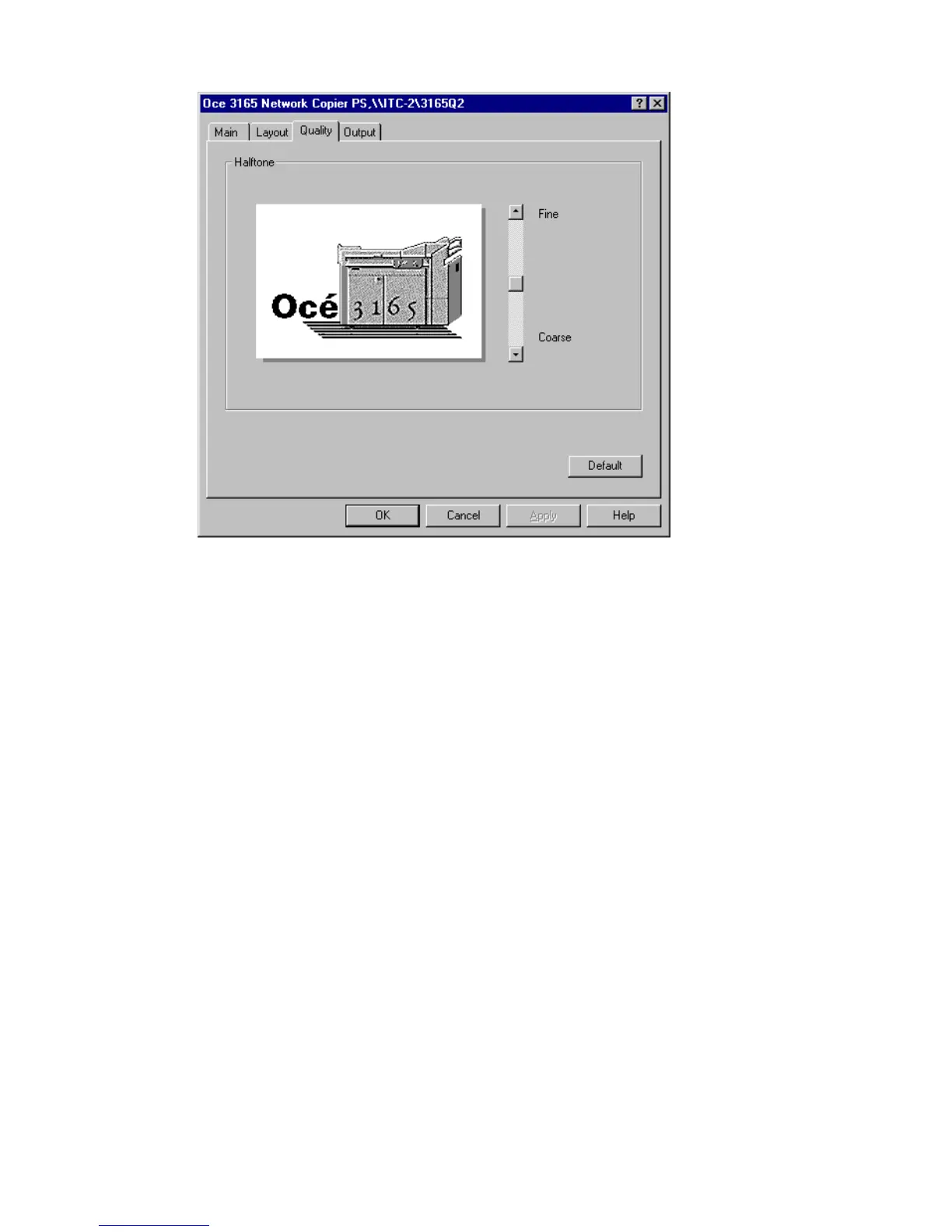
3 Open the ‘Quality’ tab.
[74] Adjusting filtering of the image
4 Move the halftone slide to ‘Fine’ or ‘Coarse’.
The picture represents the influence of changing the halftone.
Note: When stripes appear in the grey areas of your document, the filter
may be too fine.
5 Define other settings as required.
6 Click ‘OK’ to close the window.



 To Next Page