Submitting jobs in a central printing environment 139
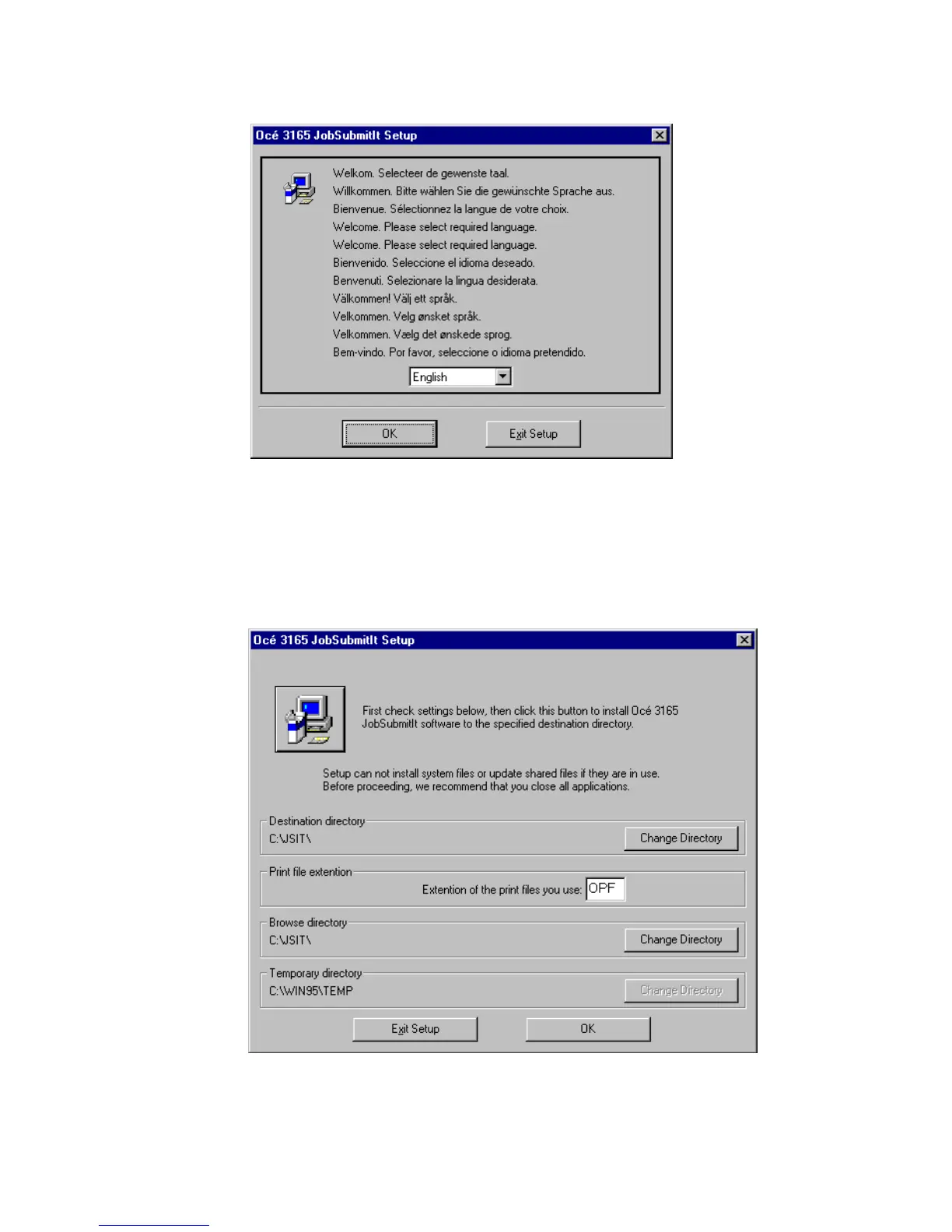
7 Wait until the Job SubmitIT Setup window appears. Next you will be requested
to select the required language (see figure 76 on page 139).
[76] Language selection
8 Select a language and click the ‘OK’ button.
The main Job SubmitIT Setup window appears (see figure 77). In this window
you can define in which directory the Océ 3165 Job SubmitIT software is to be
installed and what directory the Océ 3165 Job SubmitIT browser will open
when starting the application.
[77] The main installation window



 To Next Page