Introduction 17
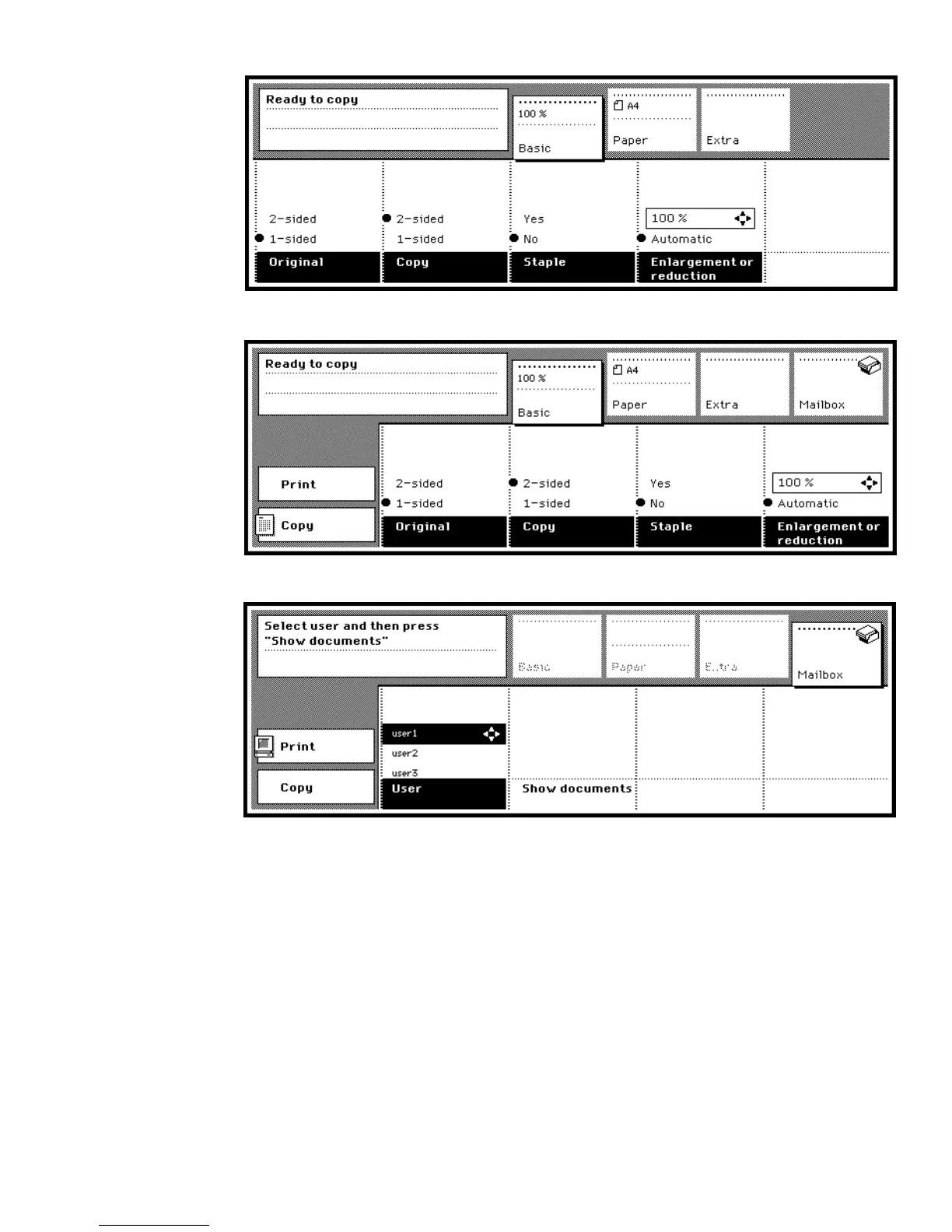
[1] Initial mode of Océ 3165 Digital Copier
[2] Initial mode of Océ 3165 Network Copier when set to copying
[3] Initial mode of Océ 3165 Network Copier when set to printing
Section and function buttons Pressing a section button gives you access to a
field in which related settings are gathered. The Océ 3165 Digital Copier
presents the ‘Basic’, ‘Paper’ and ‘Extra’ sections whereas the Océ 3165
Network Copier also offers a ‘Mailbox’ section. The section buttons are
located above the display. The settings used for simple jobs are collected in the
‘Basic’ section.
You can choose specific functions within a section with the function button.
The function buttons are located underneath the display (see figure 4 on



 To Next Page