196 Océ 3165 User Manual
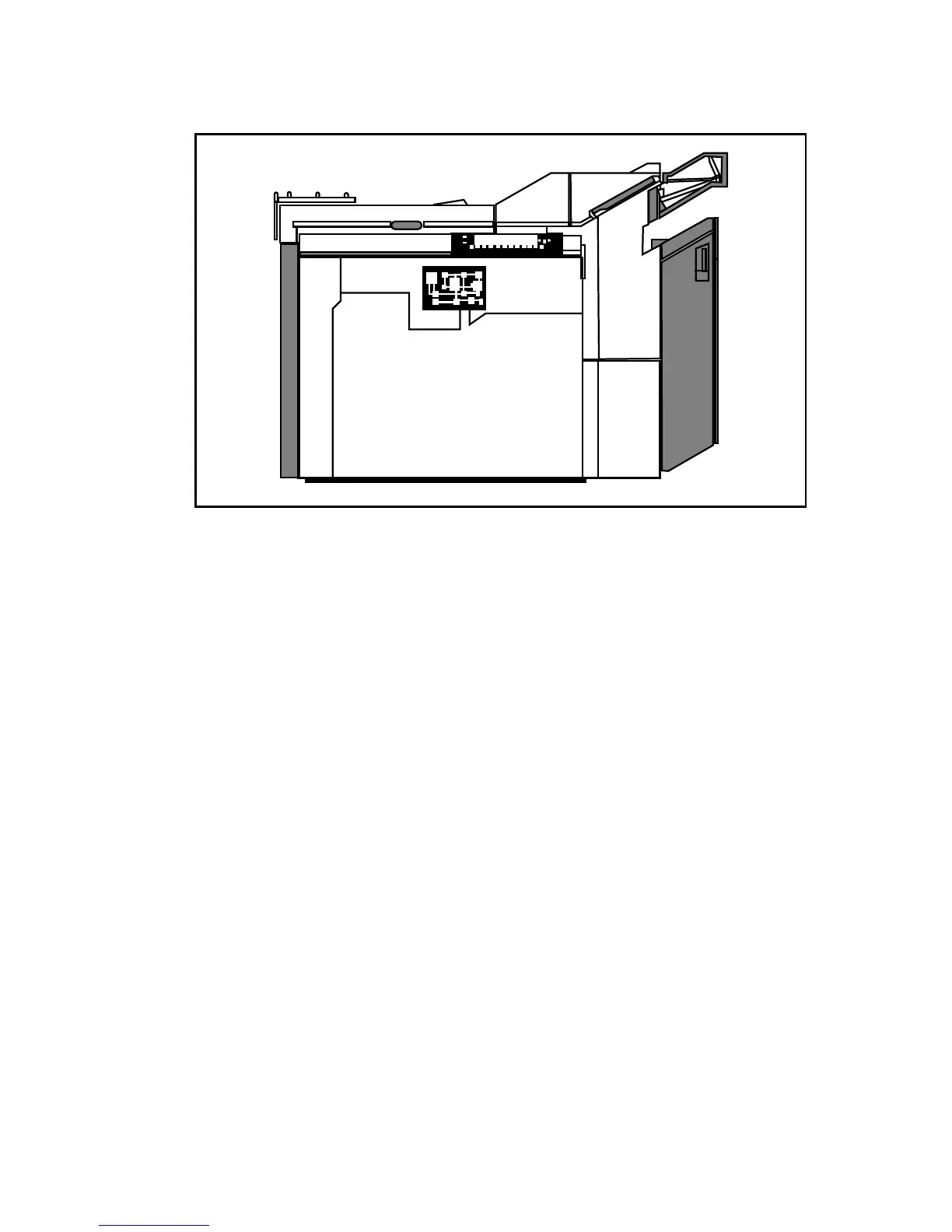
3 Loosen the cooling fan connectors which are located on the cover of the
printed board under the operating panel (see figure 105).
[105] Central processing unit (PBA) underneath the operating panel
4 Unscrew the printed board cover.
5 Disconnect all the connectors.
6 Loosen the printed board screws.
7 Remove the blue plastic (battery) holder from the printed board.
If you cannot dispose of the printed board as toxic waste, you may return it to:
Océ-Technologies B.V., P.O.B. 101, 5900 MA Venlo, the Netherlands.



 To Next Page