Basic copy jobs 39
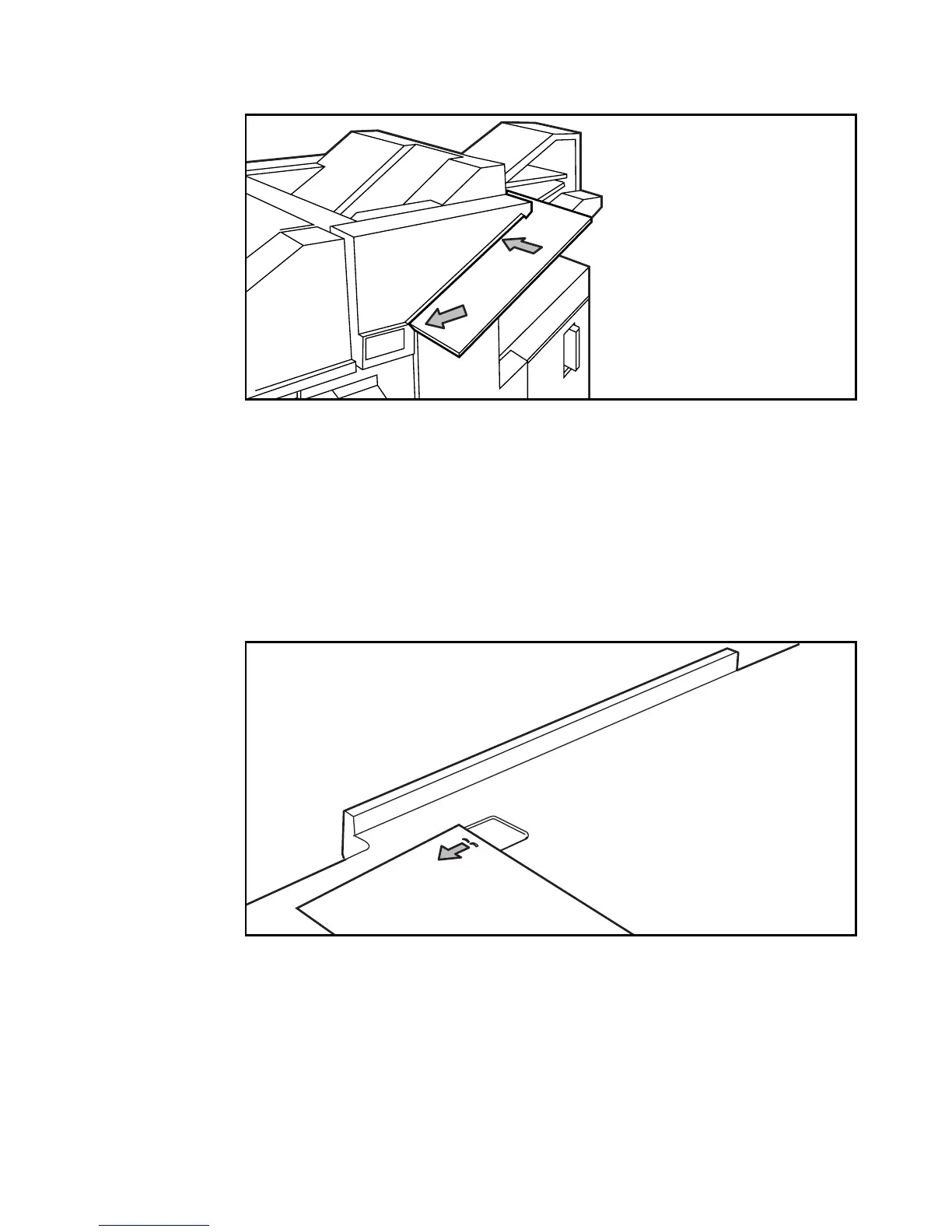
2 Slide the set of copies to be stapled (face down with the top to the left) into the
staple slot and move the set to the left as indicated in figure 15.
[15] Stapling copies by hand
3 Wait until the staple has been inserted through the sheets.
Note: If no staple is inserted, place the set against the left side of the slot again
and push it in a little further. Wait for the staple. If the set is still not stapled,
ask your key operator to solve the problem.
▼ Removing staples from stapled documents
1
Hook the staple behind the pin of the staple remover, as shown in figure 16.
The opened ends of the staple will be on the upper side of the paper.
[16] Removing staples from stapled documents
2 Pull the set towards you while putting pressure on the staple with your finger
to prevent the paper from tearing.
3 The staple opens and is removed as it slides over the pin.



 To Next Page