44 Océ 3165 User Manual
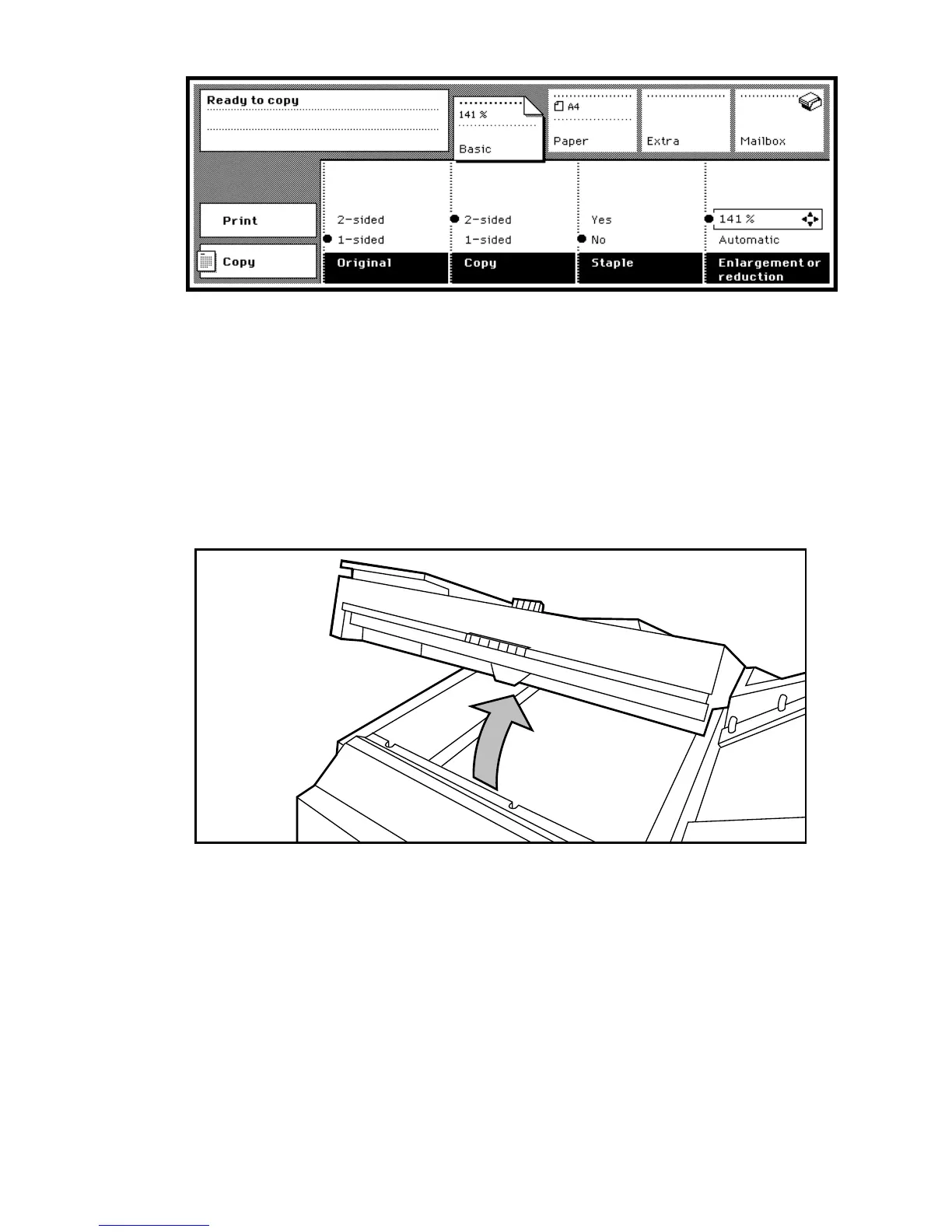
[20] Selecting a zoom percentage
Photographs For photographs, best results will probably be obtained by using
the photo mode. Scanned pages which contain text and photographs are best
automatically processed by the machine to produce optimum results. This
means that in most cases it will not be necessary to select photo or text mode
or adjust the shading for lighter/darker copying (see ‘Improving the copy
quality’ on page 69).
▼ Copying from the glass platen
1
Open the original unit with the blue handle.
[21] Opening the original unit
2 Align the original face down on the glass platen against the top-left corner
(note the size indications).
3 Open the section ‘Paper’ and select the ‘Paper input’ settings.
4 Press the function button ‘Source’ to activate the option ‘Tray’ or ‘Special
feeder’ and select the corresponding paper size and orientation.
5 If necessary, choose the reduction or enlargement percentage needed for an
enlarged or reduced copy by pressing the reduction or enlargement function
within the ‘Basic’ section.



 To Next Page