Extended copy jobs 51
[23] Covers function
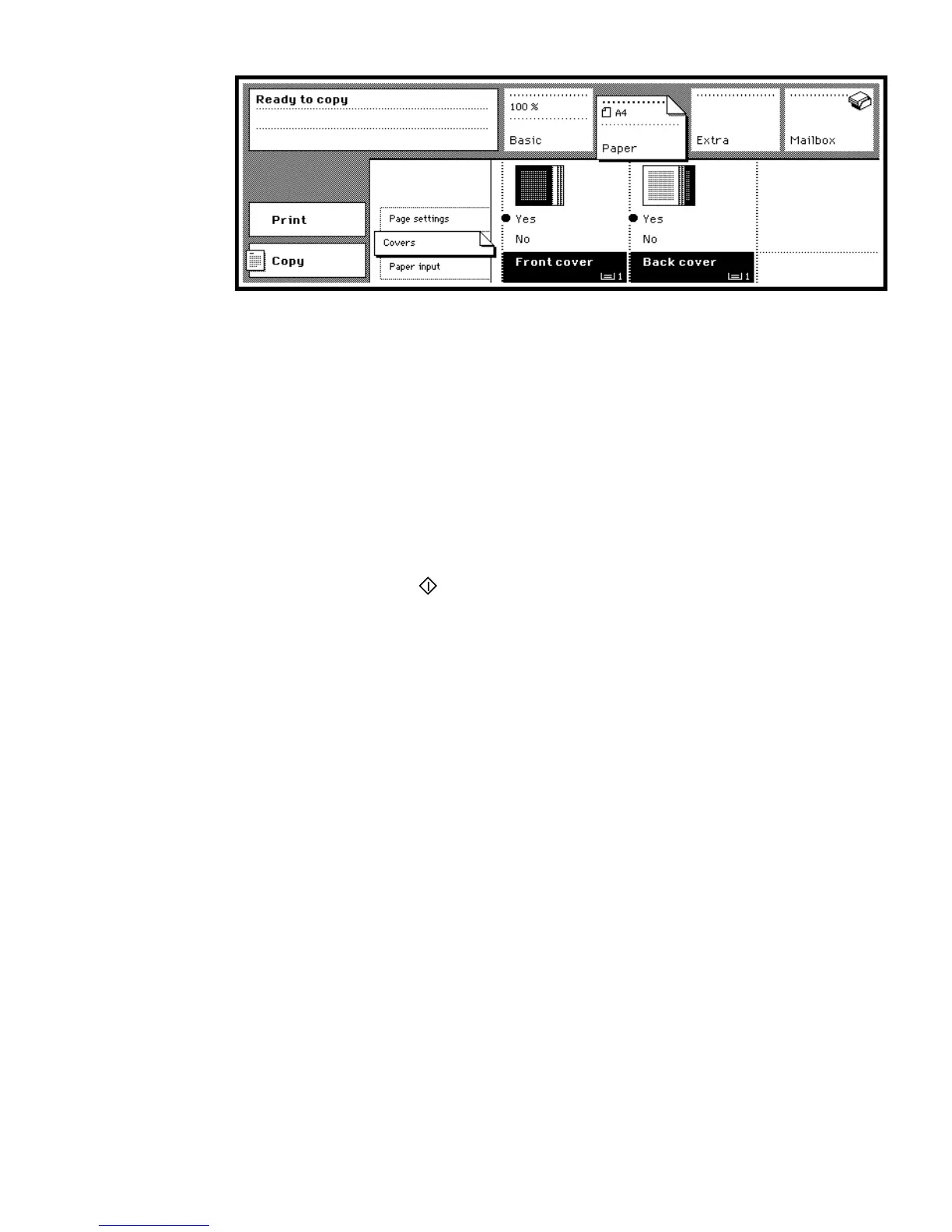
4 Select the ‘Covers’ settings.
5 Select a ‘Front cover’ and/or ‘Back cover’ using the corresponding function
buttons.
6 Ensure that the indicated paper tray contains cover material. If your key
operator has locked the paper compartment door, call your key operator or
make a test copy first.
Note: Both paper and covers must be of the same size. If this is not the case,
the Océ 3165 will remind you.
7 If required, enter other settings.
8 Select the required number of sets, using the copy quantity buttons.
9 Press the start button .



 To Next Page