Extended copy jobs 65
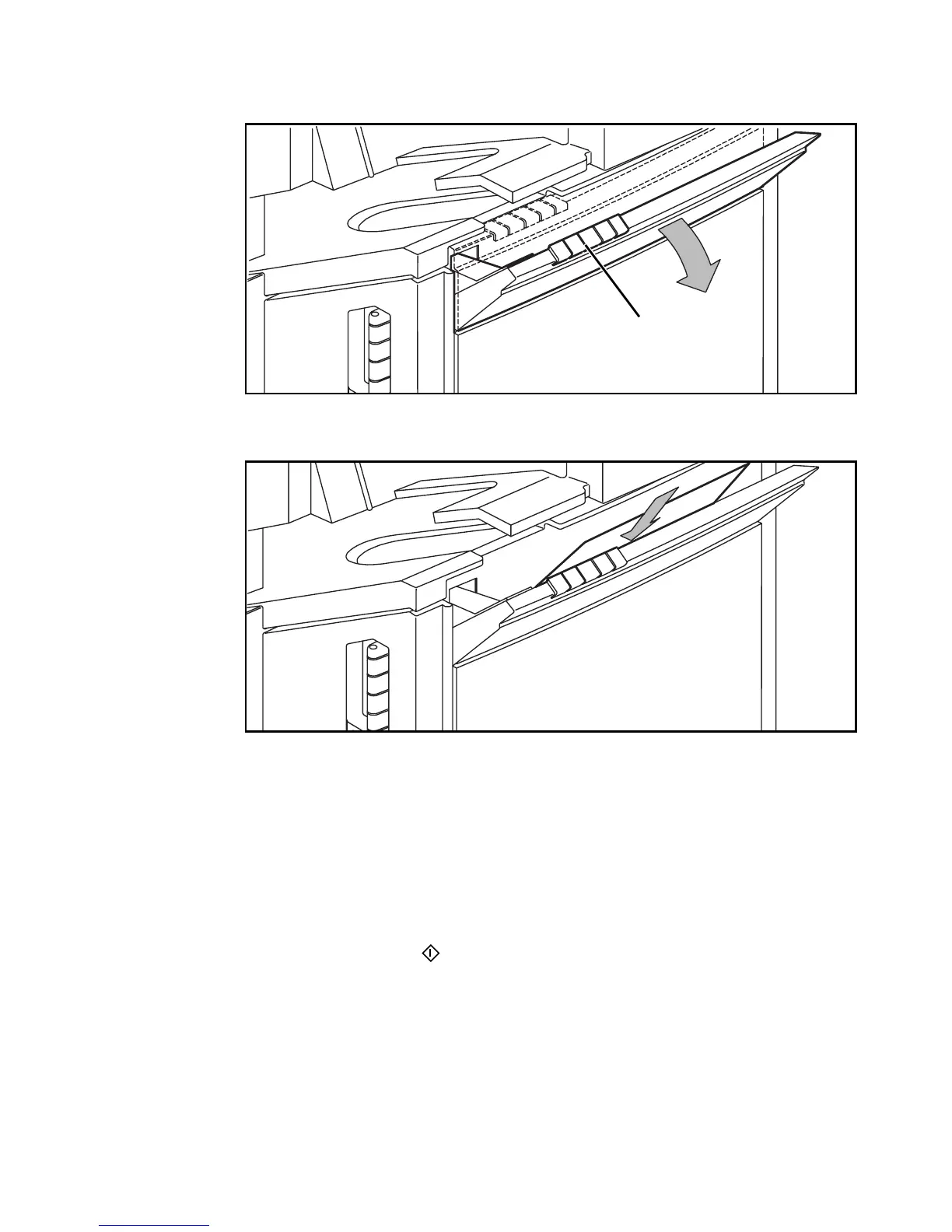
6 Open the special feeder above the paper compartment door using the notched
grip (see figure 37).
[37] Opening the special feeder
7 Insert a sheet of copy material with the side to be copied face-down.
[38] Inserting special copy material in the special feeder
Note: The orientation of the copy material must match the orientation of the
original to be copied. You can insert A4 material in both orientations into
the special feeder (see figure 36 on page 64).
8 Define other settings as desired.
Note: Some settings are not possible when you are copying from the glass
platen.
9 Select the required number of copies using the copy quantity buttons.
10 Press the start button ( ).
The copy will be delivered into the upper output tray.
11 Close the special feeder when copying is completed.
notched grip



 To Next Page