92 Océ 3165 User Manual
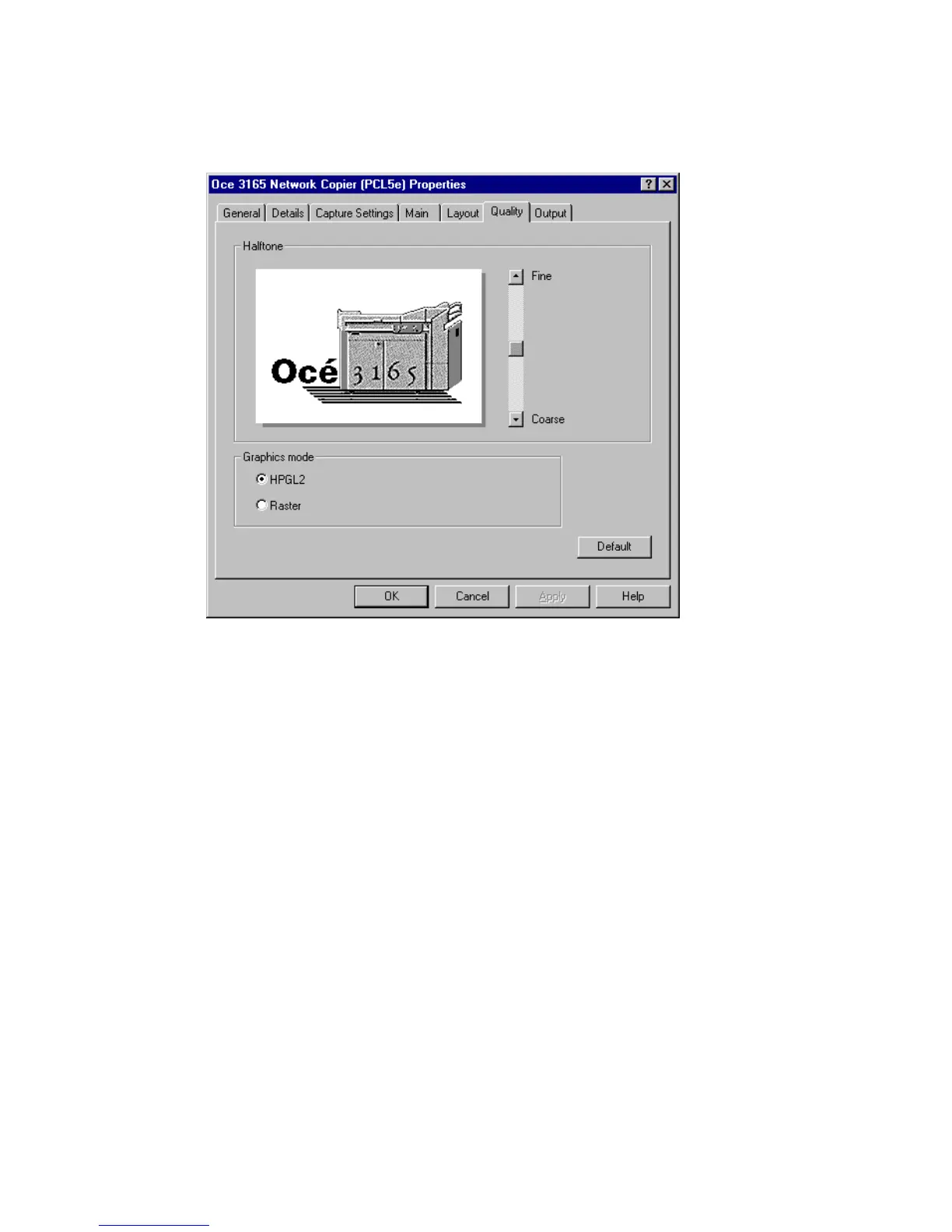
If you are less concerned about quality and more interested in speed, select the
option ‘Raster’. In this case, the graphics in the document are converted from
the screen resolution to a raster file in the printer resultion of 600 dpi.
[46] The ‘Quality’ tab of the setup window of the printer driver for PCL5
▼ Customizing quality settings
1
Open the setup window of the Océ 3165 printer driver as described in
‘Opening the setup window’ on page 88.
2 Click the ‘Quality’ tab (see figure 46).
3 Select the required halftone screen to be used for solid grey areas in your
documents by moving the slide towards ‘Fine’ or ‘Coarse’.
4 PCL driver only: select the required ‘Graphics mode’ setting.
5 Continue customizing other settings or click ‘OK’ to close the setup window.



 To Next Page