Installing the Océ 3165 as a printer 95
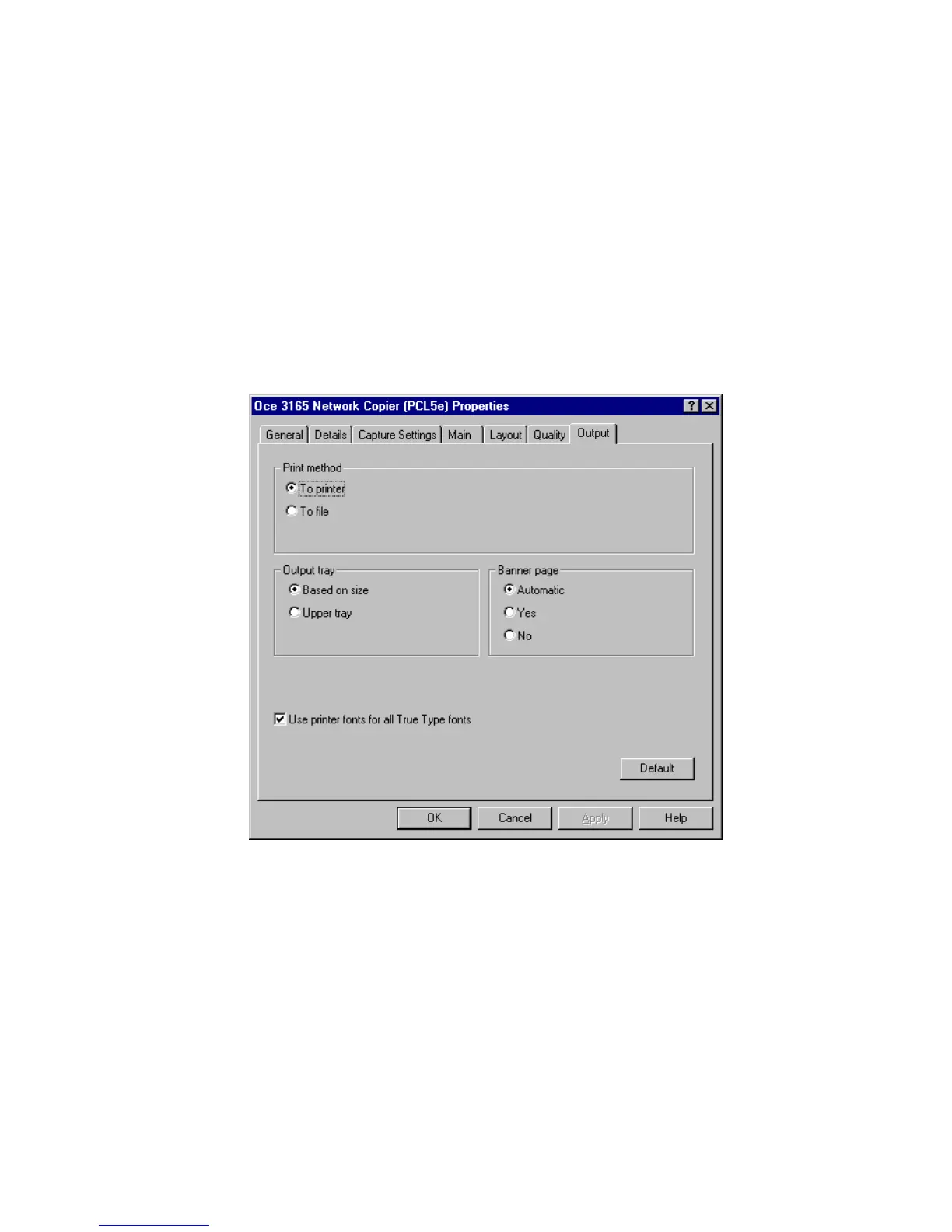
■ check the box to substitute the TrueType fonts on your PC by a next best
printer font (if no reasonable alternative font is found, Courier will be used).
This is the default setting. All TrueType fonts used in the document are
substituted.
■ uncheck in the box to include all font information in the print file, resulting
in a What-You-See-Is-What-You-Get representation of your document.
However, print files will become much larger and will take more network
capacity.
As this setting is also available in the print command window, we advise you
to keep the default setting and overrule it when printing a document in which
you use special fonts.
4 Apply the changed setup and click ‘OK’ to close the window.
[48] The ‘Fonts’ setting of the setup window of the Océ 3165 Network CopierPCL printer driver
▼ Customizing font setting in the PS printer driver
1
Open the setup window of the Océ 3165 printer driver as described in
‘Opening the setup window’ on page 88 (‘Printer Properties’ for Windows
NT 4.0).
2 Click the ‘Fonts’ tab (see figure 49 on page 96).
3 Select the required ‘Send to Printer as’ setting to determine how TrueType
fonts are used. TrueType fonts are identified with a TT symbol.



 To Next Page