120
Command, function and parameter description Section 6-3
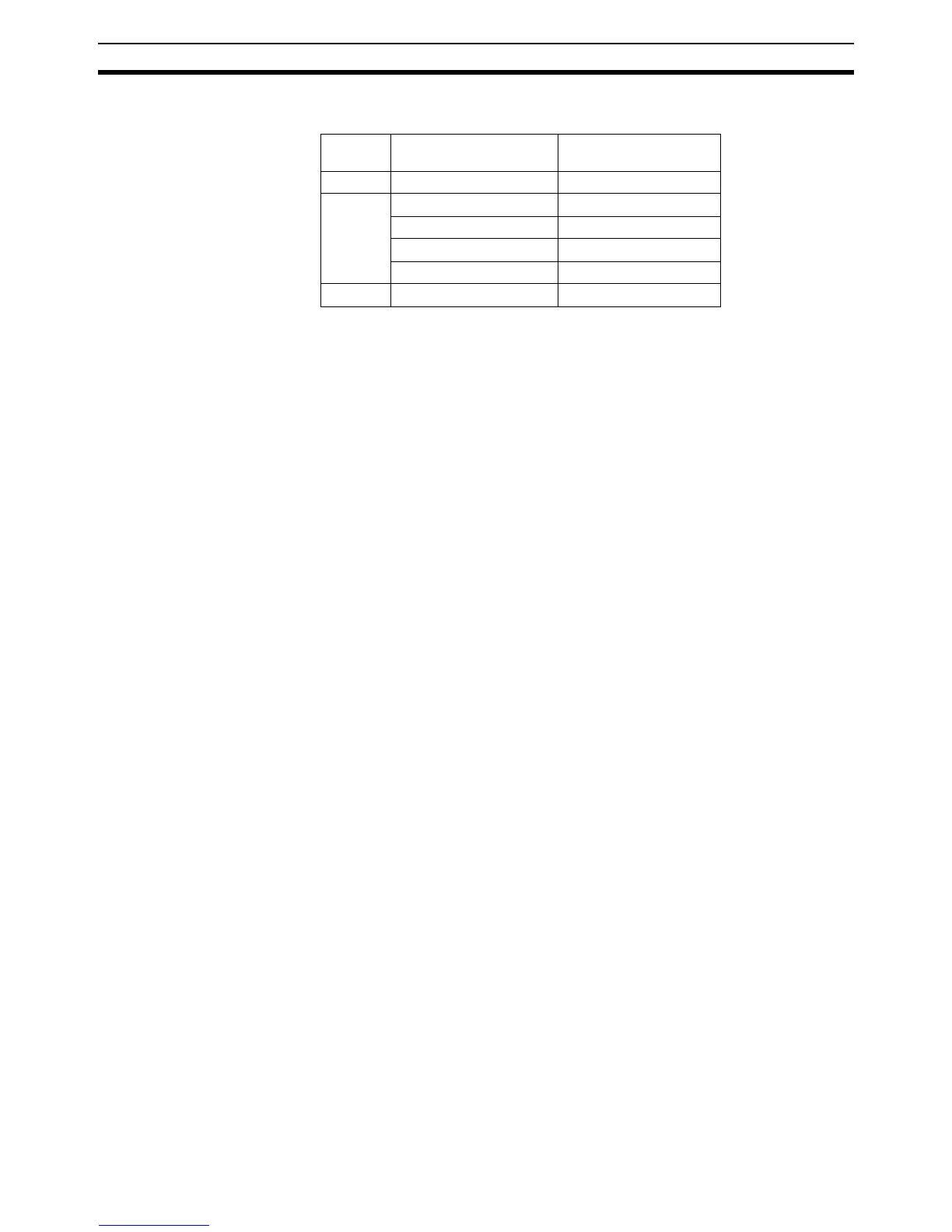
Description: The ATYPE axis parameter sets the axis type for the axis. The valid values is
depending on the axis
The ATYPE parameters are set by the system at start-up to the default value
of the axis. Refer to 3-3 System Functions for more details on the different
axis types.
See also: AXIS
Example: The following command will set axis 1 as encoder output axis.
>> ATYPE AXIS(1)=14
6-3-27 AUTORUN
Type: Program Command
Syntax: AUTORUN
Description: The AUTORUN command starts all the programs that have been set to run at
start-up.
See also: RUNTYPE
6-3-28 AXIS
Type: System Command
Syntax: AXIS(
axis_number
)
Description: The AXIS modifier sets the axis for a single motion command or a single axis
parameter read/write to a particular axis. AXIS is effective only for the com-
mand or program line in which it is programmed. Use the BASE command to
change the base axis for all following command lines.
Arguments:
axis_number
Any valid BASIC expression specifying the axis number.
Precautions: The AXIS command can be used to modify any axis parameter expression
and the following axis dependent commands: ADDAX, CAM, CAMBOX, CAN-
CEL, CONNECT, DATUM, DEFPOS, FORWARD, MOVEABS, MOVECIRC,
MOVELINK, MOVE, MOVEMODIFY and REVERSE. Other commands for
which AXIS is used are: REGIST, WAIT IDLE and WAIT LOADED.
See also: BASE
Examples: Example 1
BASE(0)
PRINT VP_SPEED AXIS(2)
Example 2
MOVE(300) AXIS(0)
Example 3
REPDIST AXIS(1) = 100
Axis
number
Axis type ATYPE value
0 Servo 13 (fixed)
1 Virtual 0
Servo 2
Encoder input 3 (default)
Encoder output 14
2 Virtual 0 (fixed)














 To Next Page