209
Motion Perfect Tools Section 7-5
• The Axes Button at the bottom of the window can be pressed to access a
Window to select the axes that are displayed. By default, the axes set for
the last modified start-up program from the File Menu, Jog Axes Window
or Axes Parameters Window will be displayed.
• The parameters in the bank 1 section are only read when the screen is
first displayed or the parameter is edited by the user. It is possible that if a
parameter is changed in the controller then the value displayed may be
incorrect. The refresh button will force Motion Perfect to read the whole
selection again.
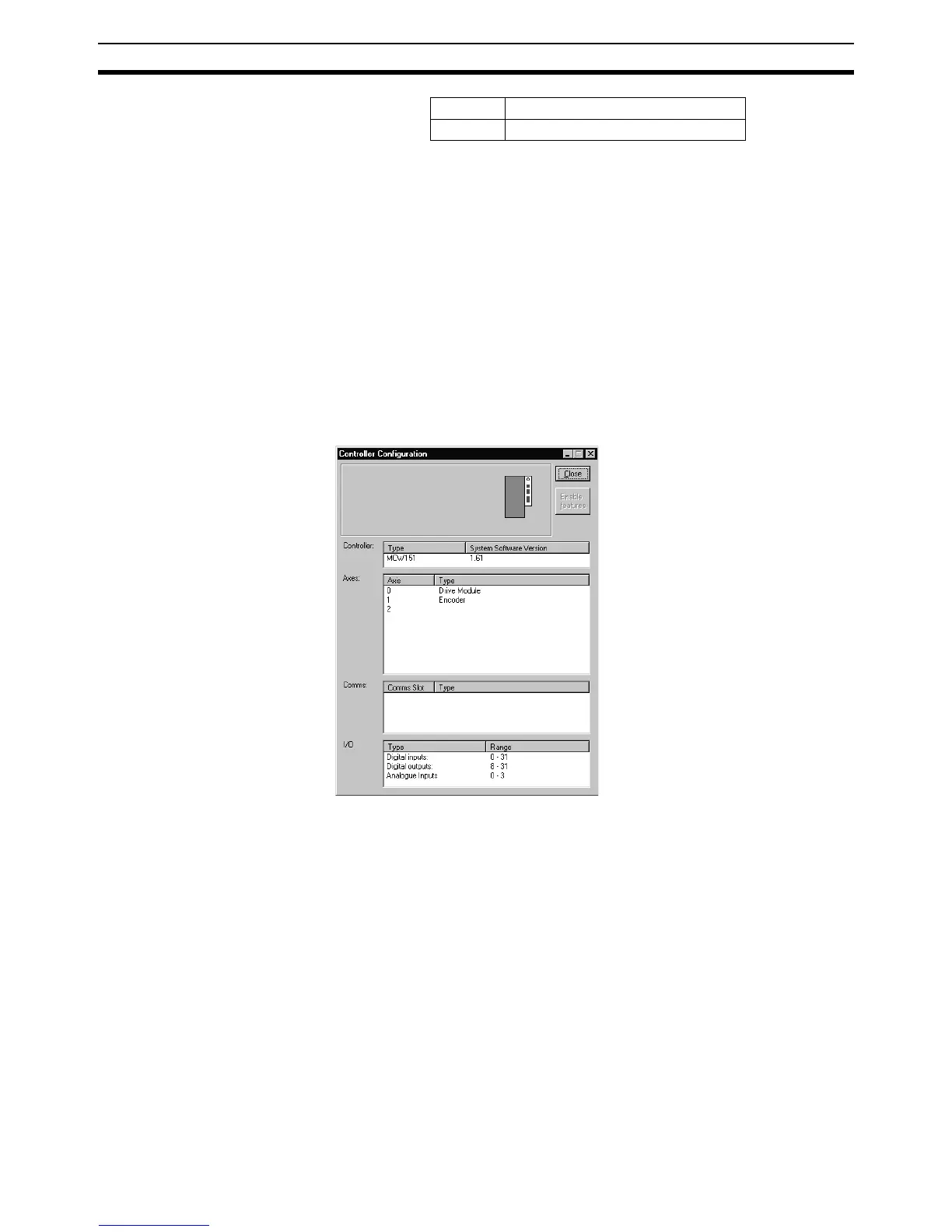
7-5-4 Controller Configuration
The Controller Configuration Window shows the hardware and software con-
figuration of the MC Unit. The MC Unit configuration can be checked by
selecting Controller Configuration from the Controller Menu or the appropriate
button of the Control Panel.
7-5-5 VR and Table Editors
The VR and Table Editor tools provide a spreadsheet style interface to view
and modify a range of values in memory. To modify a value, click on the exist-
ing value with the mouse and type in the new value and press return. The
c Cancelling Move
o Encoder Out Overspeed














 To Next Page