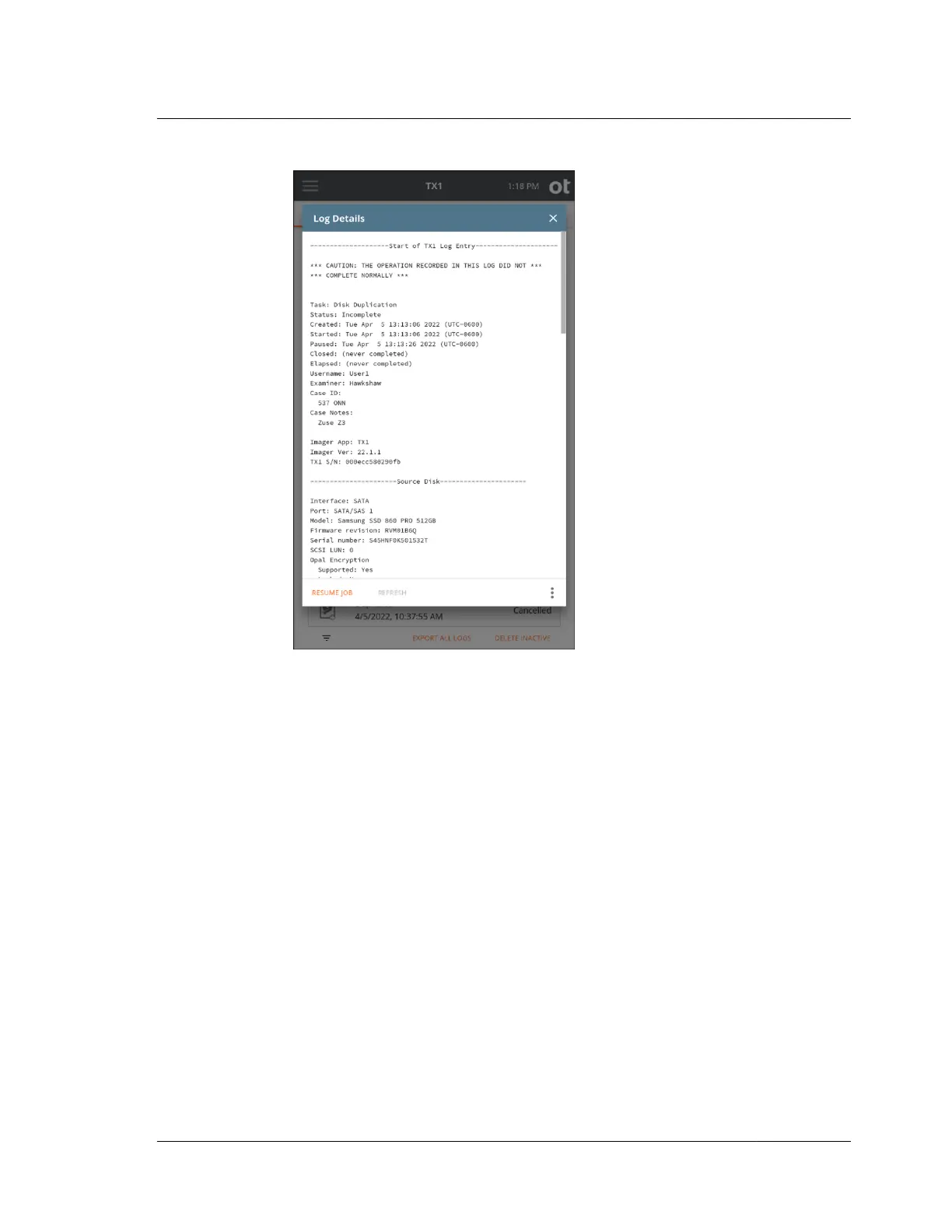
4. Review the log details to confirm this is the job that was running when power
was lost that you intend to resume. Note that logs for completed jobs that
experienced a power loss event will have a message at the top of the log
indicating *** POSSIBLE POWER LOSS EVENT DETECTED ***. However, that
message is added only after the power loss paused job has been resumed, so it
will not be present when you initially view the paused log, prior to resuming
that job.
Verifying that the source and destination drives shown in the log represent the
desired drives is recommended. When you are comfortable that this is the log for
the job you want to resume, tap the Resume Job button at the bottom of the Log
Details screen. The Resume Duplication screen for the paused job will appear,
as shown below.
4.3. Duplicating
ISTX240300-UGD-EN-1
User Guide
111



 To Next Page