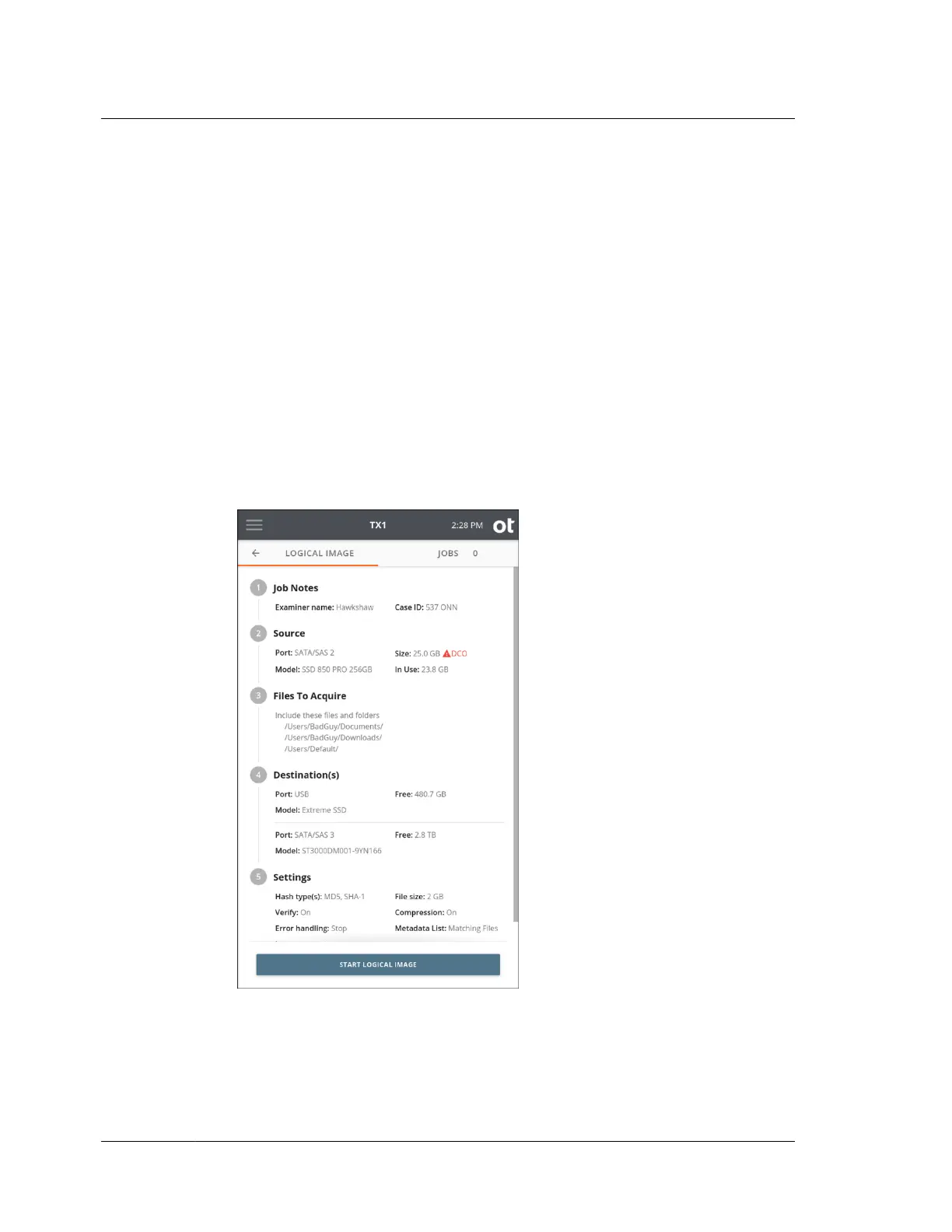
The default output Image name is shown and can be changed by tapping the
field and typing in the desired name.
The default image File size is shown and can be changed by tapping the desired
size. Note that this setting is unavailable if no lx01 output has been requested.
Compression can be enabled/disabled. Note that this setting is unavailable if no
lx01 output has been requested.
If a Metadata list was chosen as part of the destination settings, the following
options for what to include in that metadata list will be shown at the bottom of
the Settings section: Matching files or All files. If Matching files is selected,
only the metadata for files that were acquired during the job will be included,
whereas All files will obviously include a metadata entry for each file on the
source, regardless of whether it was acquired or not. The latter setting may be
useful in cases where time or other constraints only allowed partial source file
gathering.
9. Once you are satisfied with all the logical image job settings, tap the Start
Logical Image button.
Chapter 4 Using TX1
128
OpenText™ Tableau™ Forensic TX1 Imager
ISTX240300-UGD-EN-1



 To Next Page