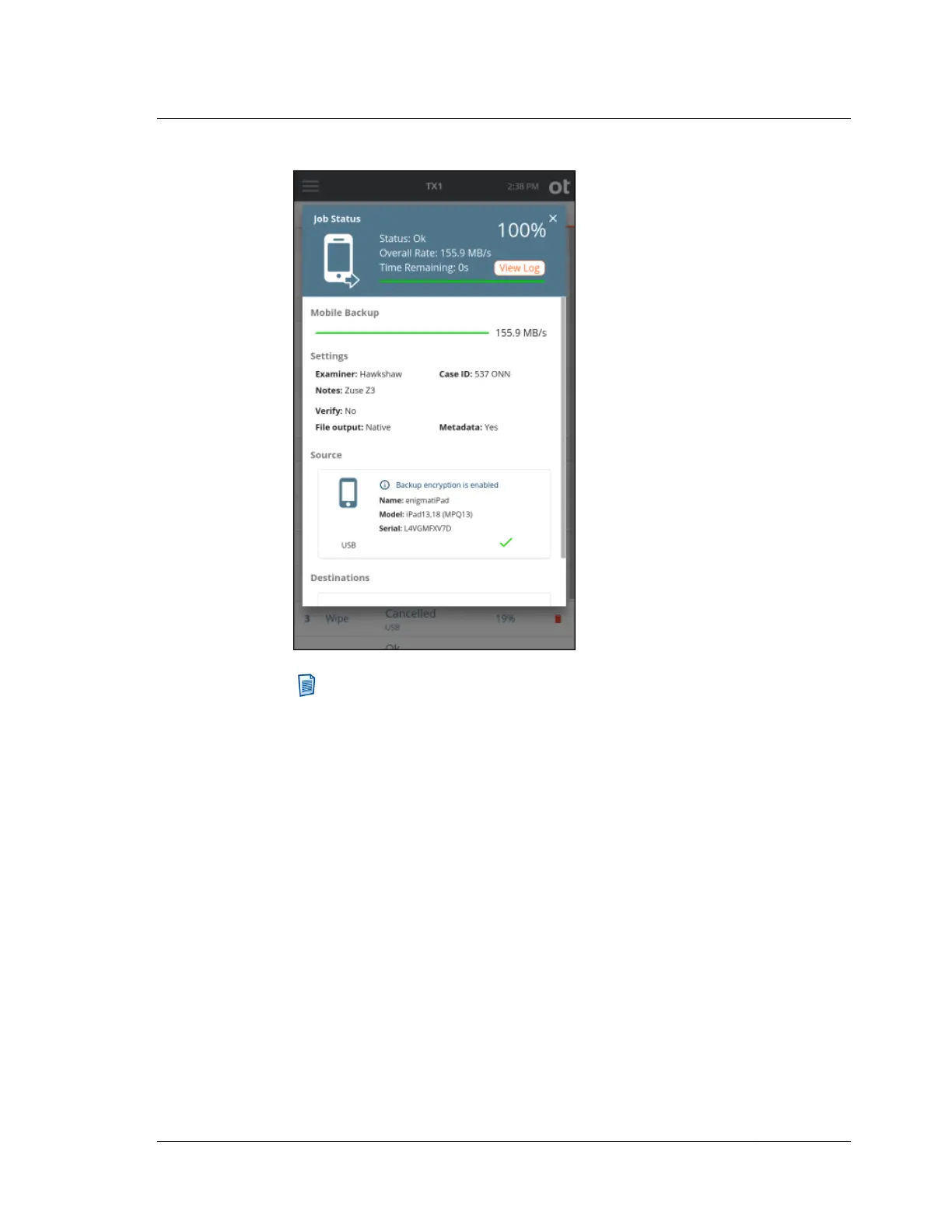
Note: It may be required to interact with the mobile device after the job has
been started on TX1. It is not always possible for TX1 to provide
informative messaging in the job status screen to indicate that input is
required on the mobile device before the actual backup file creation process
begins. This can lead to job failures on TX1 that appear to have no logical
explanation. In particular, for Android devices that have backup
encryption enabled, the encryption password must be entered prior to
accepting the backup request. Accepting the backup request without
entering the encryption password will result in a job failure on TX1 with no
indication as to why the job failed. In general and particularly for Android
backup jobs, always unlock the device before starting the job on TX1 and
pay close attention to any messaging on the phone to ensure the backup
file creation process has actually started.
4.9. Mobile backup acquisition
ISTX240300-UGD-EN-1
User Guide
161



 To Next Page