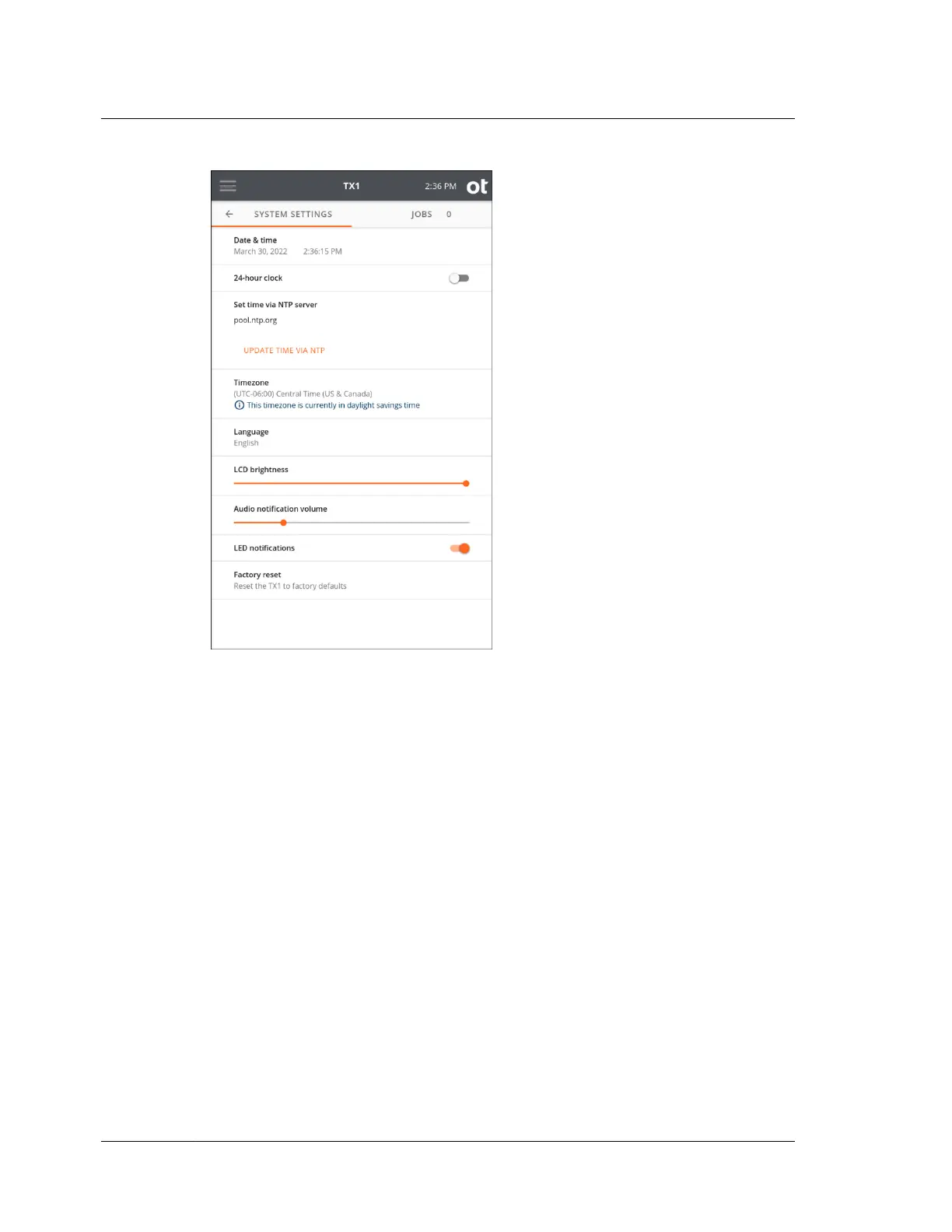
The System Settings page provides selections to configure basic TX1 system options
including Date & time, 24-hour clock, Set time via NTP server, Timezone,
Language, LCD brightness, Audio notification volume, and LED notifications.
You can also perform a factory reset.
Note: A factory reset will restore all system settings to their factory defaults and
delete all existing job logs. Exporting all logs to an external device is recommended
before initiating a factory reset.
Tap the toggle buttons to enable or disable a setting such as the 24-hour clock. To
define a slider setting value, such as the LCD brightness, tap and hold the slider
selector, then slide to the desired value. For the Timezone setting, a multi-value
selection box will be displayed to allow selection from a predefined list of settings.
Tap the setting row to reveal additional settings such as Date & Time (as shown in
the screenshot below). Once the area expands, tap a setting value to reveal and select
from a drop-down menu.
Chapter 3 Configuring TX1
24
OpenText™ Tableau™ Forensic TX1 Imager
ISTX240300-UGD-EN-1



 To Next Page