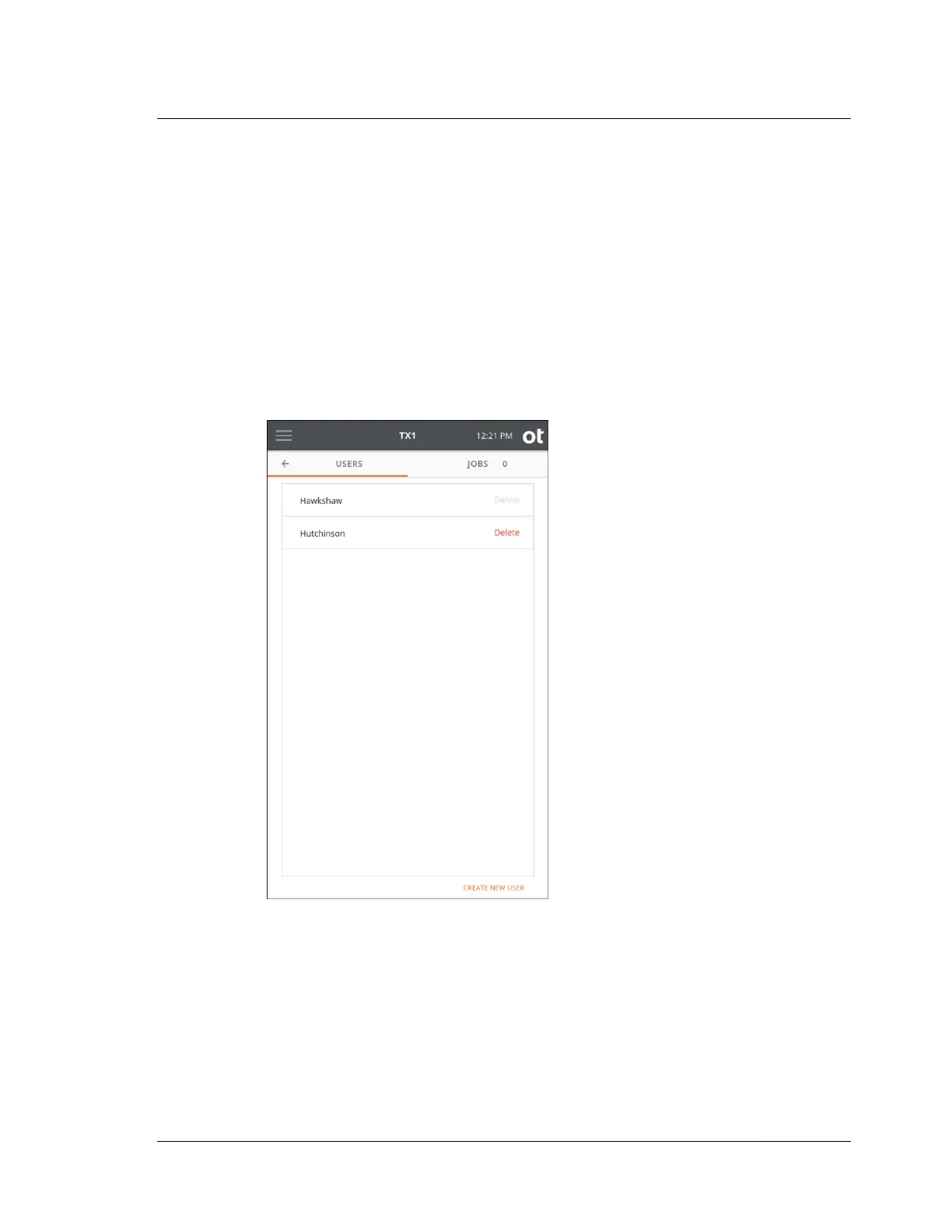
To create a new user, simply tap the Create New User button at the bottom right of
the Users list screen and enter the username and initial password for the new user
and tap submit. A User Management screen will appear for the new user allowing
complete user configuration (as shown in the screenshot above for User1).
Note that the currently logged-in local user is always shown at the bottom of the
side navigation bar. Also, the username associated with the logged-in user is shown
in the forensic log. For systems that do not have multiple users set up, the default
User1 will be shown in the side navigation bar and in the forensic log.
A sample Users list screen with multiple users setup is shown below for reference.
Should you have further questions while setting up users on your TX1 units, contact
Customer Support.
3.2. Configuring TX1
ISTX240300-UGD-EN-1
User Guide
37



 To Next Page