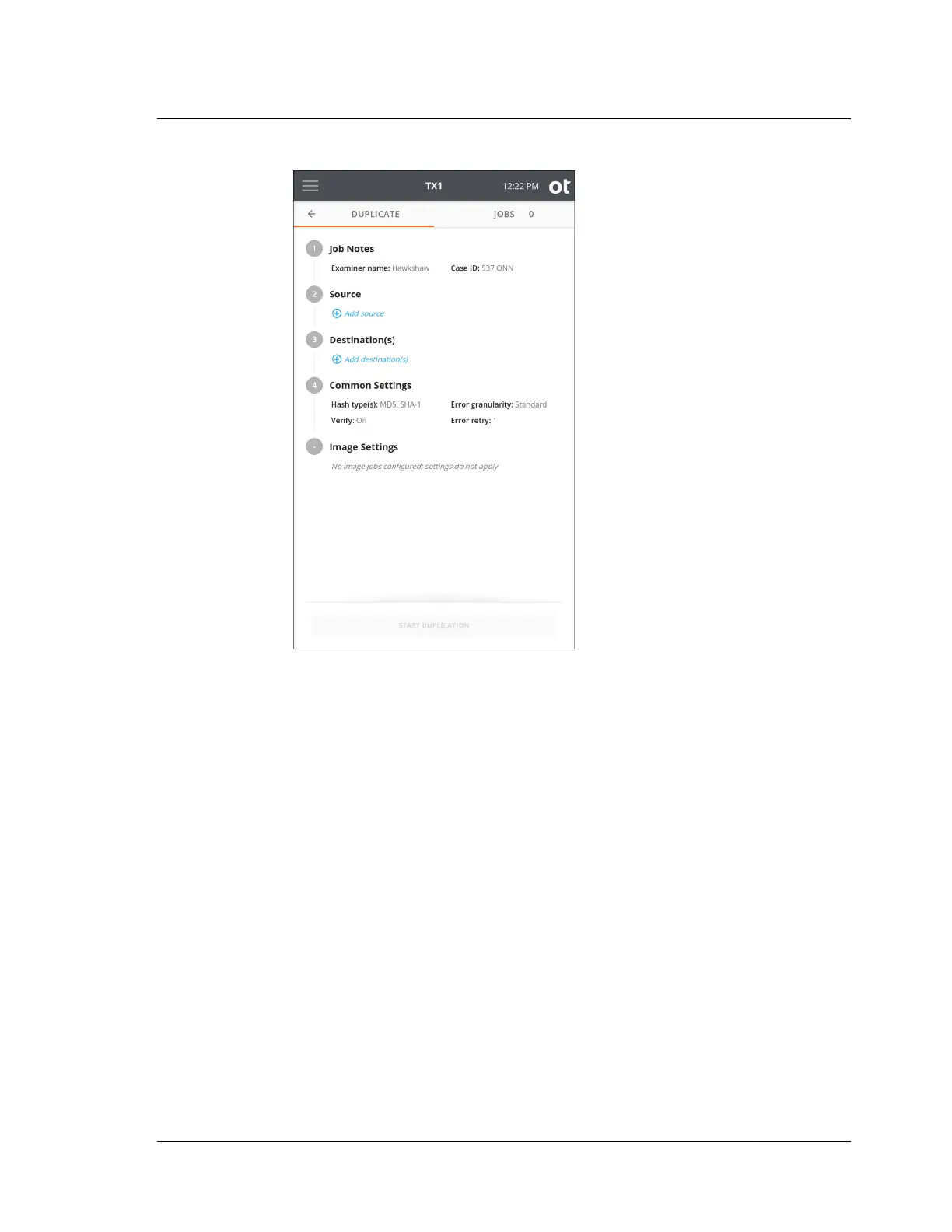
2. To modify or enter job notes, tap the 1 or Job Notes heading to expand the
section. Tap a text box to modify or enter Name, Case ID, or Notes values and
the virtual keyboard is displayed on the bottom half of the screen. If desired, you
can also attach a USB keyboard to one of the front Accessory USB ports to make
data entry easier. Note that all information entered in the Job Notes section will
be used for each of the ensuing automated jobs.
4.3. Duplicating
ISTX240300-UGD-EN-1
User Guide
87



 To Next Page