C200 SOFTWARE
Instruction Manual C200 Part2 A1.doc
optek Danulat GmbH • D-45356 Essen • Germany
page 41
4.2 Sensor calibration conductivity
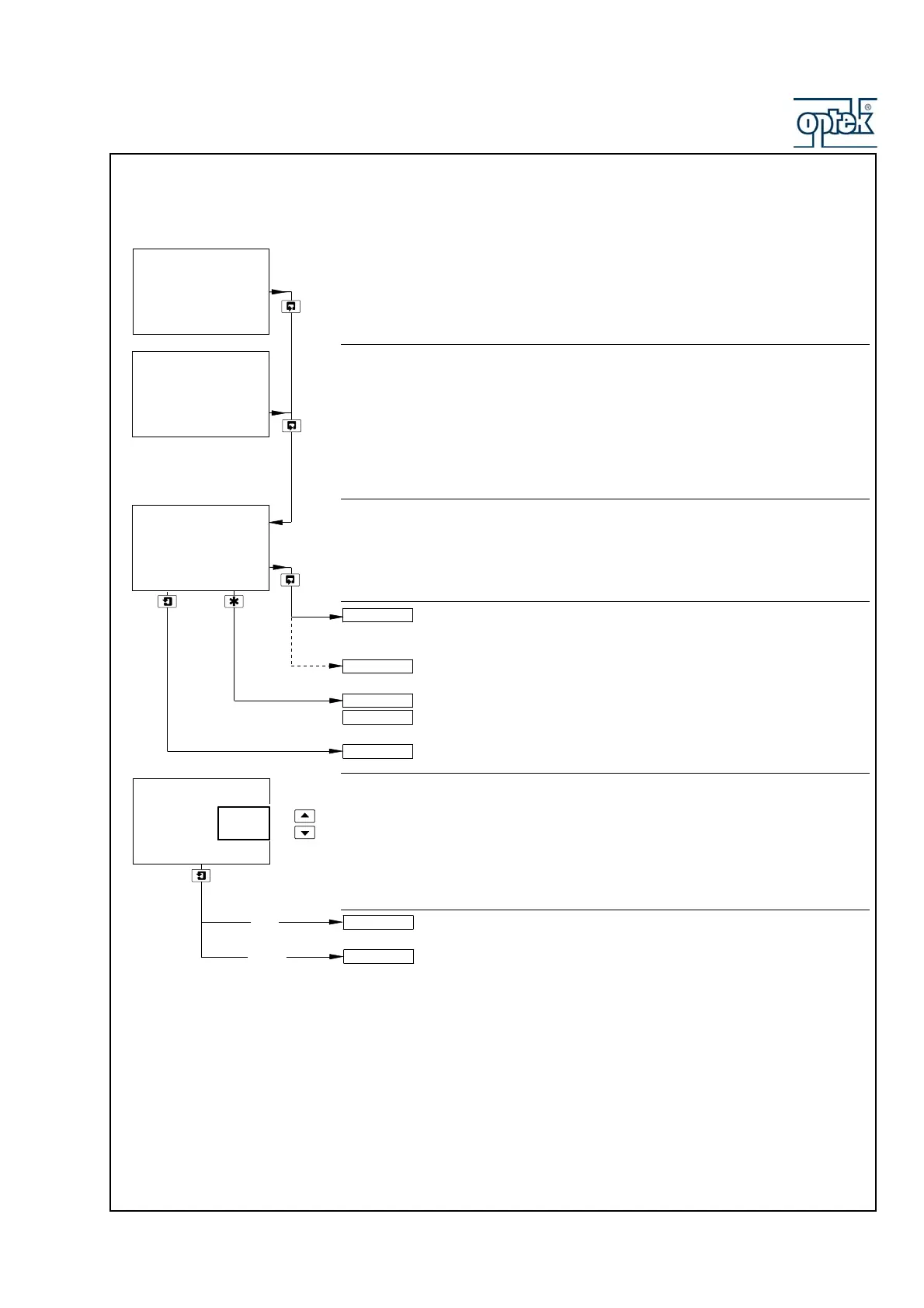
Sensor Calibration
Sensor Calibration Security Code
Note. This frame is displayed only if Alter Cal. Code is not set to zero – see Section
5.2.8.
Enter the required code number (between 0000 and 19999) to gain access to the
sensor calibration pages. If an incorrect value is entered, access to the calibration
pages is prevented and the display reverts to the SENSOR CAL. frame.
Calibrate Sensor A
Sensor B calibration (dual input analyzers only) is identical to Sensor A
calibration.
Single input analyzers only – return to main menu.
Alter Sec. Code not set to zero (Section 5.2.8) – see Section 5.2.1
Alter Sec. Code set to zero (Section 5.2.8) – see Section 5.2.2.
Continued below.
Edit or Reset Calibration
Select Edit to manually adjust the Slope and Offset values of the process and
temperature sensors.
Select Reset to reset the sensor calibration data to the standard default settings:
Sensor and Temperature Slope = 1.000
Sensor and Temperature Offset = 0.0
Edit selected – continued on next page.
Reset selected – continued on next page.
Sensor Cal. A
-----
SENSOR CAL.
-----
A: Calibration
-----
Cal. User Code
0000
A: Sensor Slope
A: Reset?
Edit
Reset
ResetE
dit
Sensor Cal. B
SECURITY CODE
CONFIG. DISPLAY
SENSOR CAL.
A: Calibration



 To Next Page