C200 SOFTWARE
Instruction Manual C200 Part2 A1.doc
optek Danulat GmbH • D-45356 Essen • Germany
page 68
5.2.4 Configure Alarms
5.2.4.1 Configure Standard Alarms
Configure Alarm 1
If A1: Type is not set to Dosing (see following frame), Alarms 2 and
3 configuration (and Alarms 4 and 5 if option board fitted and analog
features enabled – see Section 6.2.3.) is identical to Alarm 1.
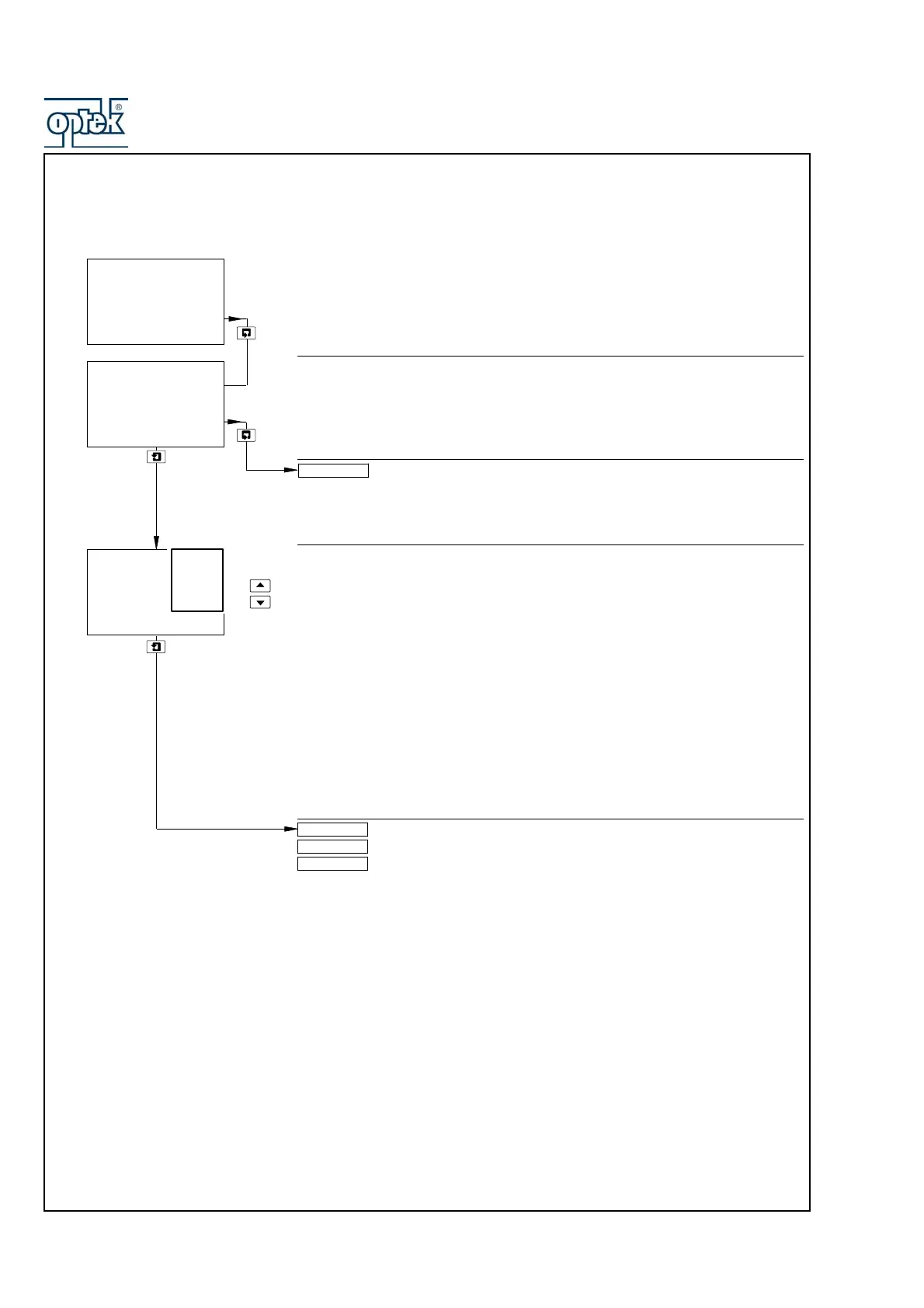
Alarm 1 Type
Select the type of alarm required:
Off – The alarm is disabled, the alarm LED is off and the relay is de-
energized at all times.
Alarm – The analyzer is configured using the Assign parameter (see next
page) to generate an alarm in response to a specified sensor reading.
Status – An alarm is generated if either a power failure or a condition
occurs that causes any of the error messages in Table 7.2.1 (page
103) to be displayed.
Dosing – Alarm 1 is assigned as a clean-in-place (CIP) interface alarm –
see Section 5.2.4.2.
Note. The Dosing alarm type is applicable only to Alarm 1 (and Alarm 4 if option
board fitted and analog features enabled – see Section 6.2.3).
Off or Status selected – return to top of page.
Alarm selected – continued on next page.
Dosing selected – see Section 5.2.4.2.
Config. Alarm 1
-----
A1: Type
-----
Off
CONFIG. ALARMS
-----
Dosing
Status
Alarm
Off
A1: Assign
Config. Alarm 2
Config. Alarm 1
A1: Failsafe



 To Next Page