C200 SOFTWARE
Instruction Manual C200 Part2 A1.doc
optek Danulat GmbH • D-45356 Essen • Germany
page 44
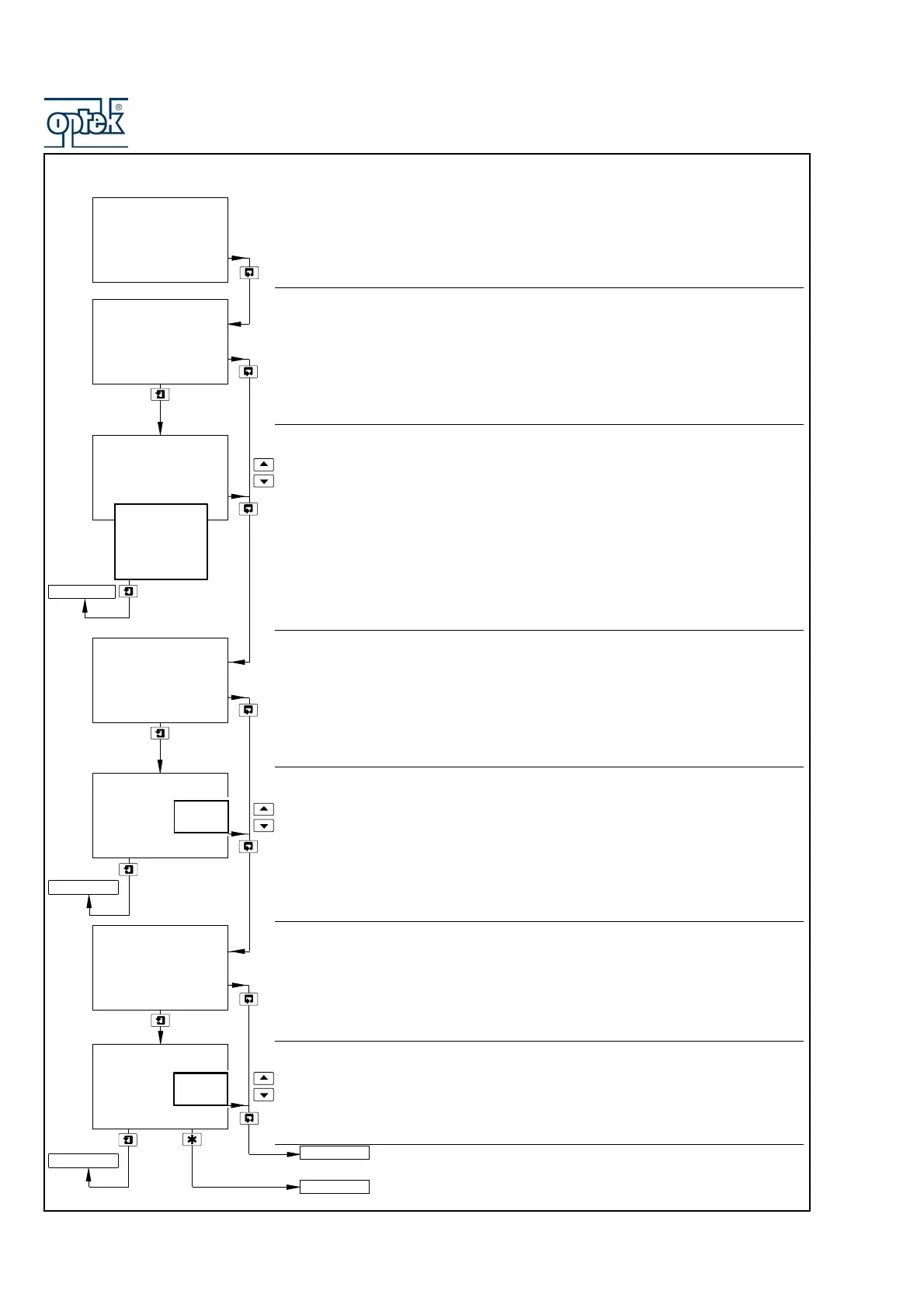
5.1.2 Configure Display
Set Language
Sets the language to be used on all displays.
Language Page
Use the UP and DOWN keys to select the required language.
Set Temperature Units
Temperature Units
Use the UP and DOWN keys to select the sample temperature display units.
Set Up Display Backlight
Backlight
Use the UP and DOWN keys to select the required backlight option:
Auto. – Backlight comes on at each button press and switches off one
minute after the last button press.
On – Backlight is always on.
Return to main menu.
See Section 5.1.3.
CONFIG. DISPLAY
-----
Set Language
-----
-----
Tem p. U n its
-----
Off
Set Temp. Units
-----
Deg. F
Deg. C
LED Backlight
-----
Set Backlight
-----
Auto.
On
CONFIG. DISPLAY
CONFIG. SENSORS
Set Backlight
Set Language
Set Temp. Units
English
Deutsch
Francais
Espanol
Italiano



 To Next Page