C200 SOFTWARE
Instruction Manual C200 Part2 A1.doc
optek Danulat GmbH • D-45356 Essen • Germany
page 61
5.2.3 Configure Sensors
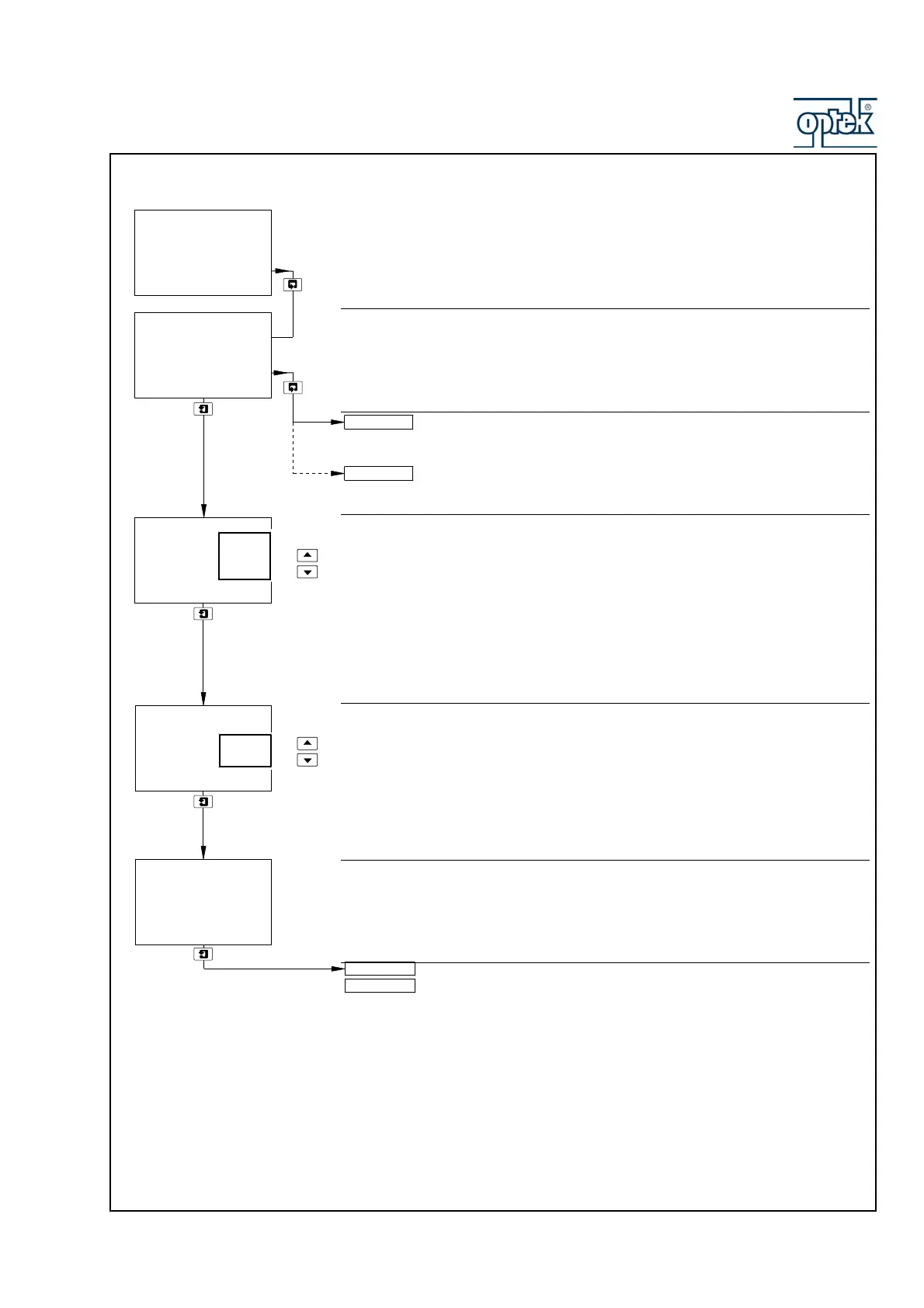
Configure Sensor A
Sensor B configuration (dual input analyzers only) is identical to
Sensor A configuration.
Single input analyzers only – return to main menu.
Sensor Group
Select the group to which the sensor connected to input A belongs:
Grp. A – ABB TB4 Group A sensors with a measurement range of 0.0µs cm
–1
to
1999mS cm
–1
and a minimum measurement span of 100µs cm
–1
Grp. B – ABB TB4 Group B sensors with a measurement range of 0.00µs cm
–1
to
1999µS cm
–1
and a minimum measurement span of 10µs cm
–1
AC400 – ABB AC400 sensors with a measurement range of 0.0 to 1999mS cm
–1
and a minimum measurement span of 100µs cm
–1
Analyzer Type
Select the analyzer type:
Cond – measured conductivity is displayed in µS cm
–1
or mS cm
–1
units.
Conc – measured conductivity is displayed in the units selected in A:
Concentration – see page 62.
Temperature Sensor
Shows the type of temperature sensor fitted to the selected conductivity sensor:
ABB TB4 Group A and B sensors – Balco 3K
ABB AC400 sensors – Pt1000
A: Analyzer Type set to Cond – continued on next page.
A: Analyzer Type set to Conc – continued on page 62.
Config. Sensor A
-----
CONFIG. SENSORS
-----
Config. Sensor B
A: Temp.Comp
A: Sensor Group
-----
AC400
Grp. B
Grp. A
A: Analyzer Type
A: Concentration
Conc
Cond
-----
A: Temp.Sensor
3K Bal
-----
Config. Sensor B



 To Next Page