C200 SOFTWARE
Instruction Manual C200 Part2 A1.doc
optek Danulat GmbH • D-45356 Essen • Germany
page 36
4.1.4 Automatic, Single- and Two-Point Calibration (pH Only)
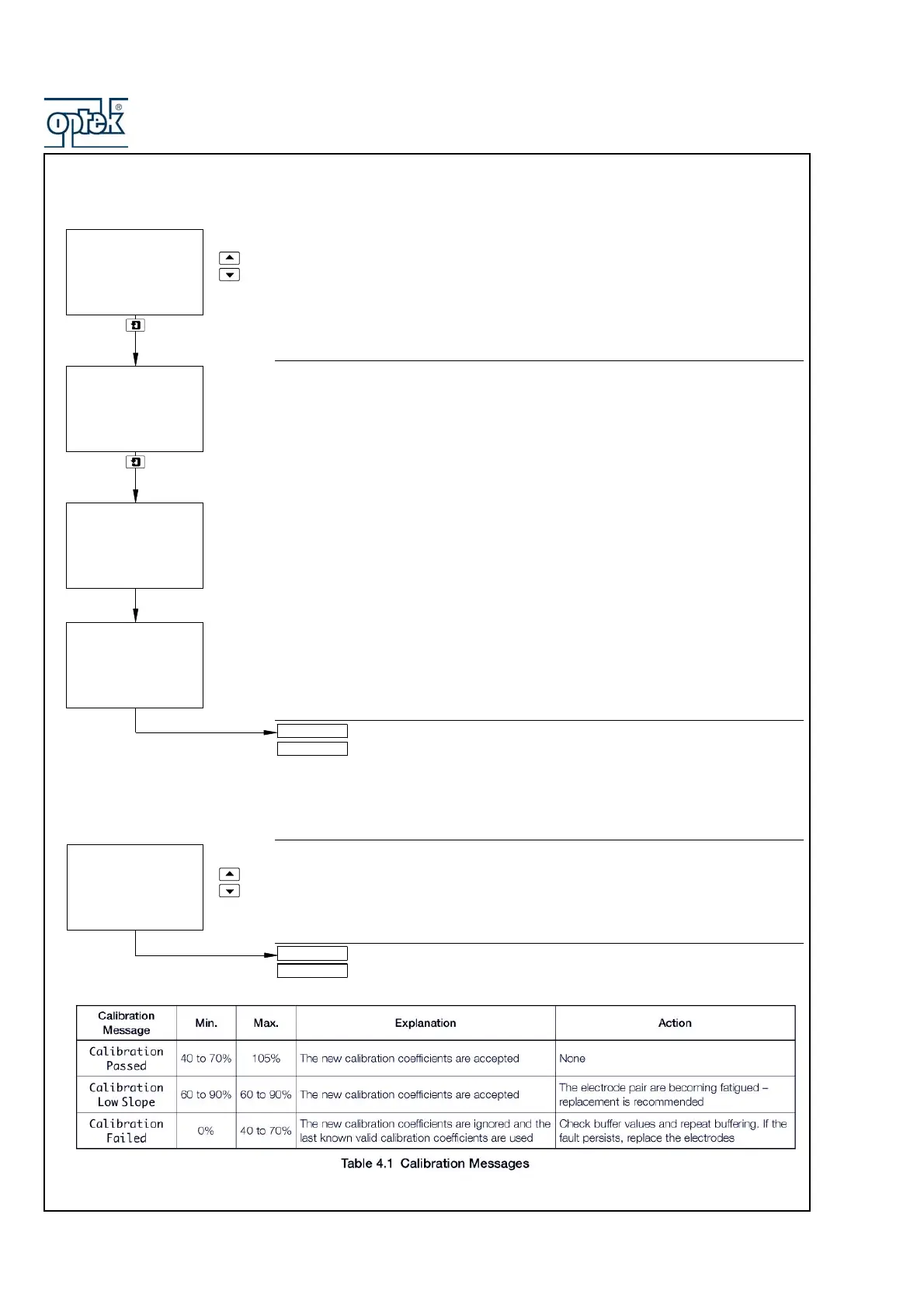
Sensor A: Buffer Method (pH probes only)
Select the type of automatic calibration required:
Auto 1-Pt – Automatic, single-point calibration
Auto 2-Pt – Automatic, two-point calibration
Calibrate Buffer (Single-Point Calibration) or Calibrate Buffer 1(Two-Point
Calibration)
Immerse Sensor A in the buffer solution.
Press the
DOWNSCROLL key to initiate calibration.
Note. To abort calibration, press the DOWNSCROLL key again at any time before
calibration is complete – see below.
The center display line shows the measured sensor output in millivolts.
As calibration proceeds, a progress indicator appears in the lower display line. When
the measured sensor output stabilizes, the lower display line shows ##### 100%
#####.
The display then changes for 2 seconds to show the temperature-corrected buffer
value in the upper display line, then advances automatically to the next frame.
Two-point calibration selected – continued on next page.
Single-point calibration selected – continued on next page.
Abort Calibration
Select Yes or No.
Yes selected – return to the main menu.
No selected – calibration continues.
#### 100% ####
175
mV
A: Immerse Buf.2
A: Calibration
A: Abort Cal.
-----
Yes
A: SENSOR CAL.
A: Immerse Buf.2
A: Immerse Buf.1
4.00
pH
Deg.C
25.0
A: Buffer Method
Auto
-----
1-Pt
A: Cal. Buffer 1
4.01
pH



 To Next Page