C200 SOFTWARE
Instruction Manual C200 Part2 A1.doc
optek Danulat GmbH • D-45356 Essen • Germany
page 20
3 Operator Views
3.1 Operator Views pH
3.1.1 View Setpoints
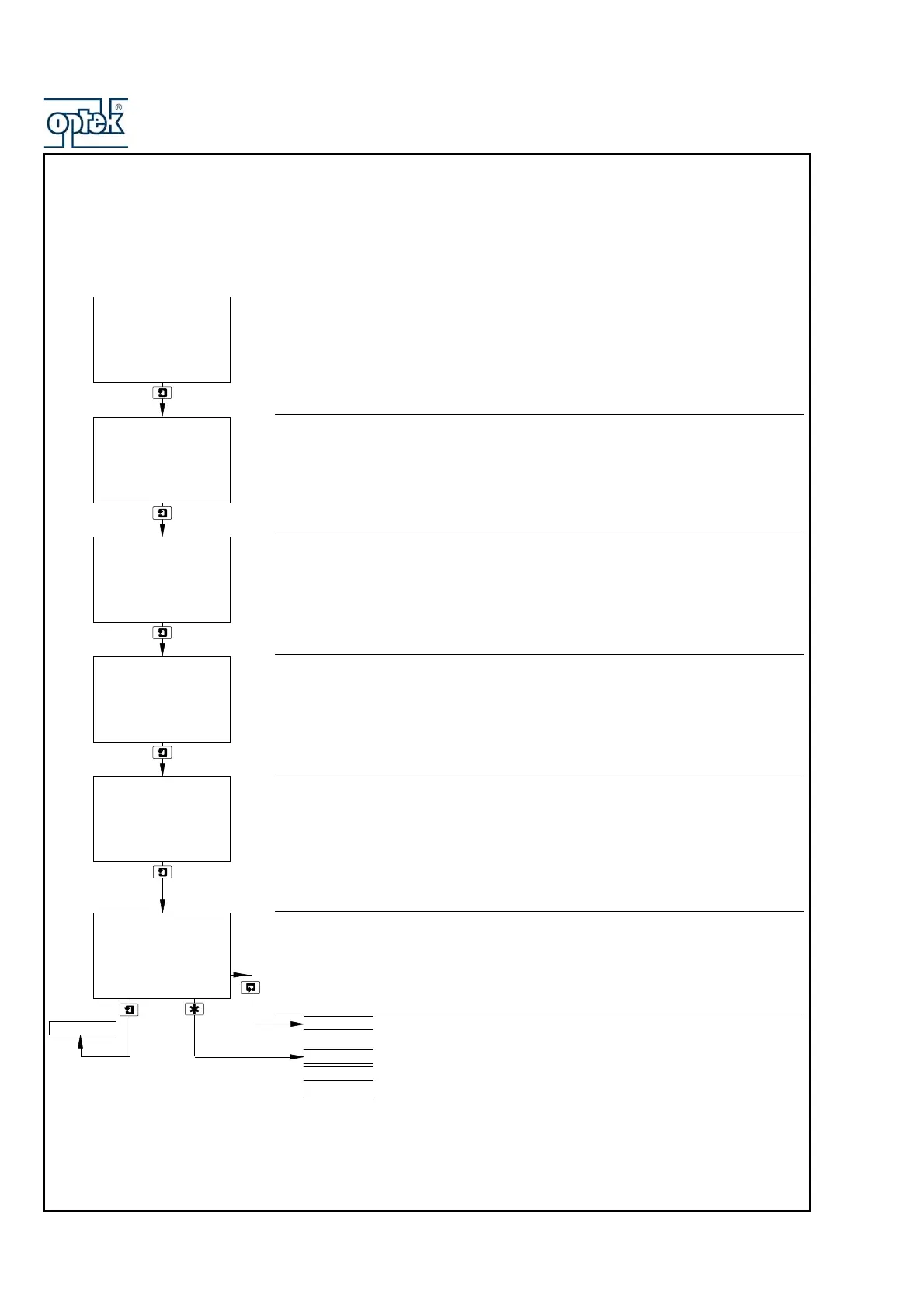
View Set Points
This page shows alarm set points. The value of each of the set points is shown,
together with the name of the parameter it is assigned to.
Set point values and relay/LED actions are programmable – see Section 5.1.4
Sensor A (pH), Alarm 1 Set Point
Sensor A (Temperature), Alarm 2 Set Point
Sensor B (pH), Alarm 3 Set Point – Dual input analyzers only
Sensor B (Temperature), Alarm 4 Set Point – Dual input analyzers only
Note. Alarm 4 available only if option board fitted and analog features enabled – see
Section 6.1.3
Alarm 5 Set Point
Note. Alarm 5 available only if option board fitted and analog features enabled – see
Section 6.1.3
See Section 3.1.2.
See Note on next page.
8.30
pH
A1: Setpoint
Sen.A
Te m p. A
VIEW SETPOINTS
-----
35.0
Deg.C
A2: Setpoint
Sen.B
6.80
A3: Setpoint
Te m p. B
55.0
Deg.C
A4: Setpoint
-----
Off
A5: Setpoint
VIEW OUTPUTS
SENSOR CAL.
Security Code
CONFIG. DISPLAY
VIEW SETPOINTS
pH



 To Next Page