C200 SOFTWARE
Instruction Manual C200 Part2 A1.doc
optek Danulat GmbH • D-45356 Essen • Germany
page 72
5.2.4.3 Configure CIP Status Alarm
Notes.
• This section is applicable only if A1: Type is set to Dosing – see Section 5.2.4.1.
• Alarm 5 (dual input analyzers only with option board fitted and analog features enabled – see Section 6.2.3)
can be configured as a CIP Status alarm for Sensor B, therefore this section applies also to Alarm 5.
• When Alarm 1 (and/or Alarm 4) is configured as a CIP Interface alarm, the error messages shown in Table
7.2.1 are displayed in response to the events described.
• If Alarm 2 is configured as a CIP Status alarm, its associated relay is energized/de-energized and its LED lit
and extinguished in response to the events described in Table 7.2.1.
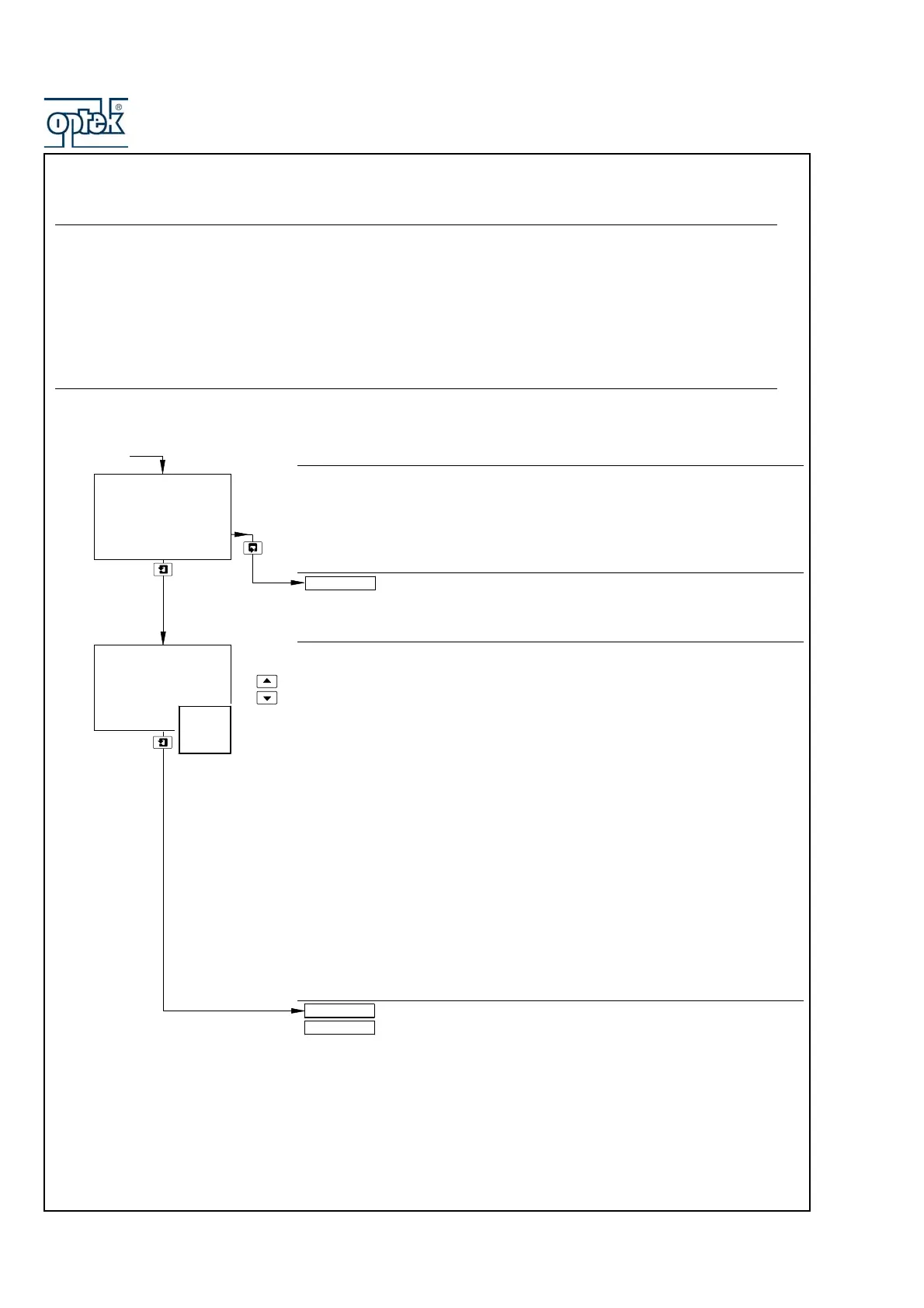
Configure Alarm 2
See Section 5.4.1.
Alarm 2 Type
Note. The CIP Status alarm type is displayed only if A1: Type is set to Dosing –
see Section 5.2.4.1.
Use the
UP and DOWN keys to select the CIP Status alarm type.
When A2: Type is set to CIP Status:
• and the measured conductivity has not exceeded 90% of the Alarm 1 set point
value by the end of the initial charge time period, Alarm 2 relay energizes,
Alarm 2 LED is lit and a Long Charge error message is displayed (see Table
7.2.1).
• and the measured conductivity has not exceeded the Alarm 1 set point value
by the end of the dosing time period, Alarm 2 relay energizes, Alarm 2 LED is
lit and a Long Dose error message is displayed (see Table 7.2.1).
• and the measured conductivity exceeds the Alarm 1 set point value plus the
deviation set point value, Alarm 2 relay energizes, Alarm 2 LED is lit and a
High Alarm error message is displayed (see Table 7.2.1).
• and the measured conductivity falls below the Alarm 1 set point value minus
the deviation set point value, Alarm 2 relay energizes, Alarm 2 LED is lit and a
Low Alarm error message is displayed (see Table 7.2.1).
Off, Status or CIP Status selected – return to top of page.
Alarm selected – see Section 5.2.4.1.
Config. Alarm 2
-----
A2: Type
-----
A2: Assign
Config. Alarm 3
Config. Alarm 2
CIP
Status
Alarm
Off
Status
A1: Type
set to
Dosing



 To Next Page