C200 SOFTWARE
Instruction Manual C200 Part2 A1.doc
optek Danulat GmbH • D-45356 Essen • Germany
page 23
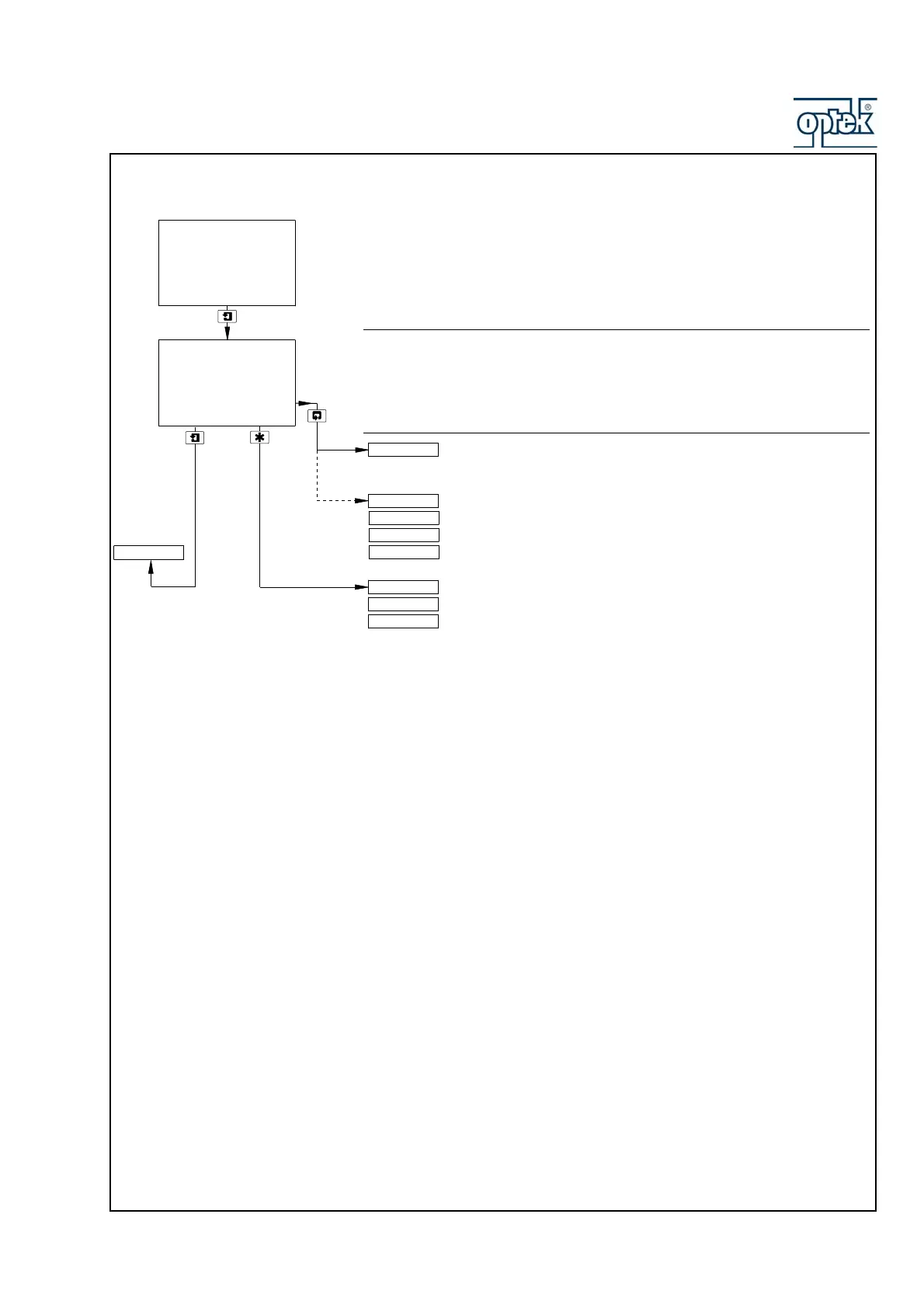
3.1.4 View Software
Issue
Shows the version number of the operating software.
Option board fitted and analog features enabled (Section 6.1.3.) and
Logbook set to On (Section 5.1.9) – see Section 3.1.5.
Operating Page (option board not fitted) – see Section 2.1.2.
See Note on Page 21.
1.00
AX400/2000 Issue
VIEW SOFTWARE
-----
VIEW LOGBOOK
SENSOR CAL.
Security Code
CONFIG. DISPLAY
VIEW SOFTWARE
Monitoring pH
Monitoring Redox
Dual Redox
pH/Redox



 To Next Page