C200 SOFTWARE
Instruction Manual C200 Part2 A1.doc
optek Danulat GmbH • D-45356 Essen • Germany
page 34
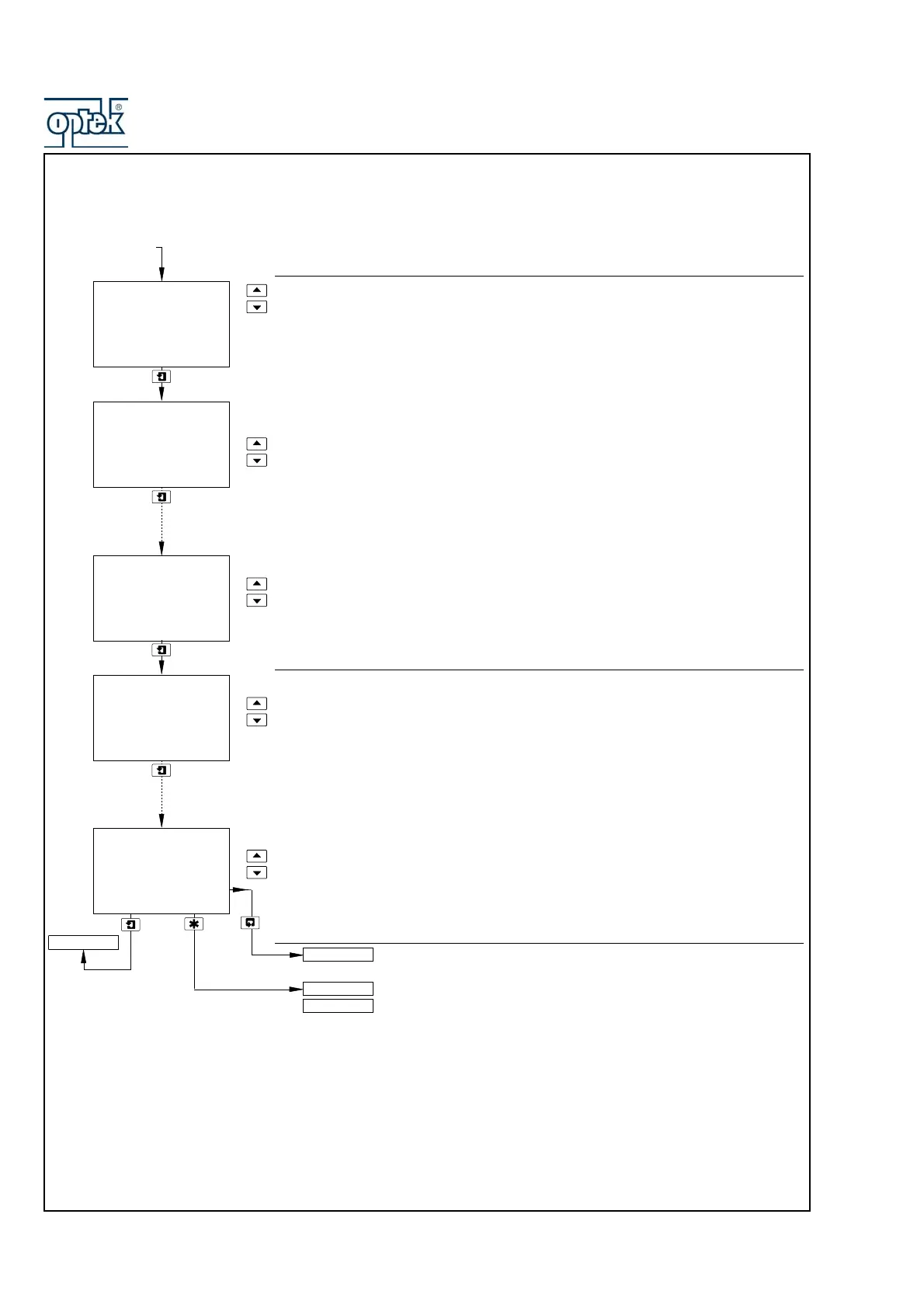
4.1.2 Set Up User Defined Buffers (pH Only)
Solution A: Enter point 1 (to 5)
Deg.C and Adjust are shown alternately on the upper display line. Using the UP and
DOWN keys, adjust the temperature reading (in 5° increments) to the first of the
temperatures on the pH/temperature curve.
pH and Adjust are shown alternately on the center display line. Using the
UP and
DOWN keys, adjust the pH reading (in 0.01pH increments) to the pH reading that
corresponds to the temperature reading entered above.
Notes.
1) For accurate calibration, it is important to repeat the above for buffer solution A
at all 5 points along the pH/temperature curve.
2) The displayed temperature value increases automatically by 5°C from the value
set for the previous point. The setting may be increased but not decreased.
Solution B: Enter point 1 (to 5)
Solution B set up is identical to solution A set up.
Note. For accurate calibration, it is important to repeat the above for buffer solution
B at all 5 points along the pH/temperature curve.
The analyzer calculates the pH/temperature relationship from the data entered.
See Section 4.1.3.
Alter Sec. Code not set to zero (Section 5.1.8) – see Section 5.1.1
Alter Sec. Code set to zero (Section 5.1.8) – see Section 5.1.2.
A: Enter point 5
35.0
Deg.C
4.02
pH
Sensor Cal. A
SECURITY CODE
Set Auto Buffers
Buffer Type
set to User
(see Section 4.1.1)
A: Enter point 1
15.0
Deg.C
0.00
pH
B: Enter point 5
35.0
Deg.C
4.02
pH
B: Enter point 1
15.0
Deg.C
3.99
pH
CONFIG. DISPLAY
A: Enter point 1
15.0
Deg.C
3.99
pH



 To Next Page