C200 SOFTWARE
Instruction Manual C200 Part2 A1.doc
optek Danulat GmbH • D-45356 Essen • Germany
page 71
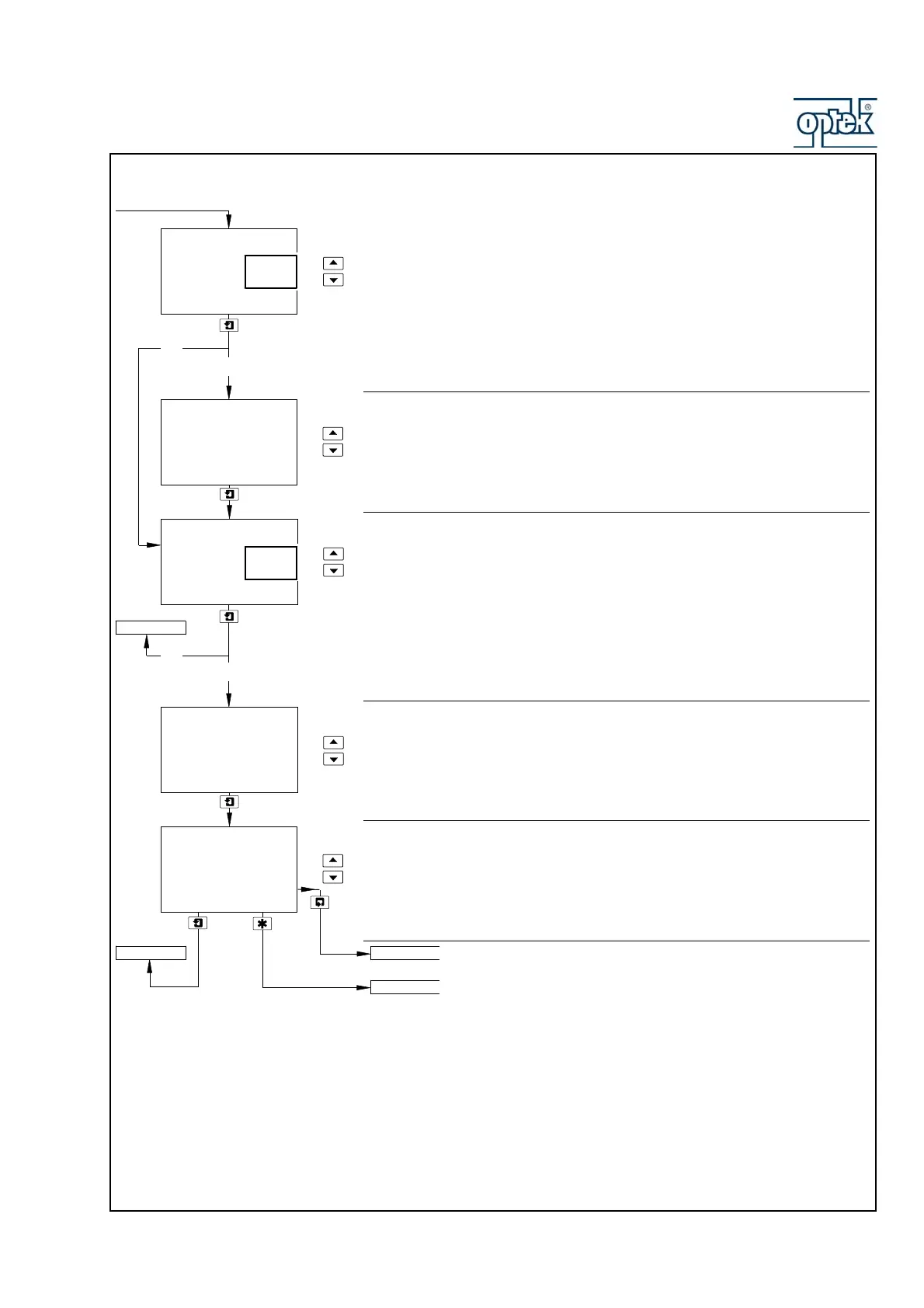
Dosing
Select Yes to enable dosing action, otherwise select No.
Dosing is inhibited until the initial charge sequence is complete and the
measured conductivity exceeds the Alarm 1 set point value.
Dosing is enabled when the measured conductivity falls below the Alarm 1 set
point value and continues for the dosing time period set below.
Dosing Time
Set the dosing period, between 1 and 10 minutes in 1 minute increments.
Bandwidth Alarm
Select Yes to enable the bandwidth alarm, otherwise select No.
The bandwidth alarm is activated if the measured conductivity either exceeds the
Alarm 1 set point value plus the deviation set point value (see below), or falls
below the Alarm 1 set point value minus the deviation set point value.
Example: If A1: Setpoint is set to 1000mS/cm and Dev. Setpoint is set to 25%,
the bandwidth alarm is activated if the process variable exceeds
1250mS/cm.
Deviation Set Point
Set the deviation set point, between 1 and 100% of the Alarm 1 set point value in
1% increments.
Delay Time
If a bandwidth alarm condition occurs, activation of the relays and LEDs can be
delayed for the specified time period. If the alarm clears within the period, the
alarm is not activated.
Set the required delay, between 0 and 60 seconds in 1 second increments.
Continued on next page.
See Section 5.2.5.
Dosing Time
Mins
10
Dosing
No
Yes
-----
Dev. Setpoint
10
Bandwidth
%
No
Yes
CONFIG. OUTPUTS
Config. Alarm 2
Config. Alarm 1
Config. Alarm 1
Delay Time
Secs
50
Yes
No
Yes
No



 To Next Page