SOCT Copernicus PLUS - Service Manual
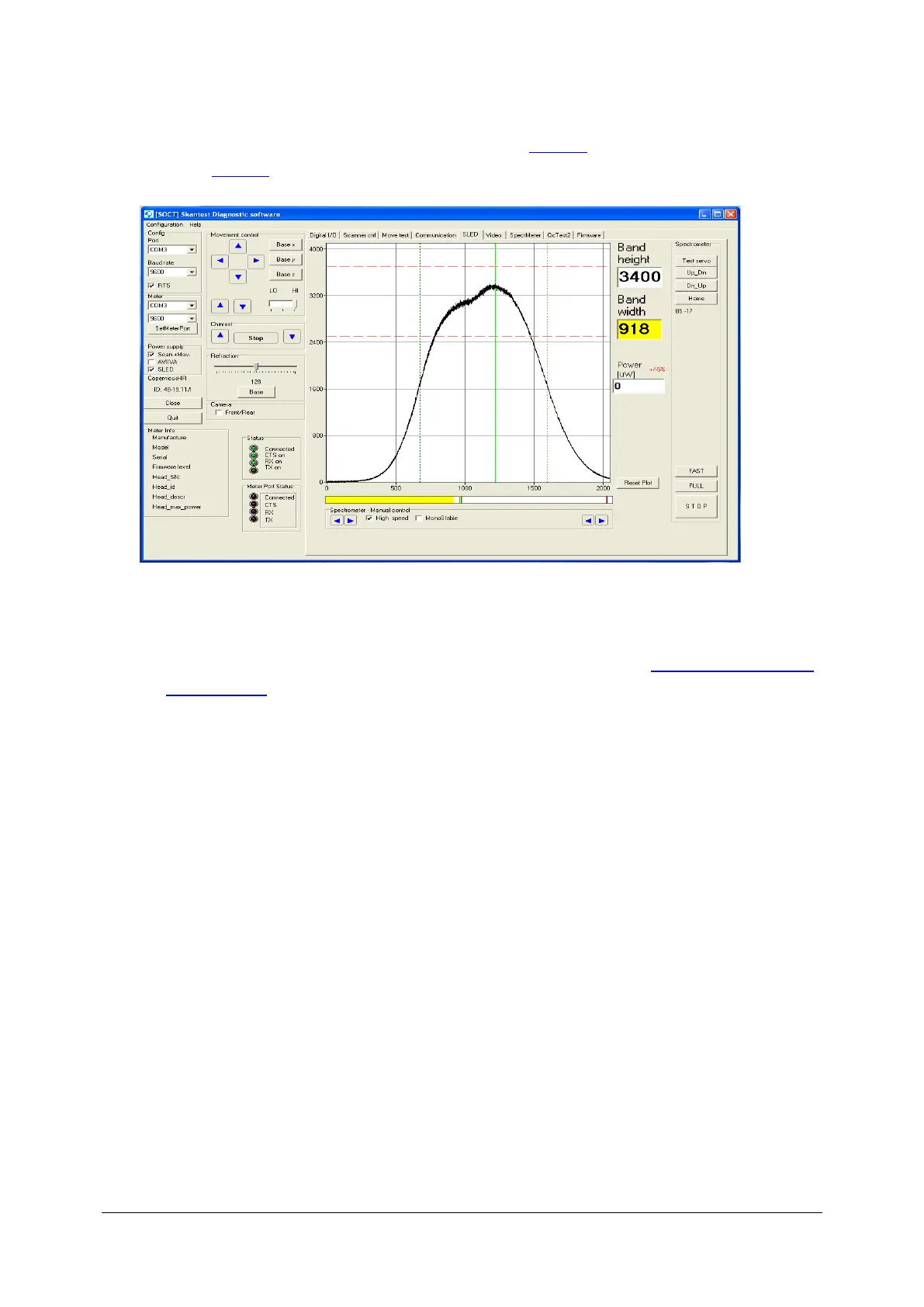
12. When you set up correctly value on objective lane, check the properly settings spectrum in
skantest program. If spectrum is correct then go to point 13, if spectrum is incorrect then go
to the point 14.
13. Turn off tap, remove head of power meter from objective lens of SPOCT Copernicus, turn off
program skantest, turn on program Copernicus and do control scan.
14. If spectrum is incorrect ( for example: too high or too low see: Regulation of filter on
reference lane).



 To Next Page