SOCT Copernicus PLUS - Service Manual
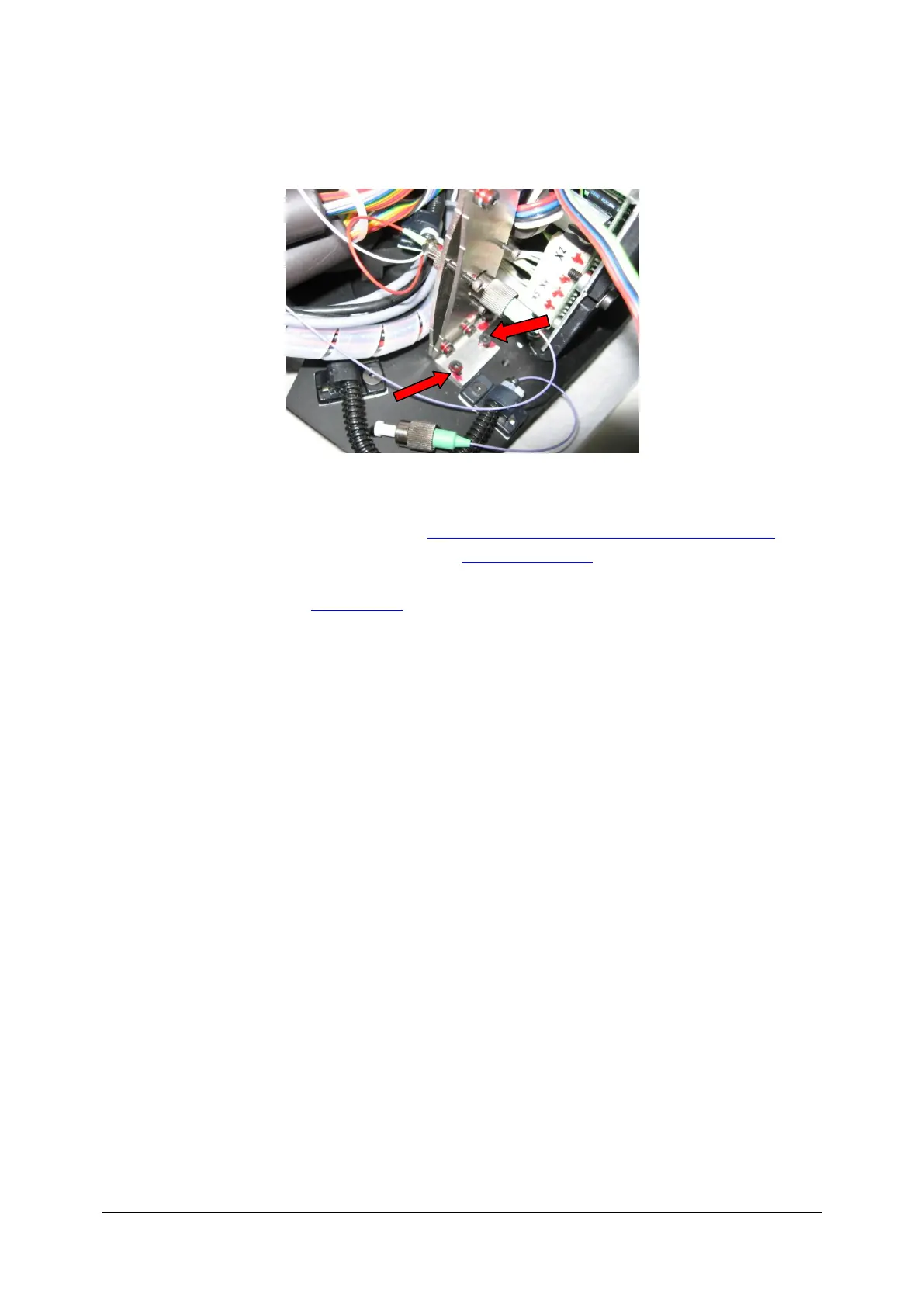
13. Exchange the dumper. To exchange attenuator unscrew two screws shown on the image.
14. Exchange old dumper with new one. Attach diode and beam splitter connectors.
15. Set Power on the sample course (see: Checking SLED output power, checking attenuator).
16. Check the spectrometer adjustments (see: Auto spectrometer).
17. Turn scantest off and run Copernicus software. Perform the test scans.
18. Close the cover (see: Closing cover).



 To Next Page