No. P10355
|51 |
`
J O B N o.
IP M
S E C
u
}
WARNNING
Hz
%
`
J O B N o.
WARNNING
IP M
SEC.
u
}
%
Hz
10. OPERATION (continued)
@
SAVE Function
Welding conditions being currently in use are stored in the memory inside the
welding power source.
x
Holding the welding conditions in memory
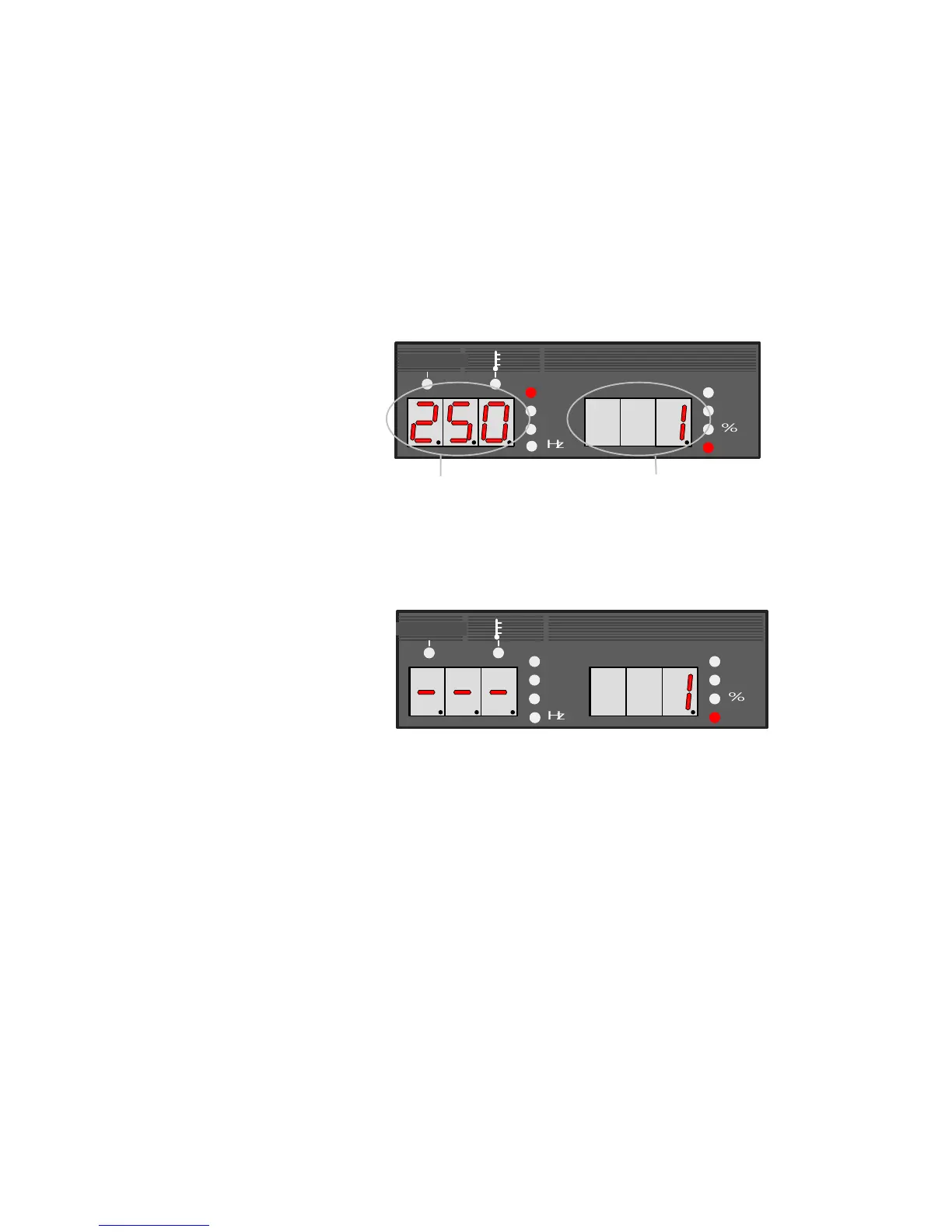
(1) When pressing the SAVE key [20], the machine enters memory mode, the
SAVE lamp (located at the upper left of the SAVE key) lights up. See the
following picture. In the right display, the condition number “1” blinks and
the LED lamp of the welding condition number lights up. In the left display,
the setting value of welding current preset to the condition number "1"
appears. Under this condition, a condition number can be set while turning
the parameter adjusting knob [5].
Welding Current setting value held in memory
Condition number blinks
In the event that any memory data is already preset to the condition
number you selected, the CRATER lamp, the WELDING METHOD lamp,
etc. also light up. If no memory data is preset to the condition number you
selected, “- - -” blinks in the left-side display. In this case, the system
skips the parameter check condition of Step (2) and jumps to Step (3).
(2) When pressing the ENTER key [21] after setting the condition number, the
ENTER lamp blinks (located at the upper left of the key). Under this
condition, you are allowed to confirm the setting value of the parameter
preset to the condition number by using the DISPLAY CHANGE key [8].
The setting value of the parameter you selected blinks.
NOTE: In the save mode, you can not change the welding condition
number or select any memory/readout mode. To reset the condition
number, press the SAVE key [20], then return to the step (1). To quit
the setting and exit from the memory mode, press the LOAD key [19].
(3) Pressing the ENTER key [21] again holds the data in memory and allow
you to exit from the memory mode.



 To Next Page