No. P10355
|65 |
12. MAINTENANCE AND TROUBLESHOOTING
WARNING
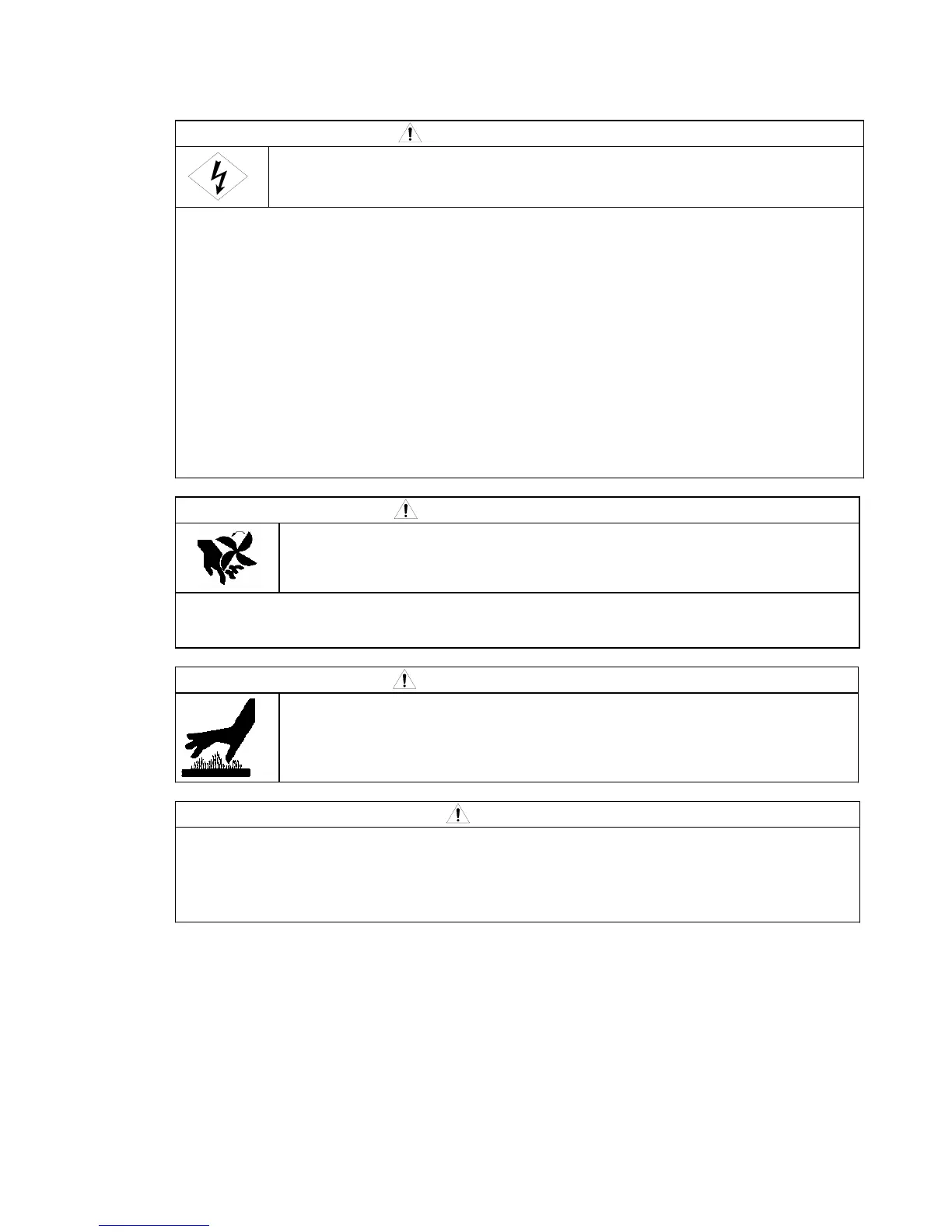
To avoid electric shock, follow the below instructions.
Do not touch live electrical parts inside or outside the welding machine.
Turn off all of the line disconnect switches before touching the parts inside the welding
machine.
Perform the maintenance checks periodically. If any damaged parts are found, only use the
welding machine after troubleshooting or repairing.
Only certified operators should maintain, inspect, or repair the welding machine.
When carrying out the maintenance, wait more than three minutes after powering off all input
power supply by turning off the line disconnect switch in the switch box. Capacitor may be
discharging even after powering off all input power supply. Check to make sure that charging
voltage does not exist before carrying out the maintenance.
This welding power source uses a high-frequency inverter system, be careful of accidental
connection of the line disconnect switch at input side.
Have qualified operators or the persons familiar with this welding power source test withstand
voltage. And install a protective wall around the welding machine to keep away others from the
welding machine.
CAUTION
Rotating parts may cause injuries. Be sure to observe the following.
Only certified operators should maintain, inspect, or repair the welding machine.
Install a fence around the welding machine to keep others away from it.
Do not put your hands, fingers, hair and clothes near the fans and wire feed roll rotating.
CAUTION
Do not touch the parts for the main circuit which are located inside the power
source, such as single-phase transformer, DC inductor, heat sink, etc.
immediately after welding is performed, as the parts are extremely hot. Wait
until the parts cool down, when touching. Failure to observe the demand may
result in burn.
CAUTION
The welding conditions (electronic information) stored using the JOB MEMORY keys are likely
to be affected by occurrence of static electricity, and there is a possibility that the preset data
contents may be changed or erased. We recommend taking notes of important data.
We shall not assume any responsibility for any change or erase of the electronic information
resulting from repair.



 To Next Page