No. P10355
|50 |
10. OPERATION (continued)
(14) Turbo Start ON/OFF Selection: F19
The welding power source has Turbo Start function by capacitor discharge,
which enable you to obtain good welding start. At poor welding start with
burnback, setting F19 to “oFF” deactivates the Turbo Start function. The
function is preset to “on” (valid) at factory.
(15) Keypad tone ON/OFF Selection: F20
Setting F20 to “oFF” deactivates key pad tone function. The volume of the
key pad tone can not be adjusted.
10.2.2
Key Lock
Key lock is a function to prevent the welding conditions from being changed by accidentally
operating keys and knobs on the front panel. Only the keys and parameter adjusting knobs
which are used for changing each parameters and modes can be protected. However, the
settings can be checked and confirmed by using the DISPLAY CHANGE key [8] and the
SPOT TIME key [11].
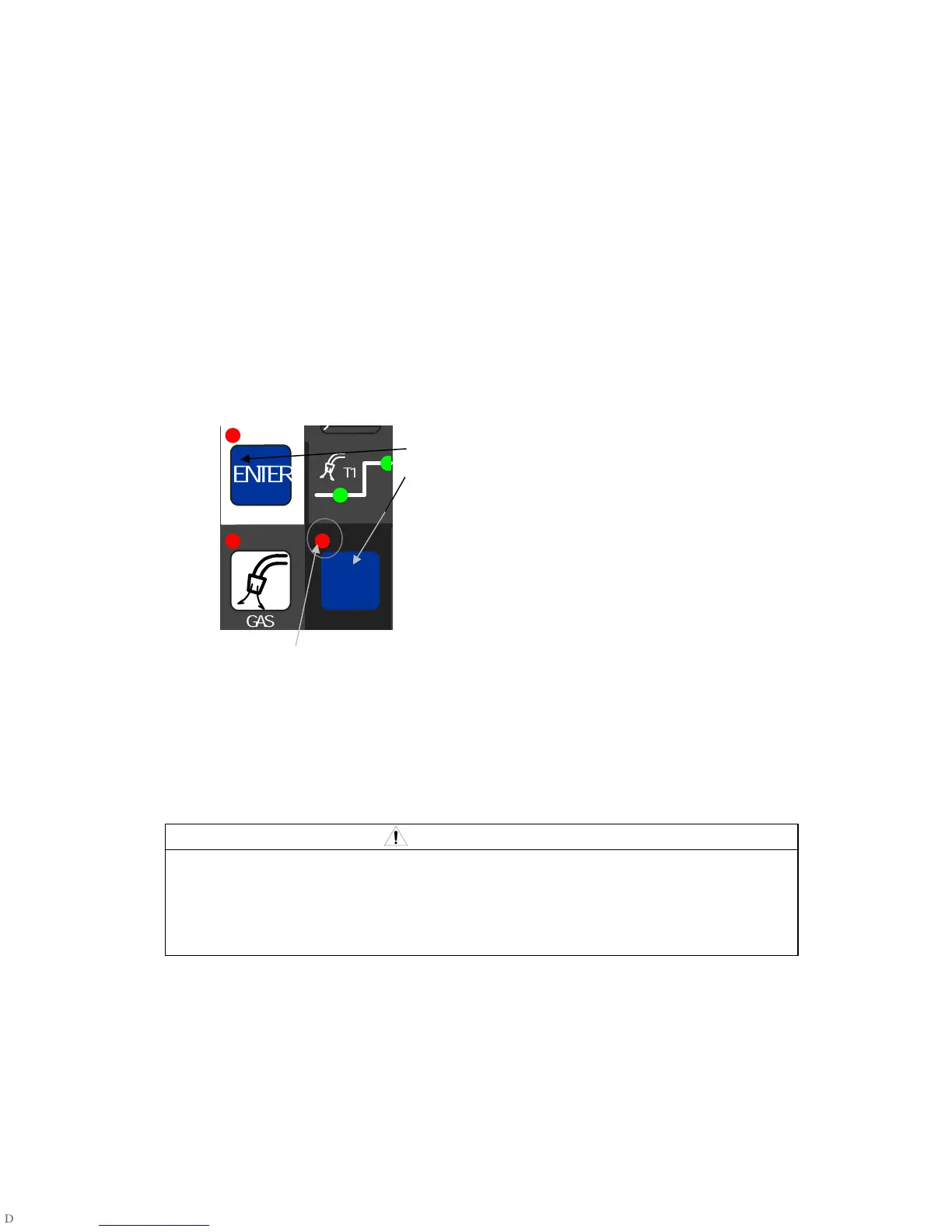
Holding down both the F [12] key and ENTER key [21]
simultaneously
Holding down both the F key [12] and ENTER key [18]
simultaneously for a while brings the key-lock condition.
While keys are locked, the F lamp (located at the upper
left of the F key) blinks. Key lock can be cancelled by
holding both the F key and ENTER key simultaneously
for a while again. Key lock cannot be cancelled by
starting the machine up again.
While keys are locked, the F lamp blinks
Even when the keys are locked, GAS CHECK, INCHING, and JOB MEMORY
functions can be activated.
10.2.3
JOB MEMORY Function
The JOB MEMORY function enables welding conditions to be reproducible by storing the
welding conditions in memory inside power source and by reading out the stored data at
any time. The number of welding conditions that can be held in memory is up to100.
CAUTION
The welding conditions (electronic information) stored by this function are susceptible
to occurrence of static electricity, impact, repair, etc., and there is a possibility that the
storage contents may be changed or lost. BE SURE TO MAKE A COPY FOR
IMPORTANT INFORMATION.
We shall not assume any responsibility for any change or loss of electronic information
resulting from repair, which you should note in advance.
Once the machine enters the memory mode and read-out mode, all the key operations are
denied except the SAVE, LOAD, and ENTER keys. To exit the mode, press the LOAD key
[19] if it is in the memory mode, and the SAVE key [20] if in the read-out mode. Memory can
be copied to a different condition number after reading the welding conditions to be copied.
NOTE: Even when welding conditions are read out while the analog remote control is
connected to the welding power source, the setting values preset with the analog
remote control are valid.



 To Next Page