No. P10355
|34 |
10. OPERATION (continued)
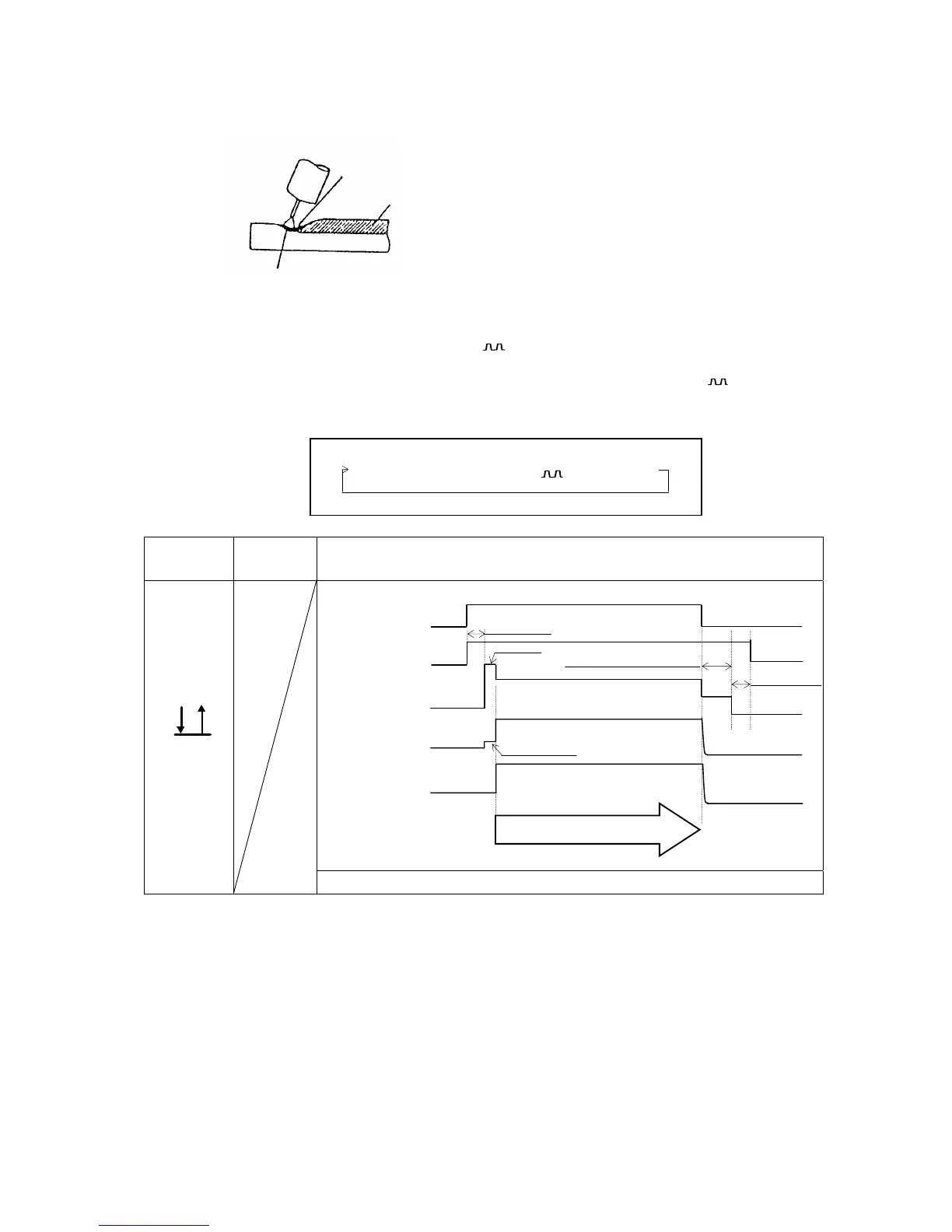
10.1.3 Setting of the CRATER-FILL Functions
Crater is a depression left at the
termination of the weld. As it may cause
cracks and poor welding, a crater
treatment called crater-filler is used to fill in
the depression.
NOTE: When “DC” welding method is selected, you can not set to ON(-).
When treating a crater, set to “ON(-)” or “ON( )”.
In the event that crater fill is carried out, set the CRATER-FILL key to "ON(-)" or "ON( ) " .
Each press of the CRATER-FILL key [7] changes the crater-fill mode in order.
"OFF" o "ON (-)" o "ON ( )" o "SPOT"
Crater
Initial
Current
Timing Chart
OFF
z
Keep the torch switch pressed and held during welding.
Crater
Bead
Pool
Slow-down speed
Anti-stick (burnback) time
Torch Switch
Gas Flo



 To Next Page