No. P10355
|36 |
10. OPERATION (continued)
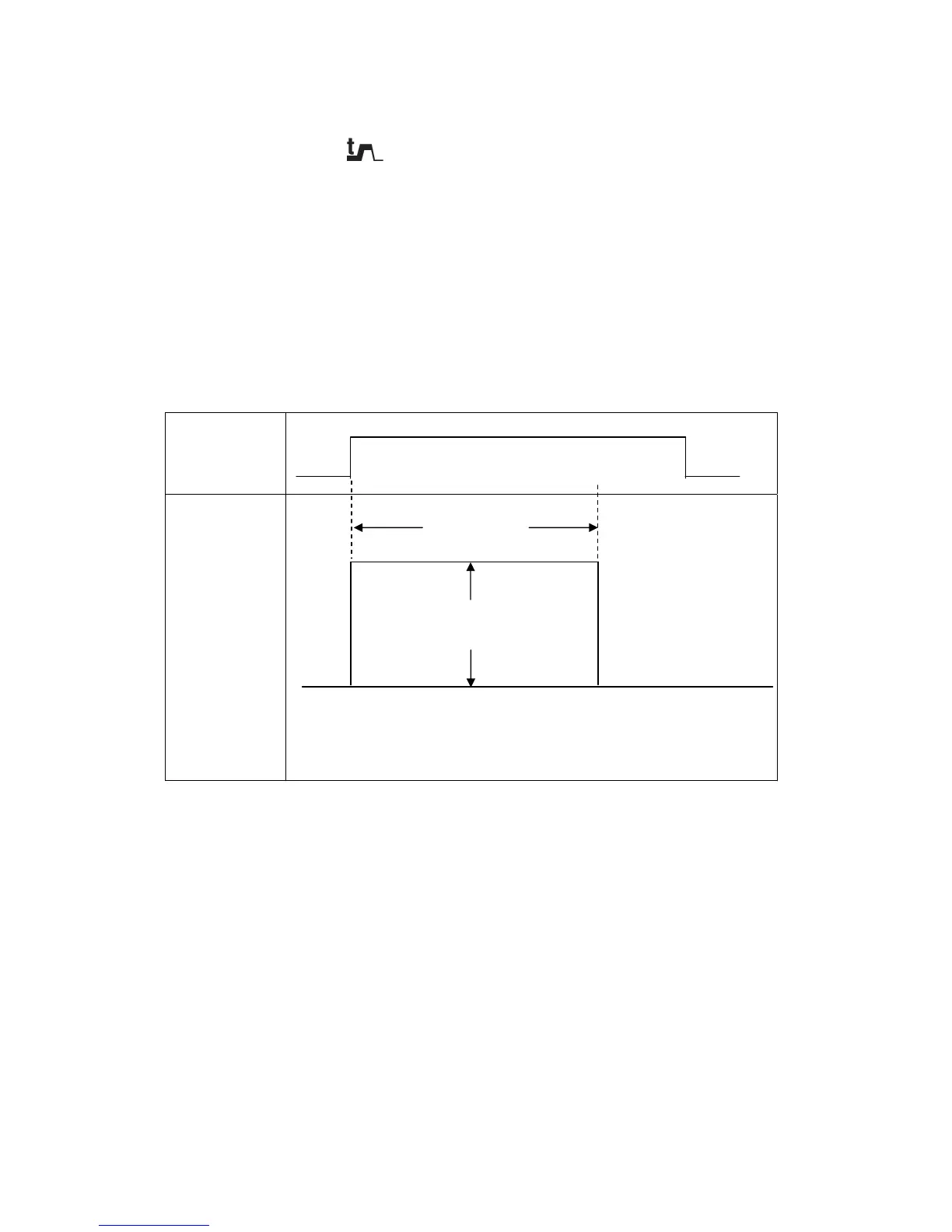
10.1.4 Setting of Arc Spot Time
i j
When arc spot treatment is carried out using the CRATER-FILL key [7], set to "SPOT". Then,
when pressing the SPOT TIME key [11], the SPOT TIME lamp (located at the upper left of
the CRATER-FILL key) lights up, the setting value is displayed in the right display, then the
"sec." lamp lights up. At that condition, the ARC SPOT time can be set while turning the
parameter adjusting knob [6]. The ARC SPOT time between 0.1 second and 10 seconds can
be set. Press the SPOT TIME key again or press the DISPLAY CHANGE key [8] to return to
the last parameter item . It is also possible to change the display to a current-related
parameter using the A/m/min selector key [4] and to a voltage-related parameter using the
V/r selector key [5].
The SPOT TIME key functions only during Arc Spot time.
Torch Switch
ON
OFF
Output Current
x
Keep the torch switch pressed and held during the Arc Spot time.
NOTE: When the welding machine is in the ARC SPOT mode, the penetration control
does not function. When setting the CATER-FILL function to “SPOT” while the
CONSTANT PENETRATION function is “ON”, the setting of the CONSTANT
PENETRATION function is automatically changed to “OFF”.
ARC SPOT time
Welding Current



 To Next Page