No. P10355
|55 |
`
J O B N o.
WARNNING
IP M
S E C
u
}
Hz
%
10. OPERATION (continued)
10.2.4
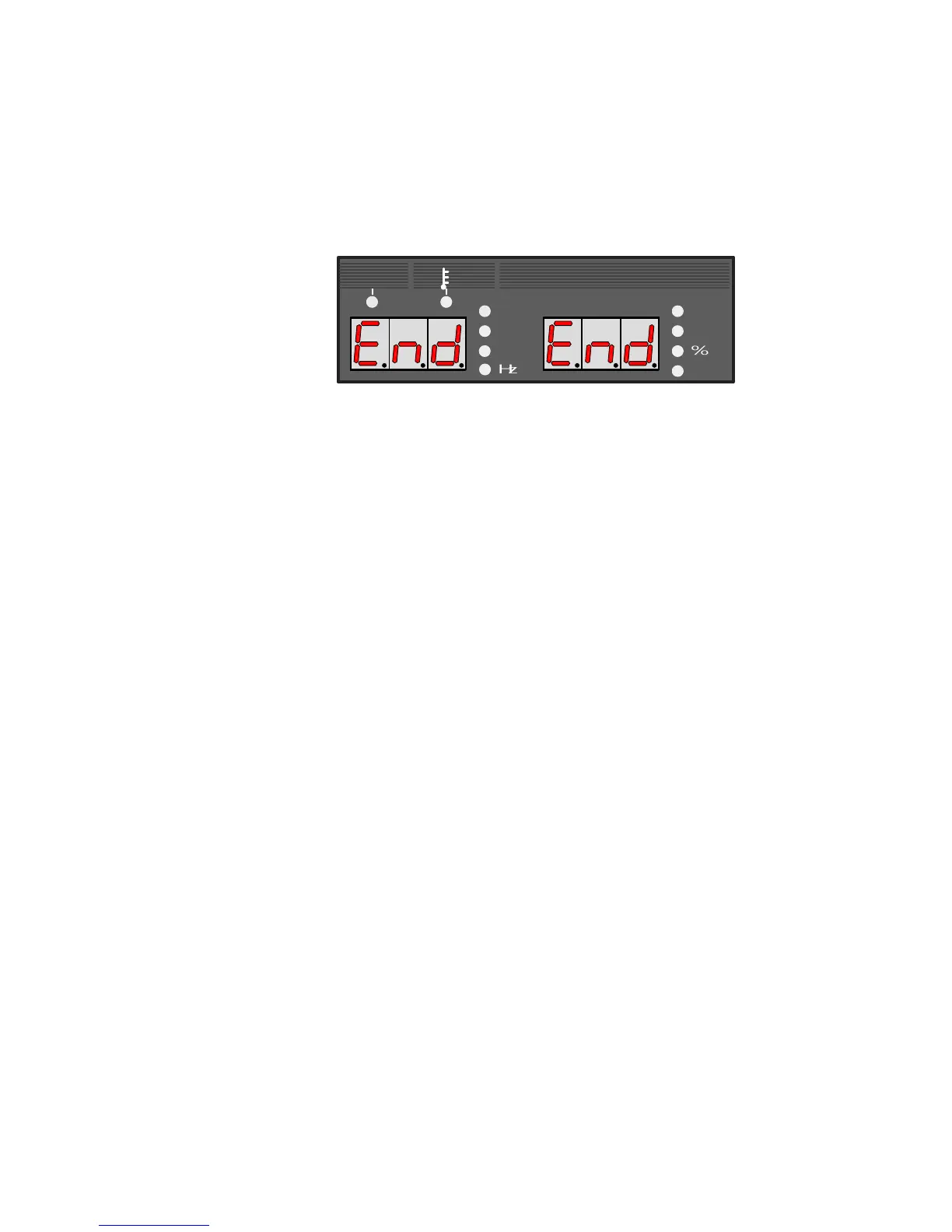
Resetting to Initial Values
The welding conditions that are currently used (including the welding condition currently
used) are all reset to initial values. To reset to initial values, turn off the power switch and
then turn on the power switch with both the F key [12] and GAS CHECK key [14] held down.
When "End"s appear in the displays after turning on the power switch, release the keys,
turn off the power switch, then turn it on again. See the picture below.
See “SPECIFICATIONS” for initial values of each parameter and function.
10.2.5
Confirming software version
The version of software incorporated in the welding power source can be verified following
these steps. Turn on the power switch with only the F key [12] held down. After powering
the welding power source, the version number appears in the display.
(Example)
Right and left displays : "P10355" m Software number (P10355) is displayed.
Ļ Press the F key [12].
Left display : "001" m Main software version (Ver. 001) is
displayed.
Right display : "000" m Sub software version is displayed.
Ļ Press the F key [12].
Left display : "- - -"
Right display : "002" m Combination is displayed.
Ļ Press the F key [12].
The welding power source starts up as usual and gets ready to perform welding.
10.2.6 Automatic Stop of Fan
The cooling fan automatically stops in 10 minutes after welding is finished and automatically
starts turning when welding is started. When powering the welding power source, the cooling
fan is also turning but automatically stops in 10 minutes when no operation is carried out.
10.2.7 Reduction of Fan Noise
When the welding power source is not temporarily in use, the rate of fan rotation decreases
so that fan noise can reduce. This function works only for 250 A or less output current.



 To Next Page