No. P10355
|56 |
11. APPLIED FUNCTION
11.1 How to Solve an Error
WARNING
Observe the following to prevent electrical shock.
When touching charging parts, critical electric shock and burn may occur.
Do not touch charging parts inside or outside the welding machine.
Grounding to the case of the welding power source should be performed by persons qualified
electric work and according to the laws and regulations in your area.
When touching the parts inside the welding power source, wait more than three minutes after
powering off all input power supply by turning off the line disconnect switch in the switch
box.
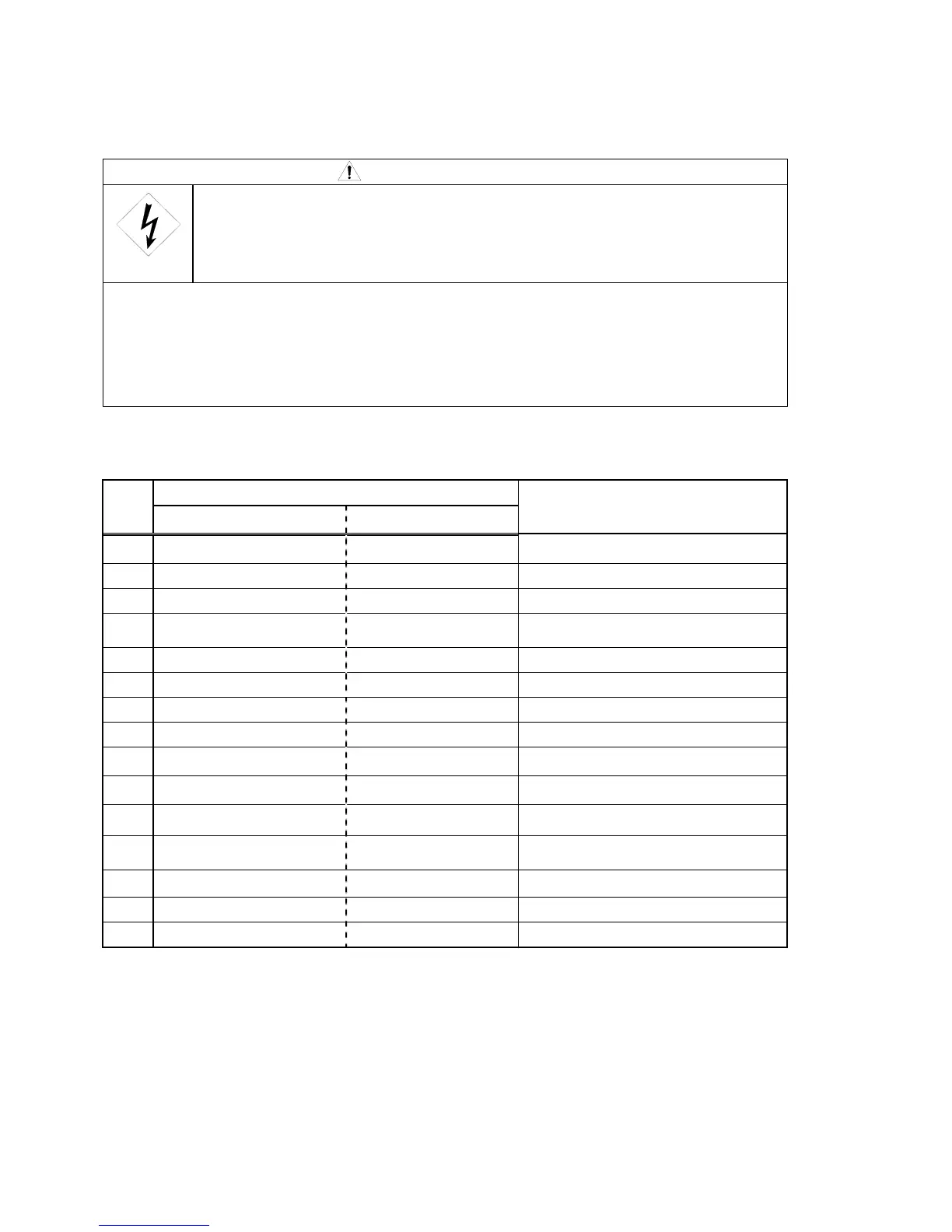
If an error occurs during use, an error code shown in the displays on the front panel blinks, then the
welding power source stops automatically. In this case, check the errors in the following table.
Displays on the front panel
No.
Left Right
Classification of errors
1 d A I H E n Torch switch off state waiting
2 E - 0 0 0 Operation Stop
3 E - 1 0 0 Control power supply error
4 E - 2 0 0
Primary / secondary current detection
error
5 E - 2 1 0 Error in the voltage detection wire
6 E - 3 0 0 Thermal overload
7 E - 5 1 0 Abnormal water pressure*
8 E - 6 0 0 Replacement of batteries (warning)
9 E - 7 0 0 Output over current
10 E - 7 1 0 Lack of phase
11 E - 8 0 0 Encoder in the wire feeder
12 E - 8 1 0
Thermal overload in the governor
circuit
13 E - 8 2 0 Motor over current warning
14 E - 8 3 0 Motor over current error
15 E - 9 0 0 Microcomputer error
*When input the relay signal to the 12P terminal block (TM12P)
J
-
K
only.



 To Next Page