EasyManua.ls Logo

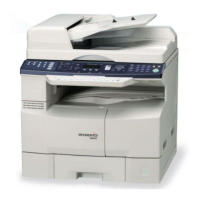
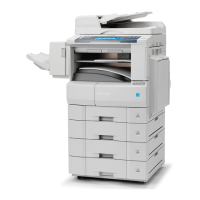
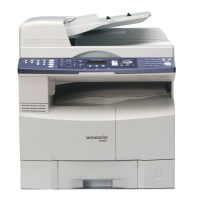
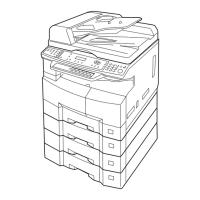
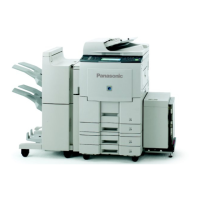
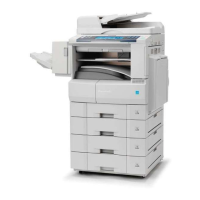
Panasonic DP-8020E - Service Manual

Panasonic DP-8020E
498 pages
Print Icon
To Next Page IconTo Next Page
Loading...
Order Number: MGCS060806C0
H21
Digital Imaging Systems
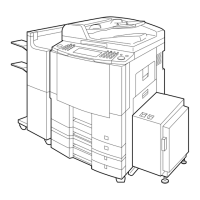
DP-8020E/8020P/8016P
[ Version 1.0 ]
This service information is designed for experienced repair technicians only and is not intended for use by the general public.
It does not contain warnings or cautions to advise non-technical individuals of potential dangers in attempting to service a product.
Products powered by electricity should be serviced or repaired only by experienced professional technicians. Any attempt to service
or repair the product or products dealt within this service information by anyone else could result in serious injury or death.
WARNING
© 2006 Panasonic Communications Co., Ltd.
All rights reserved. Unauthorized copying and distribution is
a violation of law.

Table of Contents

Other manuals for Panasonic DP-8020E

Questions and Answers

  • J
    Jack BowmanSep 12, 2025
    How to fix document misfeeding on Panasonic DP-8020E?
    • M
      Matthew WalkerSep 12, 2025
      If the document is misfeeding in your Panasonic All in One Printer, try the following: * Reload the document properly. * Remove any document jams. * Adjust the ADF (Automatic Document Feeder).
  • J
    jonathan03Sep 9, 2025
    What to do if during initial handshake, receiving station did not respond or communication error occurred on my Panasonic Copier?
    • M
      maurice22Sep 10, 2025
      If, during the initial handshake, the receiving station did not respond or a communication error occurred on your Panasonic Copier: 1. Check with the other party. 2. Reload the document and send again.
  • J
    Jane DavisSep 8, 2025
    What to do if the communication aborted by the transmitting side on my Panasonic Copier?
    • R
      Randy PopeSep 8, 2025
      If communication is aborted by the transmitting side on your Panasonic Copier, check with the other party.
  • T
    Theodore LeeSep 7, 2025
    What to do if the remote side confirmation of previous page is illegible on my Panasonic Copier?
    • R
      Ryan HolmesSep 7, 2025
      If the remote side confirmation of the previous page is illegible on your Panasonic Copier, wait a few minutes and send again.
  • L
    lucaswendyAug 23, 2025
    What to do if my Panasonic Copier document is misfeeding?
    • R
      ryansalazarAug 23, 2025
      If your Panasonic Copier document is misfeeding, try the following: 1. Reload the document properly. 2. Remove any document jams. 3. Adjust the ADF (Automatic Document Feeder).
  • J
    Jennifer MooreSep 5, 2025
    What to do if my Panasonic Copier has no data from the transmitting side?
    • V
      Valerie JonesSep 5, 2025
      If there is no data from the transmitting side on your Panasonic Copier, check with the other party.
  • S
    sean51Sep 4, 2025
    What to do if my Panasonic Copier interface is incompatible?
    • S
      sharon05Sep 4, 2025
      If the interface is incompatible with your Panasonic Copier, check with the other party.
  • T
    tanner10Sep 3, 2025
    What to do if my Panasonic Copier received data has too many errors?
    • K
      kruegeranaSep 3, 2025
      If the received data has too many errors on your Panasonic Copier, check with the other party.
  • M
    Marie GomezSep 2, 2025
    What to do if my Panasonic Copier has no confirmation from the receiving station for the previous page sent?
    • A
      Allen CopelandSep 2, 2025
      If there is no confirmation from the receiving station for the previous page sent by your Panasonic Copier, wait a few minutes and try sending again.
  • M
    Marcus HillAug 31, 2025
    What to do if my Panasonic Copier has no polling capability at the remote side?
    • A
      ashley01Sep 1, 2025
      If the remote side has no polling capability with your Panasonic Copier, ask the remote side to set 'POLLED=ON'.

Panasonic DP-8020E Specifications

General IconGeneral
BrandPanasonic
ModelDP-8020E
CategoryAll in One Printer
LanguageEnglish

Related product manuals