Chapter 4 Settings — [DISPLAY OPTION] menu
134 - ENGLISH
2) Press the <ENTER> button.
f The [SLOT IN] screen is displayed.
3) Press as to select [SDI OPT 1] or [SDI OPT 2], and press the <ENTER> button.
f The detailed settings screen for the selected item is displayed.
4) Press as to select [RESOLUTION], and press the <ENTER> button.
f The [RESOLUTION] screen is displayed.
5) Press as to select an item, and press the <ENTER> button.
f Select [AUTO], [1280x720p], [1920x1080i], [1920x1080p], [1920x1080sF], [2048x1080p], [3840x2160p], or
[4096x2160p].
Setting [SYSTEM SELECTOR] in [SLOT IN] (OPT input)
1) Press as to select [SLOT IN].
2) Press the <ENTER> button.
f The [SLOT IN] screen is displayed.
3) Press as to select [SDI OPT 1] or [SDI OPT 2], and press the <ENTER> button.
f The detailed settings screen for the selected item is displayed.
4) Press as to select [SYSTEM SELECTOR].
5) Press qw to switch the item.
f The items will switch each time you press the button.
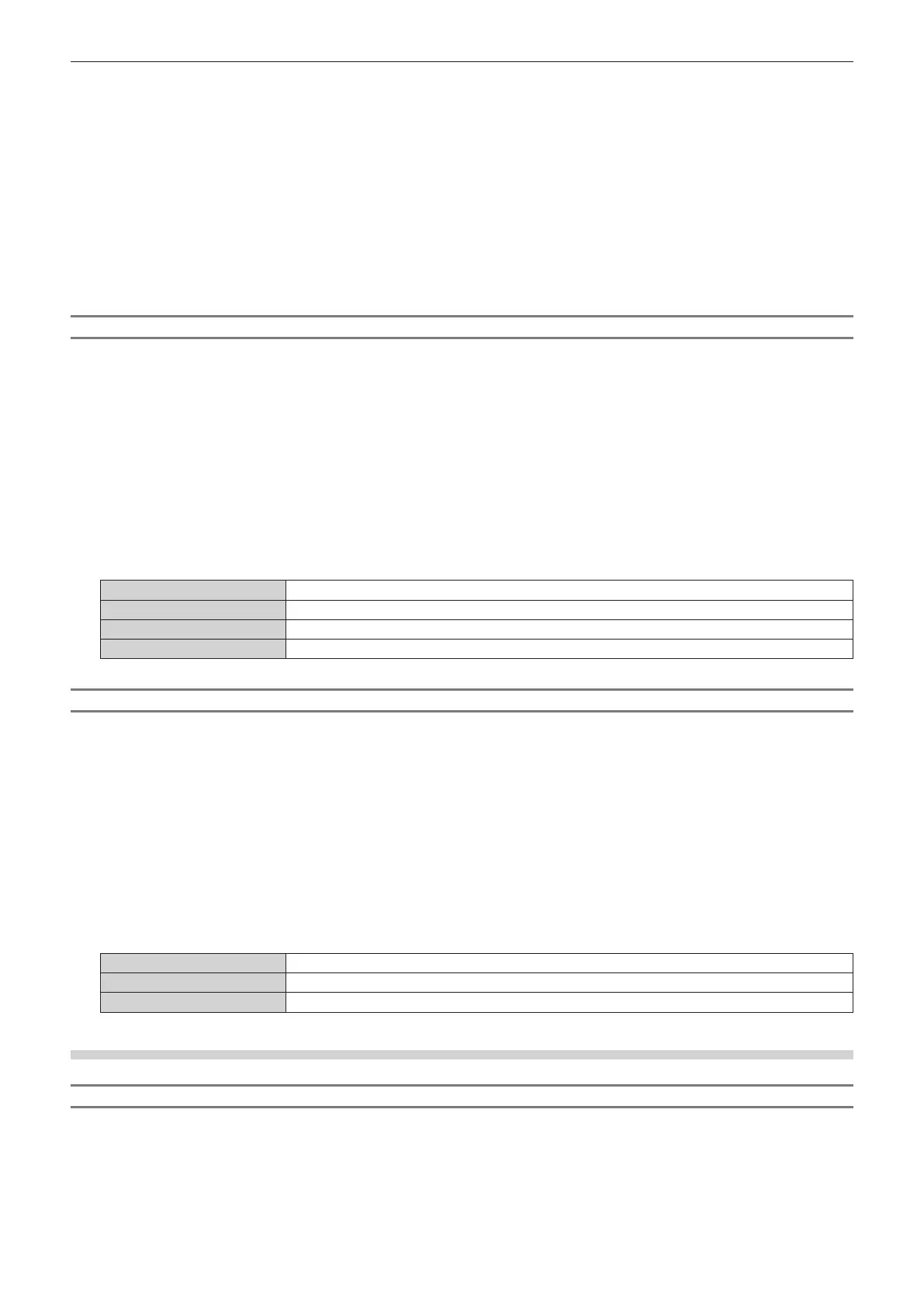
[AUTO]
Automatically selects [RGB], [YP
B
P
R
4:4:4], or [YP
B
P
R
4:2:2].
[RGB]
Fixes to [RGB].
[YP
B
P
R
4:4:4]
Fixes to [YP
B
P
R
4:4:4].
[YP
B
P
R
4:2:2]
Fixes to [YP
B
P
R
4:2:2].
Setting [BIT DEPTH] in [SLOT IN] (OPT input)
1) Press as to select [SLOT IN].
2) Press the <ENTER> button.
f The [SLOT IN] screen is displayed.
3) Press as to select [SDI OPT 1] or [SDI OPT 2], and press the <ENTER> button.
f The detailed settings screen for the selected item is displayed.
4) Press as to select [BIT DEPTH].
5) Press qw to switch the item.
f The items will switch each time you press the button.
[AUTO]
Automatically selects [12-bit] or [10-bit].
[12-bit]
Fixes to [12-bit].
[10-bit]
Fixes to [10-bit].
When the optional DIGITAL LINK Terminal Board (Model No.: TY-SB01DL) is installed
Setting [SIGNAL LEVEL] in [SLOT IN] (DIGITAL LINK input)
1) Press as to select [SLOT IN].
2) Press the <ENTER> button.
f The [SLOT IN] screen is displayed.
3) Press as to select [SIGNAL LEVEL].














 To Next Page