Chapter 5 Operations — Using the web control function
232 - ENGLISH
[Menu bar]
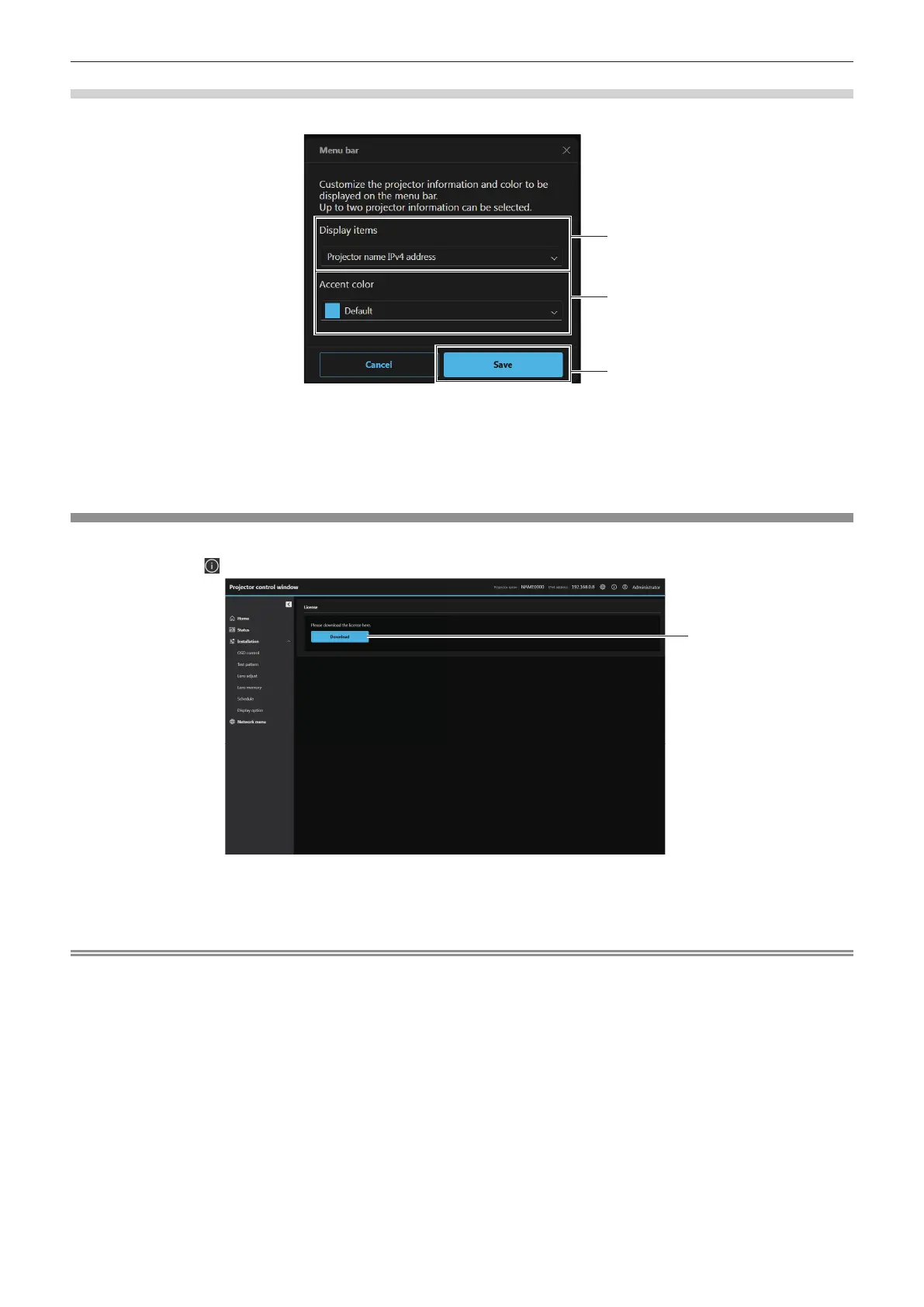
Customize the projector information and color to be displayed on the menu bar.
1
3
1 [Display items]
Set the projector information (up to two items) to be displayed
on the menu bar from the following display items.
[Projector name], [IPv4 address], [Wireless LAN IP address],
[MAC address], [Serial number], [Projector type]
2 [Accent color]
Set the accent color of the menu bar from the following seven
colors.
[Default], [Blue], [Purple], [Green], [Yellow], [Orange], [Red]
3 [Save]
Enables the setting.
Web info (license download page)
Displays the license download page.
Click the Web info ( ) button → [License].
1 [Download]
The license for the open source software used in the projector
is downloaded by clicking this item. Specify the destination to
save and download the license.
Note
f Provided license is a text le, and it is saved in the rmware of the projector in zip format compressed le.
File name: License.zip














 To Next Page